59.5.4.4 Invoice
Report Description
The Invoice report allows a quick preview, print and export of a specific fiscal year invoice just by manually entering its document code.
Report Filters
All the parameters that permit detailed report generation have been distributed across seven different tabs to allow for a more straightforward configuration. By default, all filters are disabled (i.e., either blank or unselected); to enable them, it is enough to configure at least one parameter inside. Available filters include:
•Invoice number: Specify the document number of the invoice intended to be generated,
•Fiscal year: Indicate the fiscal year to which the invoice is related. Please note that depending on your country (set in Etere Configuration >>> Settings >> Basic > System), invoices are either numbered through (non-European Union countries) or restarted each year (European Union countries).
Report Preview
The [Settings] permits configuring the page layout of the outgoing document; once filters and settings have been set, it will be possible to select between displaying a preview using the related [Preview] button or printing the document directly using the [Report] button. Please note that some reports permit the export of the generated document in the most common formats (pdf, CSV, doc, xls, XML, etc) just by using the [Export] button.
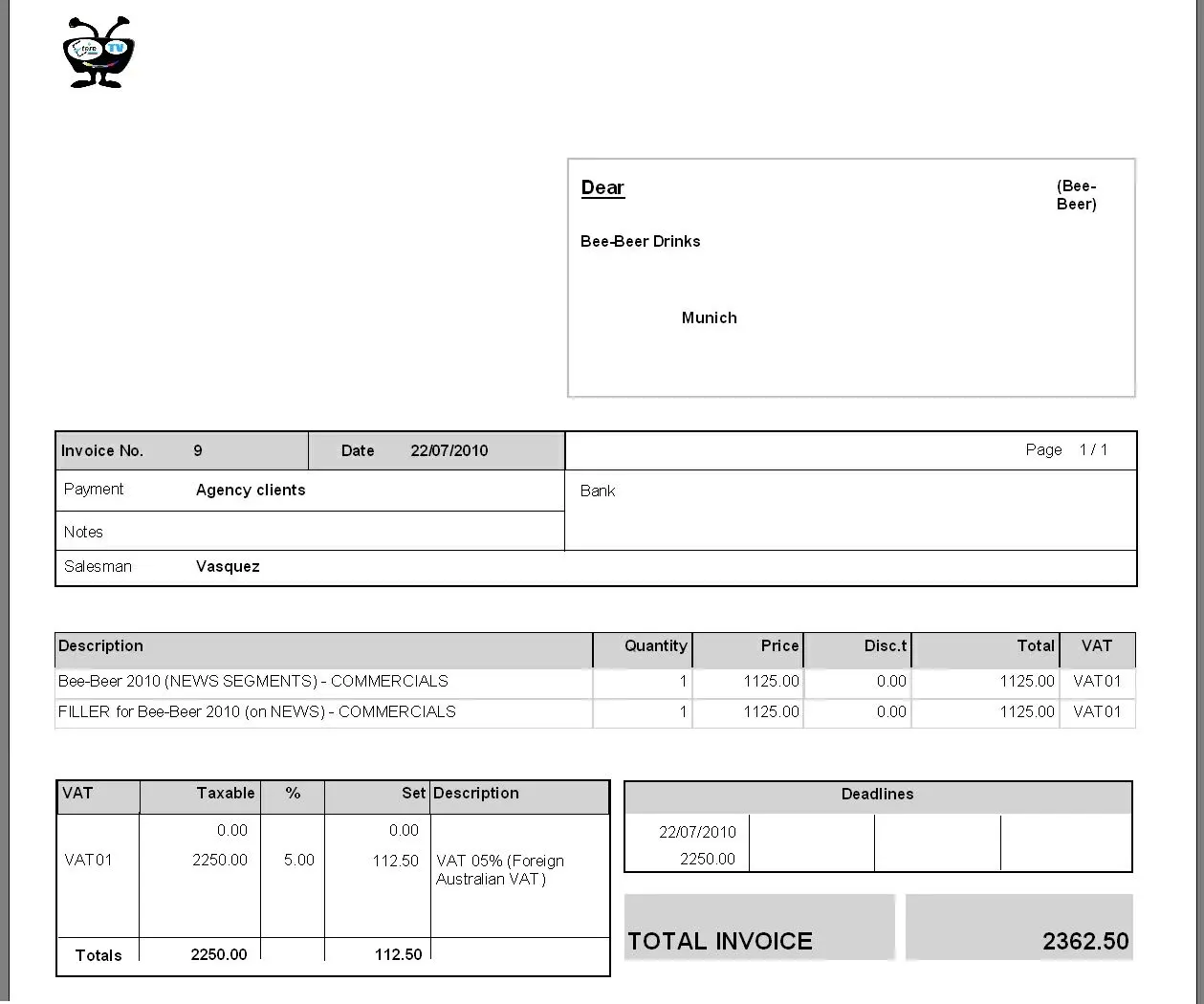 Invoice__Preview