65.4.5.1 Configure Router Controller Resource
With the implementation of the routing control utility in Etere Master Control to allow switching routers without Etere ETX, a new router controller resource needs to be configured in the Master Control station to enable the router selection.
First, launch the Etere Configuration module and select Resource Editor. Add a new router resource from Resource Editor and configure its properties settings.
The Utah Scientific router resource was used to demonstrate the resource configuration for documentation.
add_video_router
config_video_router
Next, select driver UTAH or UTAHIP based on the communication protocol in the Properties settings.
config_video_router_driver
WARNING: If device driver UTAHIP is selected, Resource Editor will attempt to connect to the device driver; if the connection fails, an error message will be prompted to alert the user.
Select the controller type from the list supporting the routing for Controller properties.
config_video_router_controller
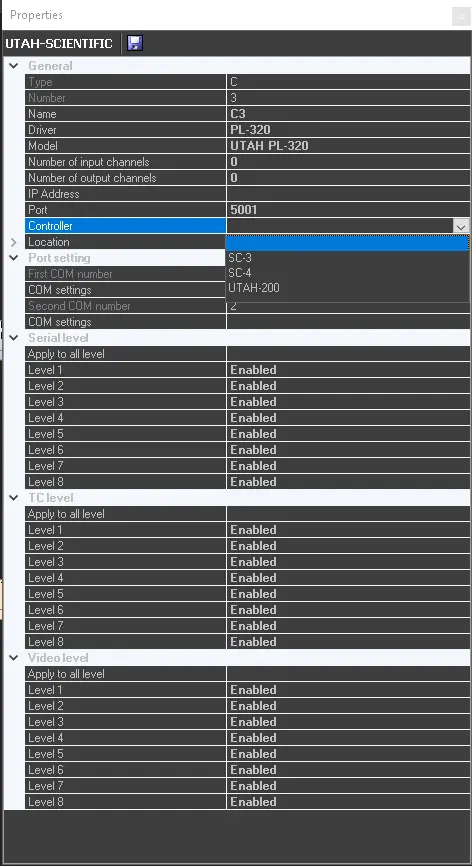 config_video_router_controller
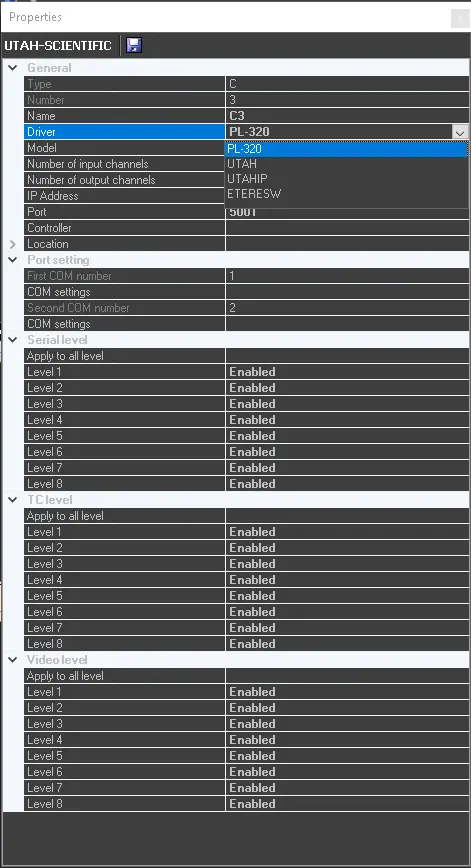 config_video_router_driver
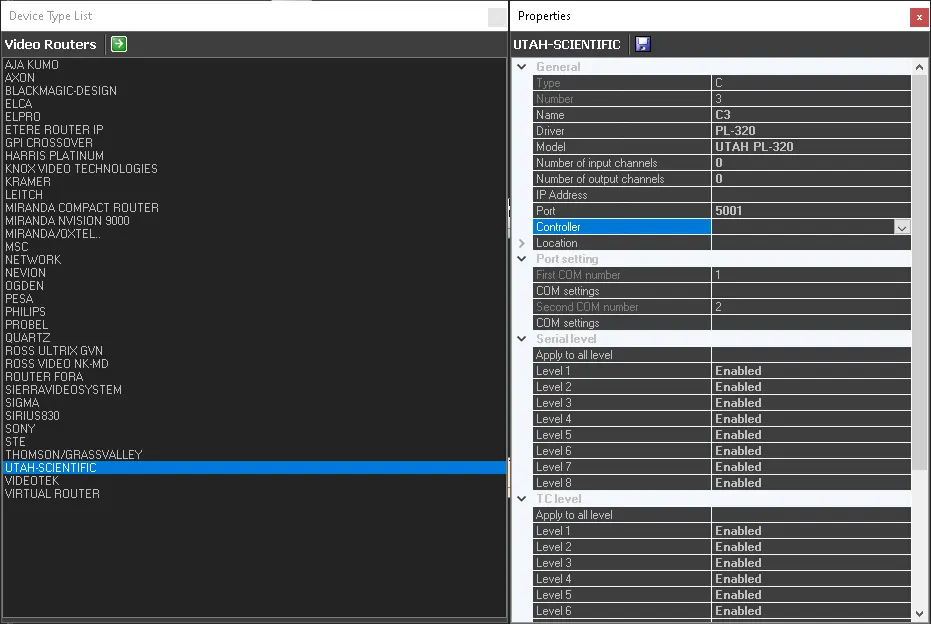 config_video_router
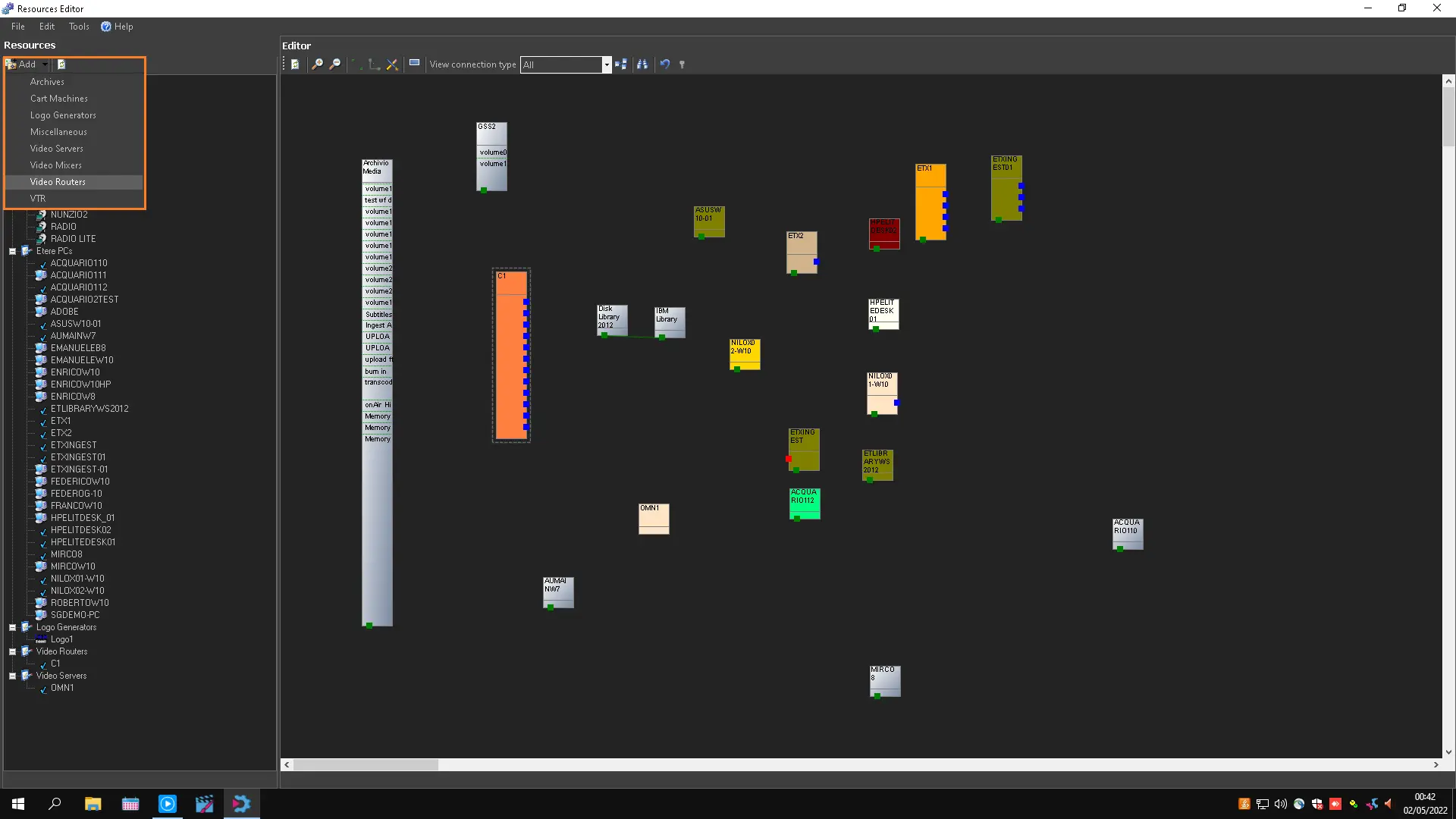 add_video_router