Etere Automation
56.1 Settings
The Settings window allows you to customize the way Etere Automation works; its parameters are divided across different tabs, including General, Parameters, Router/Timing, Devices, Main/Backup, Customize Colors and Columns:
settings
•General (only valid for the currently used automation PC)
•Parameters (valid for ALL the automation PC's)
•Router/Timing (only valid for the currently used automation PC)
•Devices (only valid for the currently used automation PC)
•Main/Backup (only valid for the currently used automation PC)
•Settings (only valid for the currently used automation PC)
NB: Please notice that the significant part of the settings parameters present here have a default value that does not usually need to be changed.
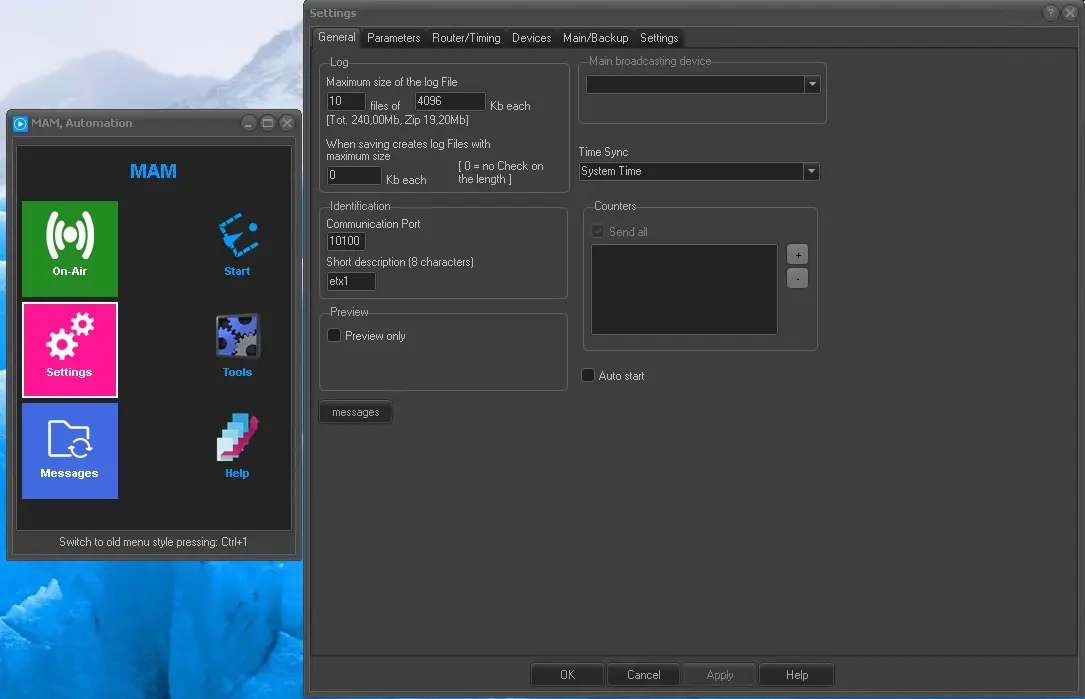 settings