84.4.5.77 CUSTOM > SWOM > ASSETS XML
Import Scope
The "SWOM - Assets XML" import is able to import an XML file named as "code.xml" (e.g. EHD~t875140I.XML) which contains data related to a certain asset.
NB: The last imported playlist is remembered.
Import parameters
This import allows the following parameters to be set and then [saved]:
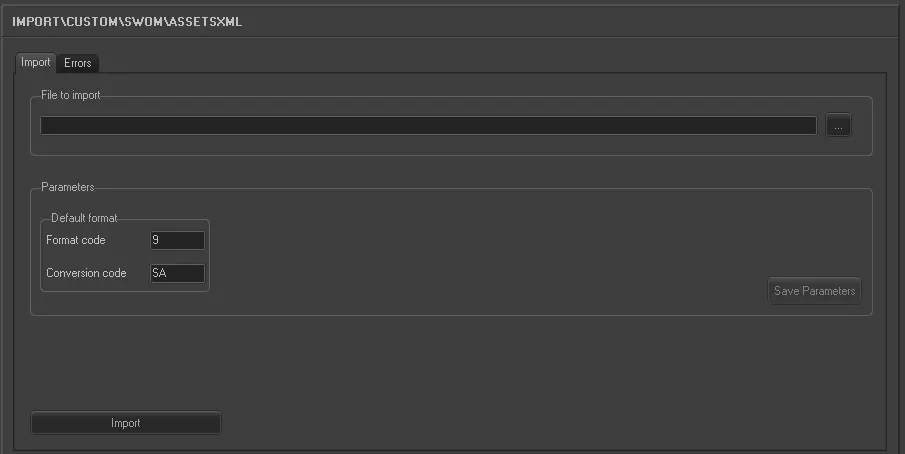
Import_custom_swom_asset_xml
•File to import: Browse for the file from which data will be imported, only .XML files will be displayed since they are the only supported.
•Default format: Set the format code (e.g. 9) and conversion code (e.g. SA) to be assigned by default to imported assets.
Launch the import
Once all parameters have been correctly set, just press the <Import> button to launch the import operation.
Sample file to import
The file to be imported using this method will have to the following structure in order to be correctly imported:
 5290_Import_custom_swom_asset_xml