Playlist Toolbox
65.2.1.10 Save/Load
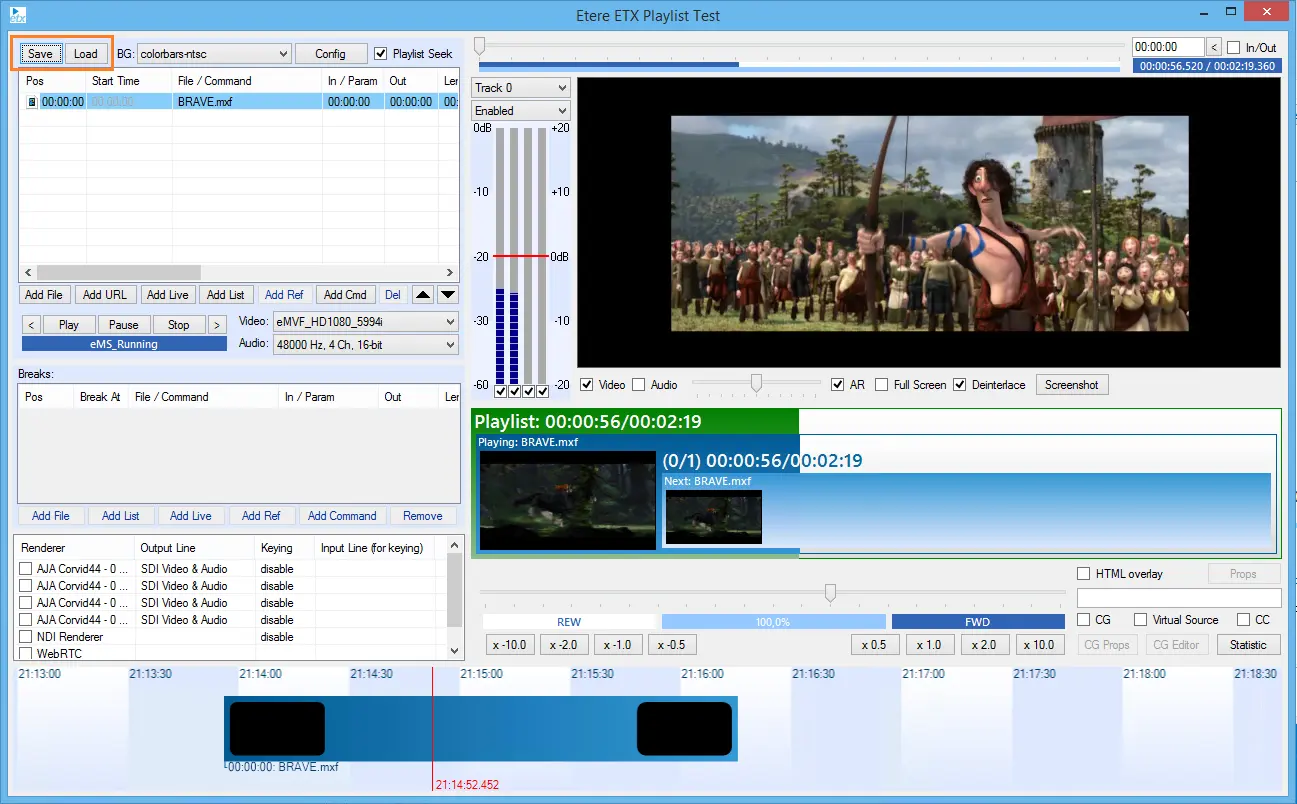
The Save/Load features are located at the top right corner:
Save
- To save a playlist, click on the Save button and input 'File Name' to save it as an MPlaylist file type (*.mpl, *xml) on a local PC or network drive; click the "Save" button to confirm the action.
Load
- To load the playlist, select 'Load', select Location and File, and 'Open'.
5411_etere_toolbox_save_load
 5411_etere_toolbox_save_load