Etere Encoder HLS
88.1 Install Encoder HLS
To install Etere Encoder HLS simply launch Etere installer “EtereInstall.exe” to start the installation process.
Etere_install_encoder_hls_1
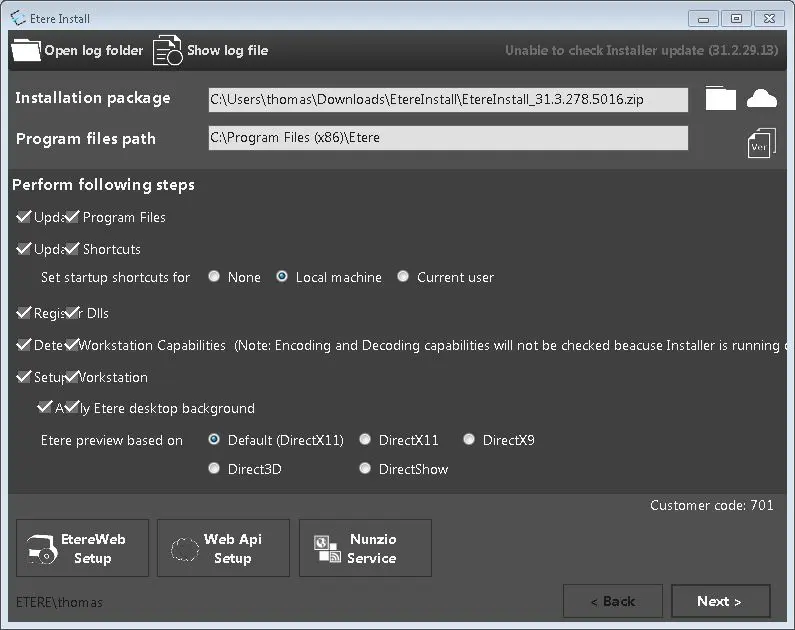
Select the installer package and click Next to continue.
Etere_install_encoder_hls_2
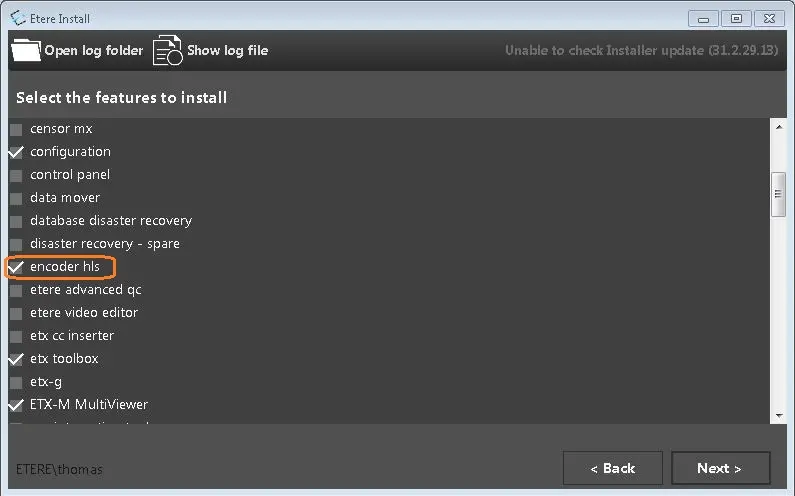
Select “encoder hls” among other Etere applications you wish to install. Click <Next> to continue
Etere_install_encoder_hls_3
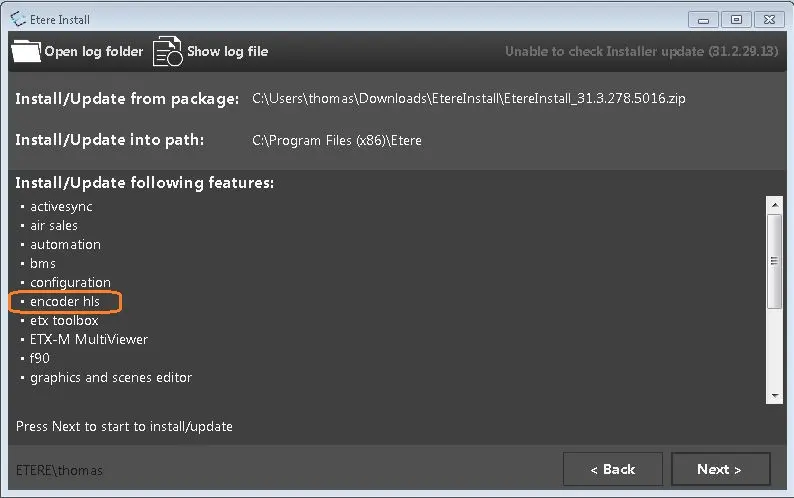
If all the selected applications (including “encoder hls”) are confirmed, click <Next> to proceed and follow the instructions on screen to complete the installation.
Etere_install_encoder_hls_4
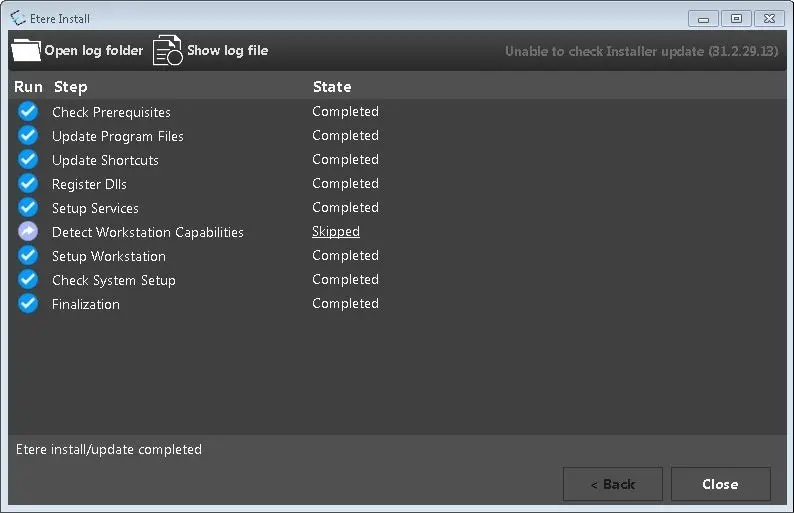
Click <Close> when installation completed successfully.
 Etere_install_encoder_hls_2
 Etere_install_encoder_hls_1
 Etere_install_encoder_hls_3
 Etere_install_encoder_hls_4