84.4.5.97 Blitz Playlist XML
imports the daily schedule from an .xml file
7830_blits_import.jpg
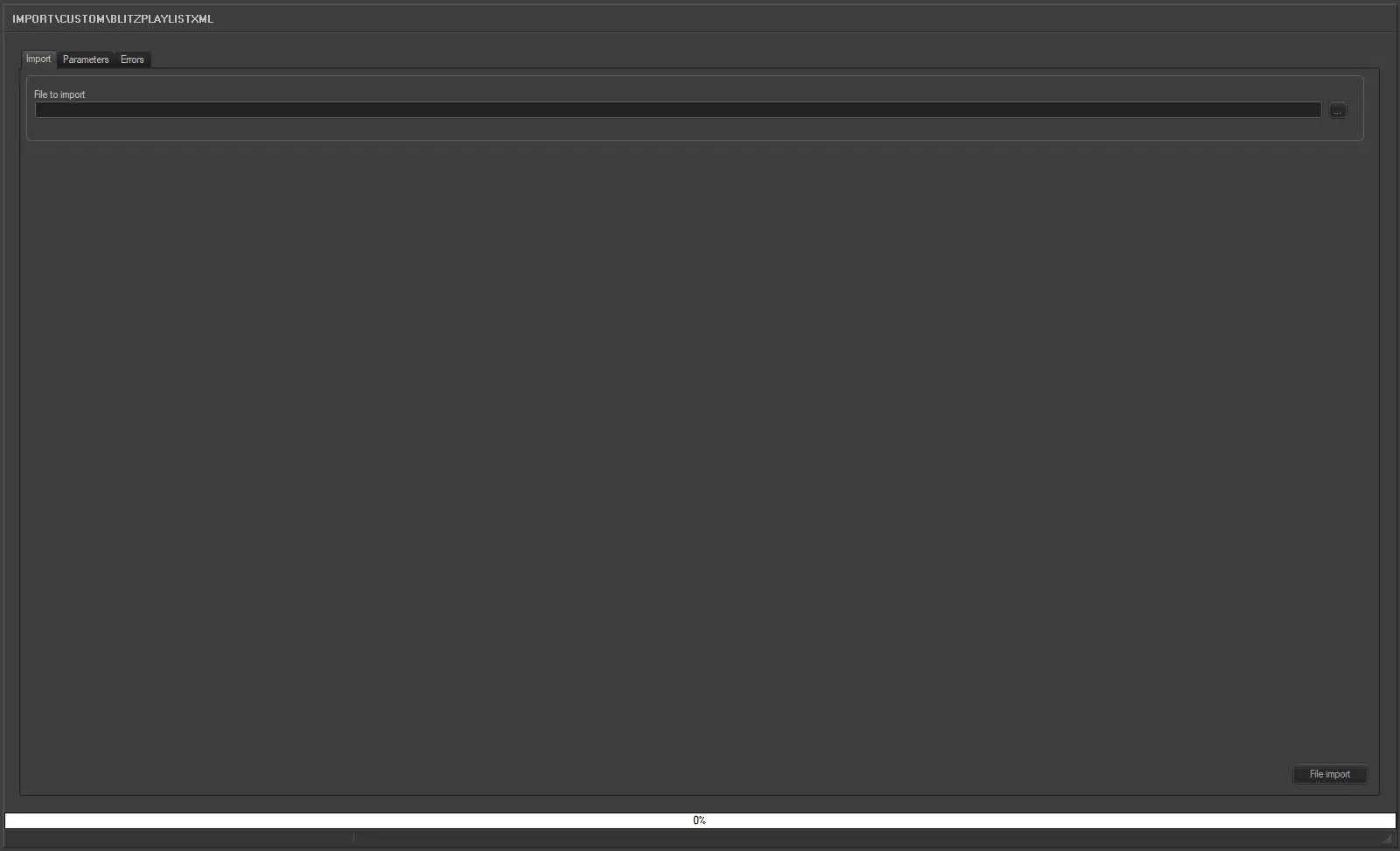
Import
•File to import: Browse for the file from which data will be imported, only .XML files will be displayed since they are the only supported.
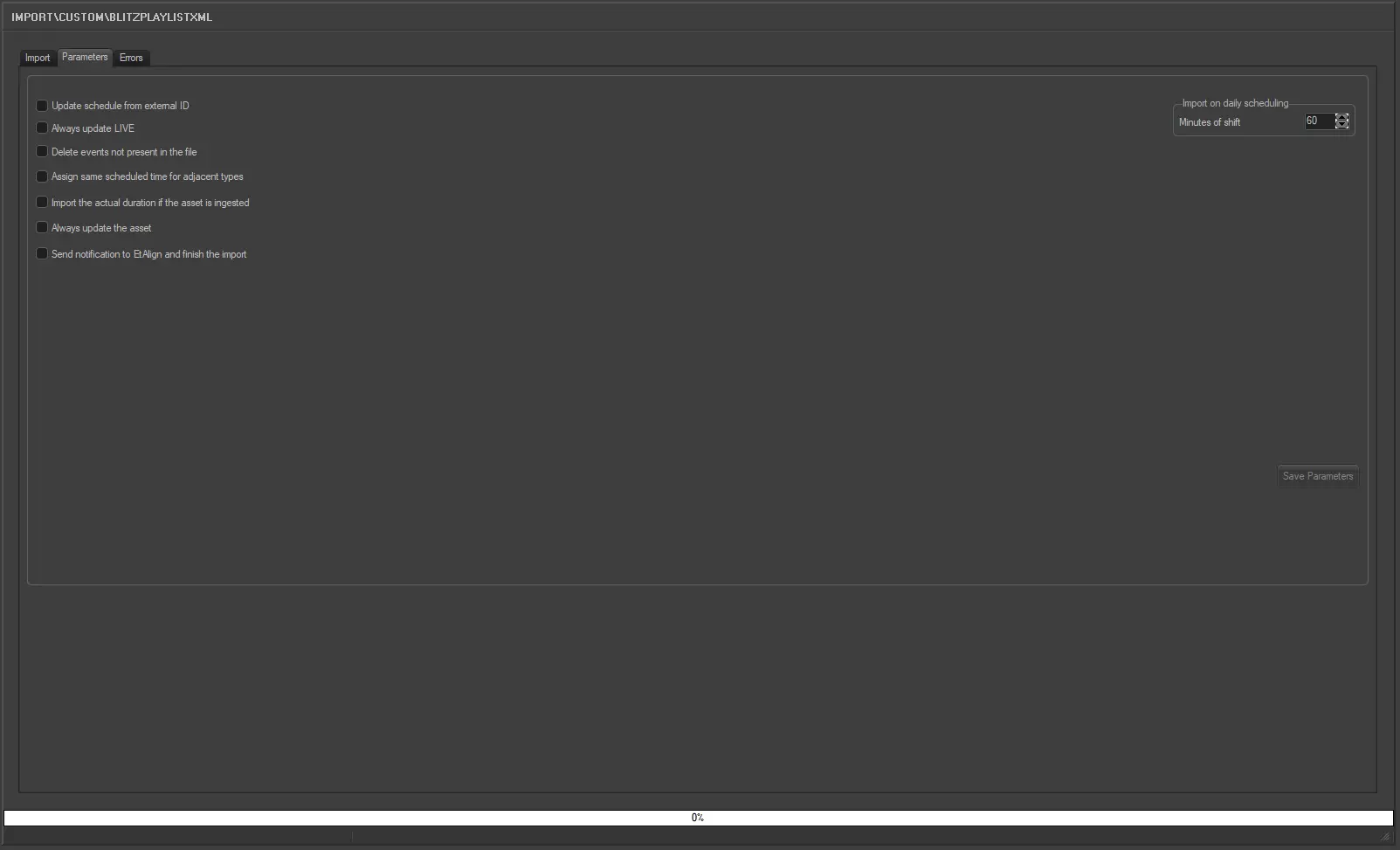
7831_blits_parameters.jpg
Parameters
Update schedule from external ID: If among the fields imported an external ID exists by checking
this box it is possible to update the schedule using the external ID.
Always update LIVE: Allows you to always update the Live events, even if they already exist in the archive.
Delete events not present in the file: Allows you to delete all events scheduled on the imported day but not present in the imported file.
Assign same scheduled time for adjacent types: For events that have the same typology and fall adjacent to each other in the schedule (e.g. commercials in a cluster) this parameter allows you to assign the same scheduled time to these events. In the 'Data' to import under the previous tab the field HOUR must not be activated for this parameter to work.
Import the actual duration if the asset is ingested: Allows you to import the real duration of the asset form in a situation where it has been recorded, even if the scheduled duration is present and different in the imported file.
Always update the asset: Enable this option to update the asset even if the assets already exist
in the archive. Elements that would be updated includes duration, Mark
in/Mark out, asset type, description and asset insert point.
Send notification to EtAlign and finish the import: Send a notification to EtAlign at the end of the import so that EtAlign
can publish the schedule in automation (and eventually restore required
files).
Launch the import
Once the import has been configured, it can be started just by pressing the <Import> button.
 blits_parameters
 blitz_import