Custom
69.2.2.17 DISCOVERY IMP ASSET VENDORS XML
Import Scope
The F90 – Import Custom DISCOVERY IMP ASSET VENDORS XML allows to import an XML file containing data related to asset.
Import Parameters
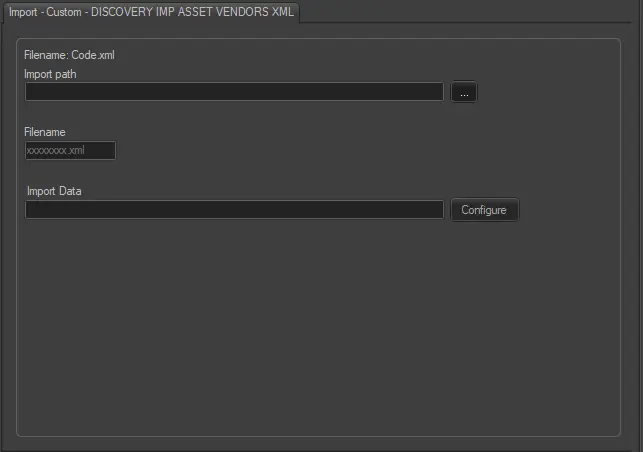
discovery_imp_asset_vendors
Import path: Specify the path location of the XML file. You can use the browse button to locate the path in the drives.
Filename: The filename format is “Code.xml”, e.g.:“EHD~18751401.xml”.
Import data: Opens the window to specify the days and the frequency to be imported.
Scheduling related import
Set the parameters in the Etere Scheduling > Import/Export > IMPORT\CUSTOM\DISCOVERY\ASSETXML3RD-PARTYVENDORS and click <Save parameters> to confirm the changes.
 discovery_imp_asset_vendors