Advanced Search
9.2.1.5 Quality tab
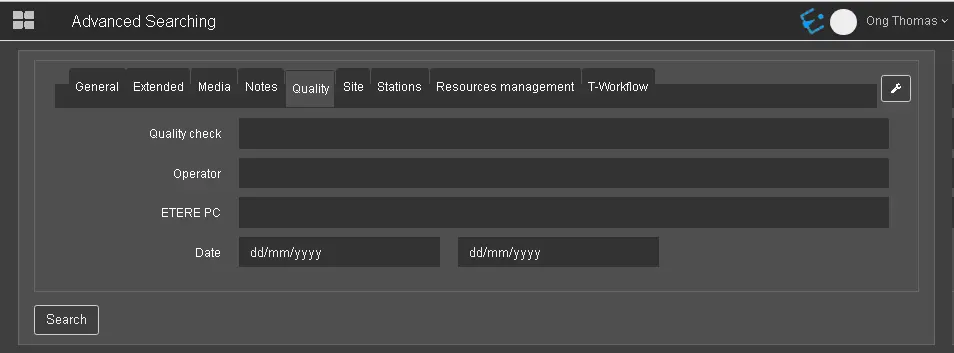
In the Quality tab, you can search assets by the quality check value specified in the assets.
Quality_tab
Quality check: Search the assets by filtering the quality check value in assets that matched the entered value;
Operator: Specify the operator to be used in the search, e.g. AND, OR, AND NOT, NEAR, etc.;
Etere PC: Specify the workstation where Etere applications are running;
Date: Search the assets within the date range where the quality check was performed.
 Quality_tab