18.2.4 Users Rights
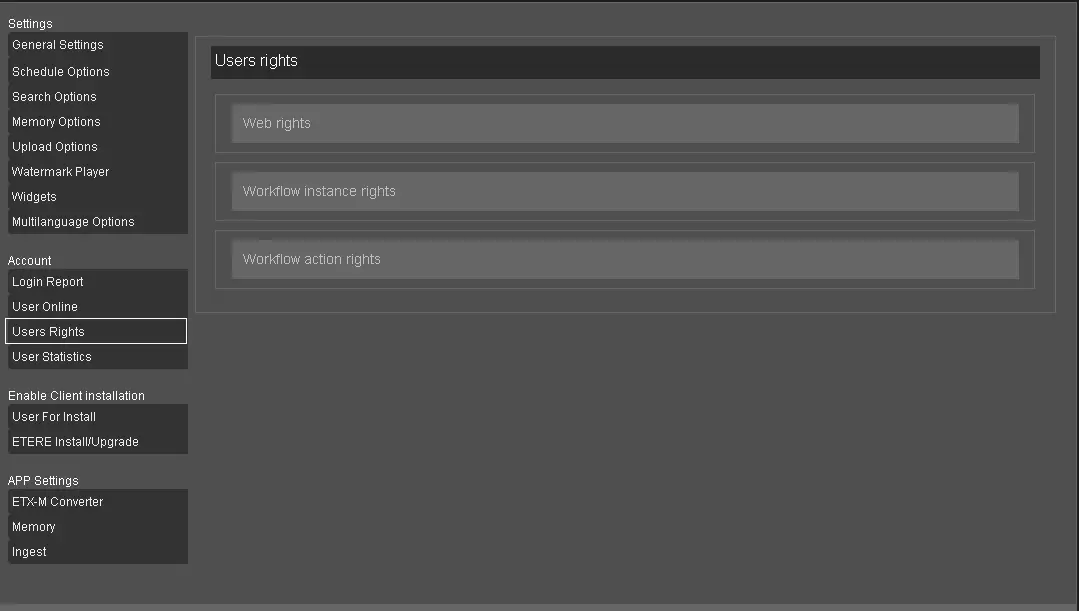
The Rights section allows users to consult all the user rights that they are granted (e.g. web access, play, tape search, memory, etc.), workflow instances rights (e.g. Partial retrieve, archive, censorship, post-upload, etc.) and workflow action rights (e.g. quality reset, file renaming, file delete, not ok to broadcast, etc.).
The rights are displayed alphabetically from left to right for easy reference.
Users Rights
Web Rights
Web Rights
Note: The "Access to station" rights are no longer in use since the authentication with Active Directory is in place.
Workflow Instance Rights
Workflow Instance Rights
Workflow Action Rights
Workflow Action Rights
Login to Etere Web to view all the Workflow Action Rights available for T-workflow actions.
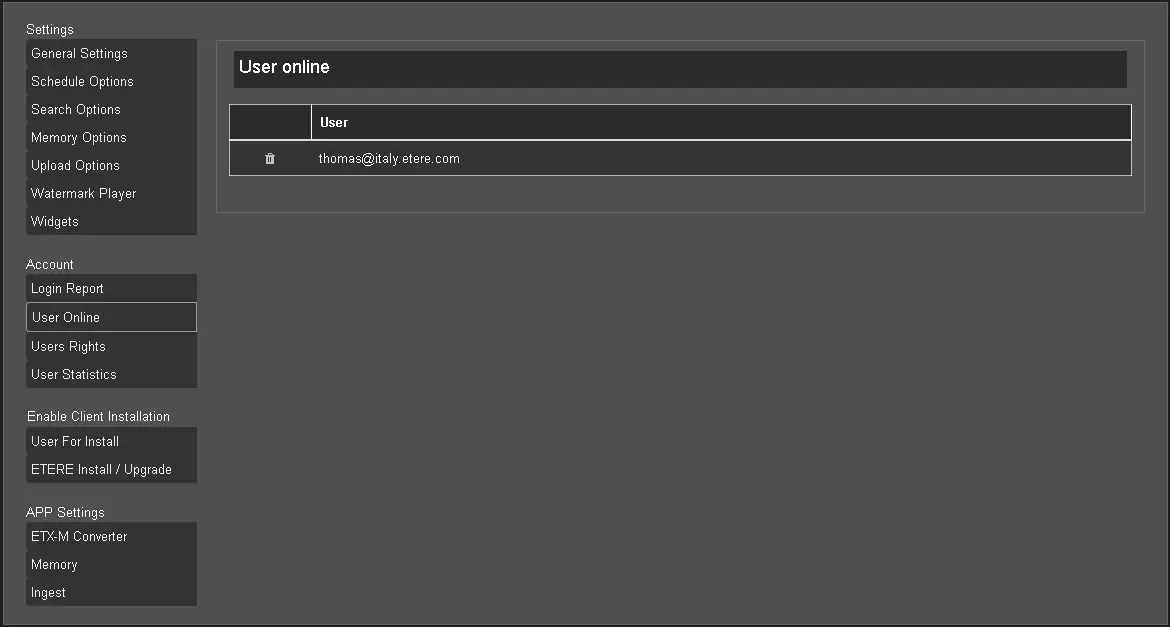
Prevent Multiple Logins
In a controlled environment, you can disallow the user from logging in from a different machine with the same credential by setting the following Web rights:
"Deny Contemporary Access with the same Account" = "True."
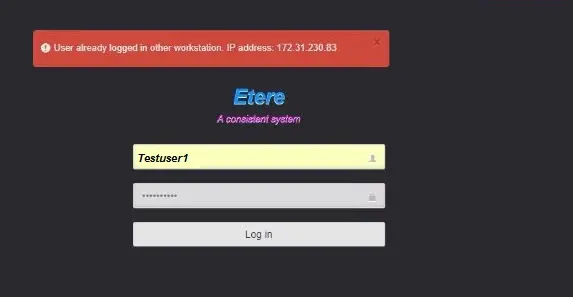
When the user attempts to log in from a different PC with the same credential, the following warning message will be prompted, and login will be denied.
Multiple_login_denied
The login error would still be displayed even after restarting the Etere Web application or the Web Server. You must re-login to the same machine with the same credentials and perform a correct log-off to regain access.
Suppose the PC (e.g. IP address: 172.31.230.83 in above) has already been decommissioned. In that case, you can set "Deny Contemporary Access with the same Account" = "False" to bypass the login error and normalise the setting (to "True") upon successful login.
Note: It is recommended to remove the rights to log in to Etere Web as an "Anonymous" user to prevent the "Anonymous" user from taking ownership of tasks and locking other users out of Etere Web.
 User_Online
 Login_Report
 Change_Password
 Users_Rights
 Multiple_login_denied