59.5.7.7 Devices Space per User
Report Description
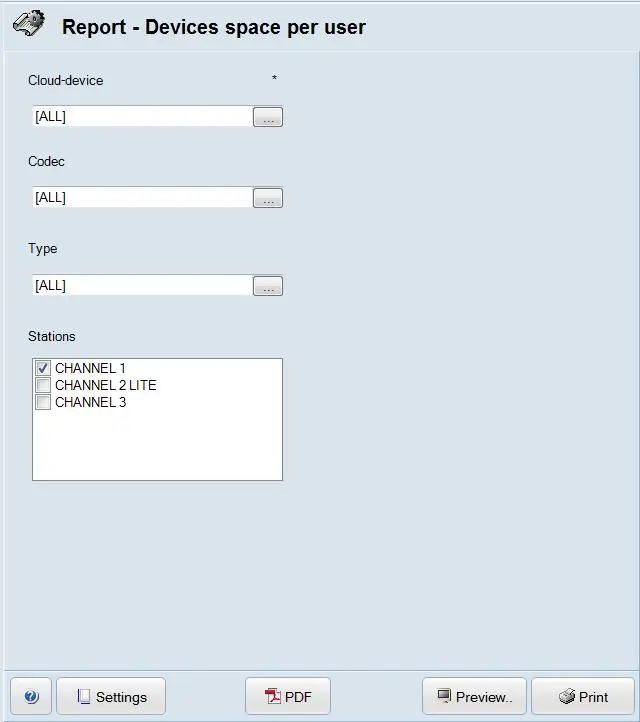
The Devices space per user report generates a report capturing the used space and free space in the selected cloud device.
Report Filters
Fulfill the required parameters to generate a complete set of reports.
report_devices_space_per_user
•Cloud device: Select the cloud device from the Resource Editor where the assets are stored.
•Codec: Select the type of codec from the list.
•Type: Select the assets type to include in the report. Only space occupied by the selected asset type would be calculated.
•Stations: Select the station (channel) where the report generation was triggered.
Report Preview
After providing all required parameters, the report can be previewed/produced using the following function:
•Settings: This icon launches the page setup for report printing; you can select the source of paper (e.g. letter, A4), print layout (portrait or landscape) and define the margins.
•PDF: It generates the report in PDF format, where the user must specify the path for the output.
•Preview: Generate a copy of the report for preview purposes.
•Print: Immediately print the report.
 report_devices_space_per_user