84.4.4.60 CUSTOM > DEA ASSET XML
Export scope
The Export Custom DEA Asset XML process export asset data and connected seasons of specific date into an XML file.
The export would be launched after Quality Check to export all assets with duration exceed 2 minutes for following types of asset:
•CAR
•TEL
•DEAP
•DEAS
•DEAT
•NOV
•PGM
•PRG
•TB
The following data fields would be exported:
•Asset Code
•Asset ID
•Format
•Aspect ratio conversion
•Title
•Seasons title
•Season
•Episode
•SOM
•EOM
•Duration
•Type
•Country
The file name of the exported XML file would be based on asset primary key in “ID_FILMATI” database field in Asset Repository table, e.g. "1250.xml".
If the export is triggered by Data Mover, the filename would remain unchanged.
Export parameters
Set the following parameters:
Export_custom_dea_asset_xml
Parameter
•Export path: Indicate the path where the exported XML file would be placed.
•Select assets to be exported: Open the asset search form to filter asset(s) to be exported.
Launch the export
Once the parameters are correctly set, press the <Export> button to launch the export operation.
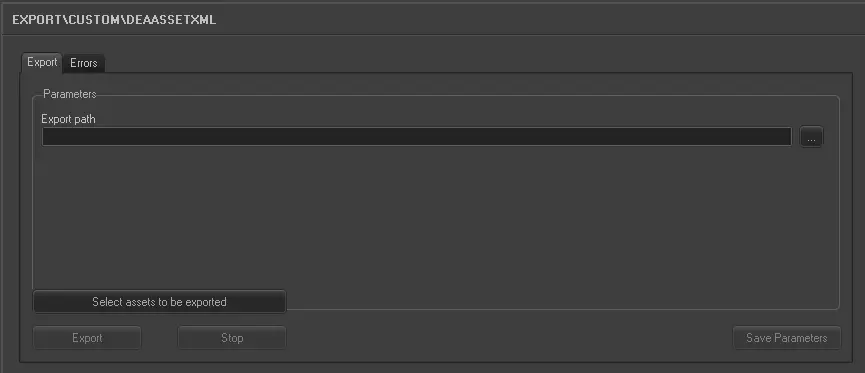 5148_Export_custom_dea_asset_xml