66.4.14 Effects for Items in Compositions
XML
In XML configuration effects are set in root cg-item node:
<cg-item id='graphics-000' on-show='fade' on-hide='blur'>
There are 2 types of effects:
- on-show: that is implemented for in-time of composition.
- on-hide: that is implemented while composition is hiding.
- Effect type - Fade
- Possible values : ‘fade’
- Description : Shows or hides item with fade.
- Effect type - Blur
- Possible values : ‘blur-x’
‘blur-y’
‘blur’ - Description : Shows or hides item with blur effect on X axis
Shows or hides item with blur effect on Y axis
Shows or hides item with blur effect on X and Y axes
- Possible values : ‘blur-x’
- Effect type - Squeeze
- Possible values : ‘squeeze-x’
‘squeeze-y’
‘squeeze’ - Description : Shows or hides item with squeeze effect on X axis
Shows or hides item with squeeze effect on Y axis
Shows or hides item with squeeze effect on X and Y axes
- Possible values : ‘squeeze-x’
- Effect type - Movement
- Possible values : ‘left’
‘top’
‘right’
‘bottom’
- Description : Shows or hides item with movement from the left
Shows or hides item with movement from the top
Shows or hides item with movement from the right
Shows or hides item with movement from the bottom
- Possible values : ‘left’
Shadow Blur and Glow
<cg-item id='graphics-000' on-show='fade, left' on-hide='blur, squeeze'>
You can specify graphic effects for your items in ETX-G. Effects are nested in separated <effects> node in XML description of the item:
<cg-item id='text-000' pos-x='0.0' pos-y='0.231' size-x='0.321' size-y='0.079'><text font='Calibri' font-size='45'>A Consistent System</text><cg-props scale='no-scale' align='top-left' edges-smooth='3' pos-x='0' pos-y='250' show='yes' move-type='accel-both' alpha='255' bg-color='Black(0)' pixel-ar='0.0' play-mode='loop' interlace='auto' width='617' height='85' pause='no'><indent left='0' right='0' top='0' bottom='0' use-for-bg='no'/><group-indent left='0' right='0' top='0' bottom='0'/></cg-props><effects> <shadow enabled='yes' blur='6' alpha='200' color='Black' offset-x='3' offset-y='3'/> <blur enabled='no' size-x='7' size-y='7' align='center'/> <glow enabled='no' size-x='8' size-y='8' value='3.45' blend='0.80'/> <motion-blur enabled='yes' blend='0.65' auto-speed='2.0' speed-x='2.0' speed-y='2.0'/></effects></cg-item>
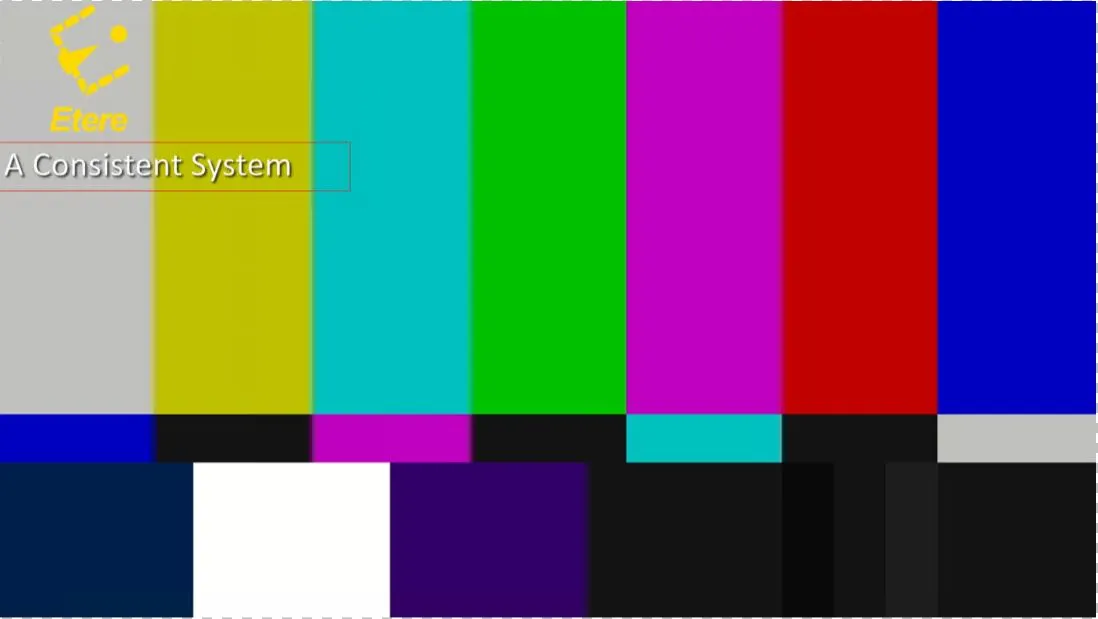
Effect - Shadow
Description : Add shadow to the item.
Possible parameters : Enabled: indicate effect implemented to the item. Possible value is ‘Yes’ or ‘No’.
Blur: blur the shadow in pixels.
Alpha: opacity of shadow. Possible value: from 0 (transparent) to 255 (solid).
Color: color of the shadow. See color settings for possible values.
Offset-x: horizontal offset of the shadow from the item in pixels.
Offset-y: vertical offset of the shadow from the item in pixels
Example : <shadow enabled='yes' blur='6' alpha='200' color='Black' offset-x='3' offset-y='3'/>
cg_text_shadow
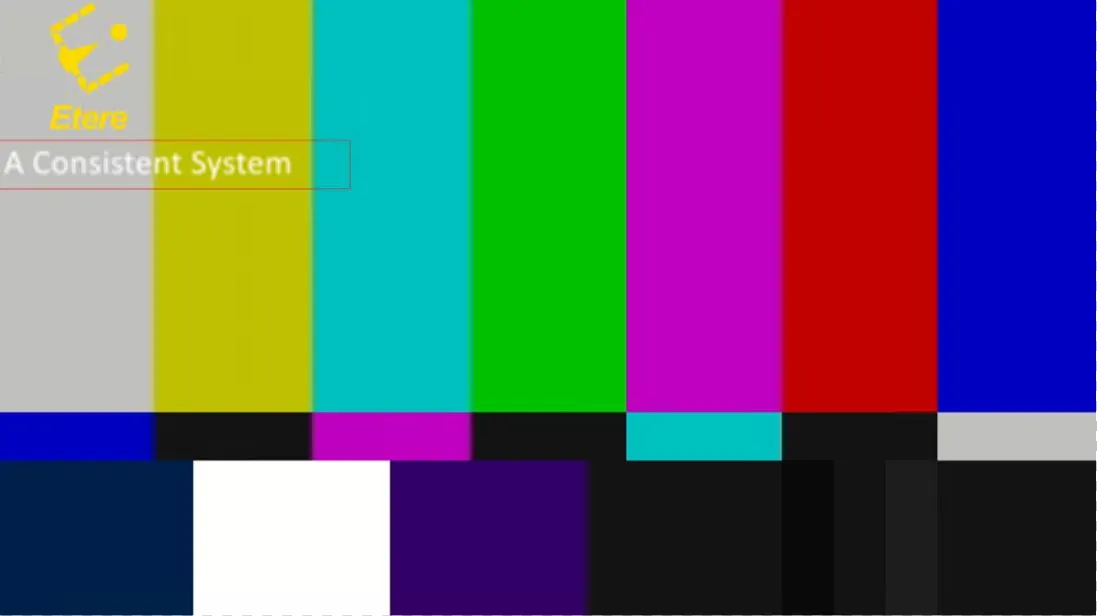
Effect - Blur
Description : Add blur effect to item.
Possible parameters : Enabled: indicate effect implemented to the item. Possible value is ‘Yes’ or ‘No.
Size-x: amount of horizontal blur in pixels.
Size-y: amount of vertical blur in pixels.
Align: alignment of blur center. Possible values are ‘top-left’, ‘top’, ‘top-right’, ‘center’, ‘right’, ‘bottom-left’, ‘bottom-right’ , ‘bottom’.
Example : <blur enabled='yes' size-x='7' size-y='7' align='center'/>
cg_text_blur
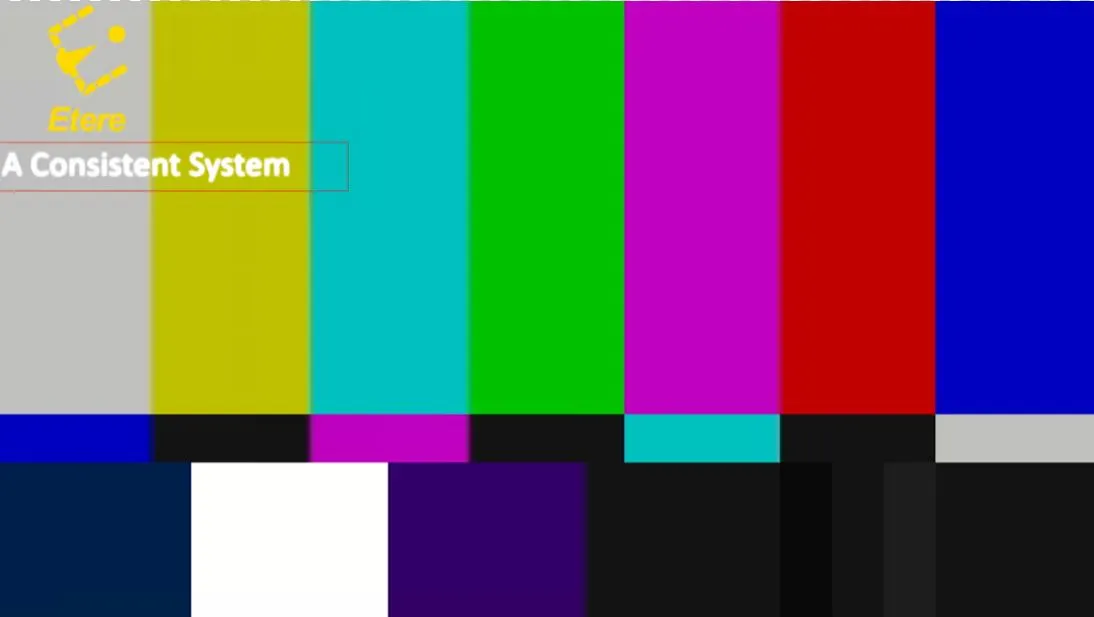
Effect - Glow
Description : Add glow effect to the item.
Possible parameters : Enabled: indicate effect implemented to the item. Possible value is ‘Yes’ or ‘No’.
Size-x: amount of horizontal glow in pixels.
Size-y: amount of vertical glow in pixels.
Value: radius of glow effect.
Blend: blend level for the effect.
Example : <glow enabled='yes' size-x='8' size-y='8' value='3.45' blend='0.80'/>
cg_text_glow
Effect - Motion-blur
Description : Add additional blur effect for the moving items.
Possible parameters : Enabled: indicate effect implemented to the item. Possible value is ‘Yes’ or ‘No’.
Blend: blend level for the effect.
Auto-speed: default value for motion-blurriness.
Speed-x: horizontal speed for blurriness. If ‘0’, auto-speed value is in used.
Speed-y: vertical speed for blurriness. If ‘0’, auto-speed value is in used.
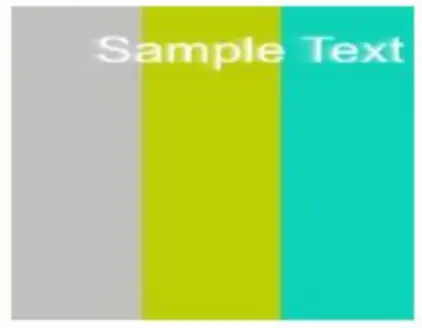
Example : <motion-blur enabled='yes' blend='0.65' auto-speed='2.0' speed-x='2.0' speed-y='2.0'/>
Embim78
 motion_blur
 cg_text_shadow
 cg_text_glow
 cg_text_blur