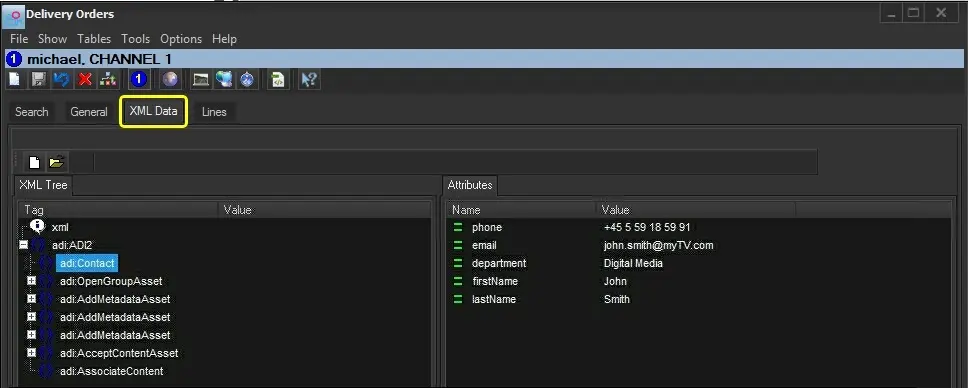
201.13.5 XML Data tab
The "XML Data" tab allows loading and modifying an XML structure to be included in the XML file to be delivered along with media files; the delivered XML data is formed as described below:
<Head>
<!-- Metadata specified in the "XML Data" tab -->
</Head>
<Body>
<!-- Mandatory metadata retrieved for each asset included in the "Lines" tab -->
</Body>
Supported export functions
As the XML data is related to a specific platform, it would be used differently by the different platform-specific exports available in Etere. Listed below are the export platforms currently supported by Etere:
Delivery export - CanalSat XML
Brief description : information regarding the Asset Life Time (i.e. startDateTime and endDateTime)
NB: CanalSat XML does not use the data structure set here as it is internally set in the export function.
Available functions
Functions available in this tab includes:
Bms_ott_xmldata_01
Function - New
Description : Unload the XML file from the order by clearing the data tree.
Function -Open
Description : Load a XML file from the data tree.
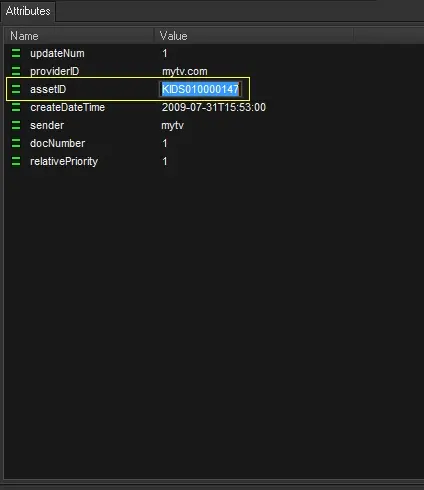
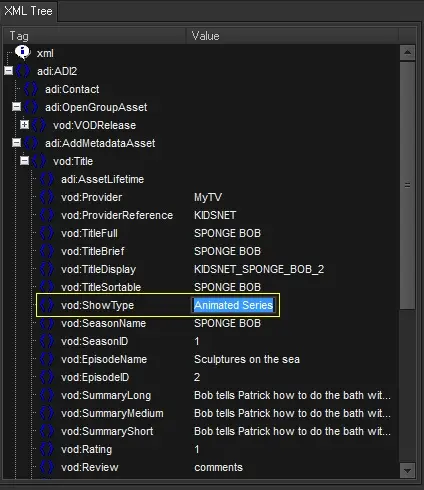
Once a XML file is open, the values and attributes of the loaded metadata can be modify using the F2 function key:
XML tree (edit metadata values)
Bms_ott_xmldata_02
Attributes (edit metadata attributes)
Bms_ott_xmldata_03
 Bms_ott_xmldata_01
 Bms_ott_xmldata_03
 Bms_ott_xmldata_02