69.2.2.2 CSC FOTO
Import Scope
The custom CSC Foto import allows to import photos into Etere database, by reading a .XML file containing information related to a single photo (one file related to each photo). A single asset would be created for each photo, as well as a tape with a duration of one frame.
Import Parameters
This import needs the following parameters to be configured:
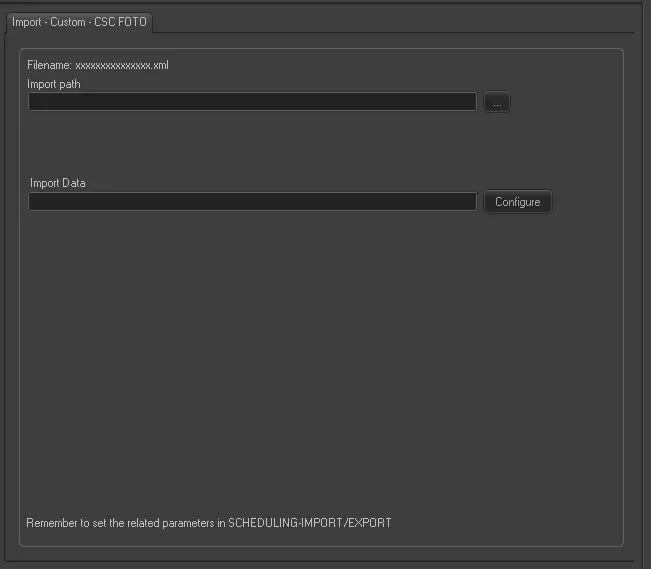
Import - Custom - CSC PHOTO
Filename - The name of the imported file would comply with the format xxxxxxxxxxxxxxx.xml
Import path - Specify the path from which xml files would be imported.
Import data - Opens the Configure Import window to specify the days and the frequency to be imported.
Scheduling related import
Remember to set the parameters in the Etere Scheduling > Import/Export > IMPORT\CUSTOM\CSC\PHOTOXML.
 Import_-_Custom_-_CSC_PHOTO