Media Features
72.2.2.11 Annotations
The Annotations tab holds information regarding the media associated to the asset, timecode details and EDL configuration; this section is divided across two areas which are following described:
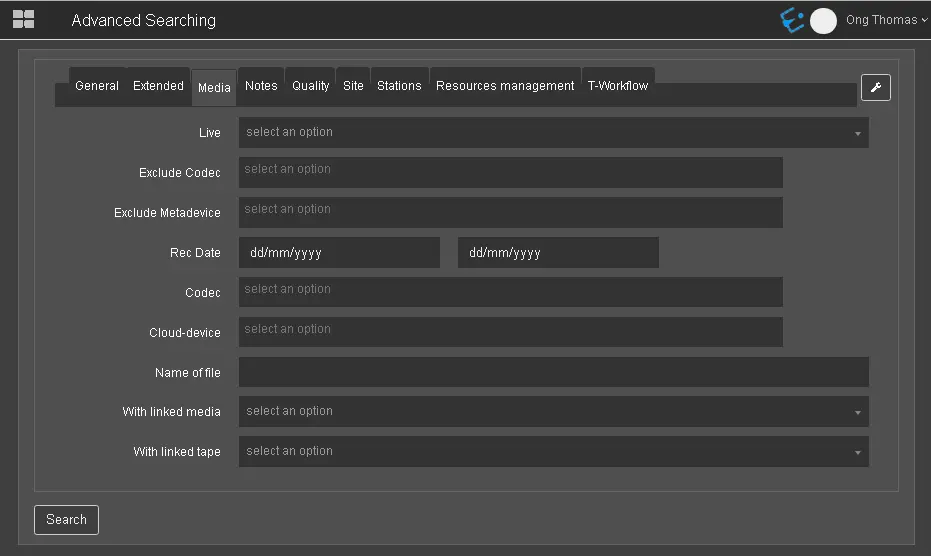
Media tab
Media tab
Measurement Data - Positioned at the left-hand side(highlighted as yellow), this area permits operators to define physical and logical durations of each single media associated to the asset, as well as inserting timecode marks (e.g.: advertising insertion points, video faults, visible video segments, etc) in up to nine different editing decision lists.
Media and Devices - This area, positioned at the right-hand side(highlighted as green) allows to manage the media files (and storage devices) associated to the asset form as well as preview proxy files associated to the asset.
 Media_tab