84.4.4.20 STANDARD > GENERIC > XML ASSETS SHORT
Export Scope
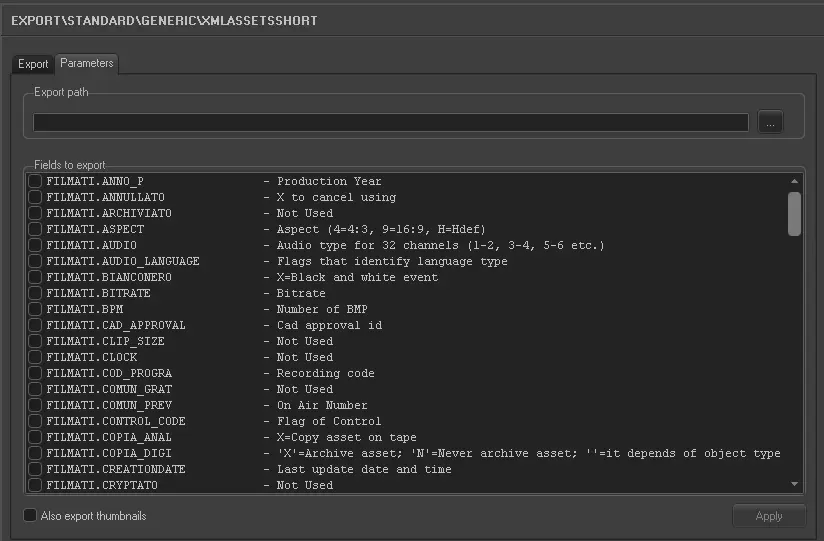
The XML Assets Export creates an .XML file containing all asset data including their relative EDLs. The name of the file created is Etere_asset_xxx.XML where xxx is the station identification number. In this way it is possible to define an export path for every station. You can also specify exactly which asset data you require by selecting which fields to export (under parameters).
Export Parameters
•Export path: Specify the path where the exported file would be stored.
•Fields to export: Select the fields which you would want to export to the XML file.
For clarification on the above field descriptions refer to the chapter Fields used during Import/Export.
•Also export thumbnails: Enable this option to export thumbnails to the XML file.
Launch the export
Once the export has been configured, it can be started just by pressing the <Export> button.
 5085_Export_standard_generic_xml_asset_short