59.3.10.8 Moving action inputs/outputs
Action blocks can be modified to be displayed in a custom way by clicking on them and using the following functions:
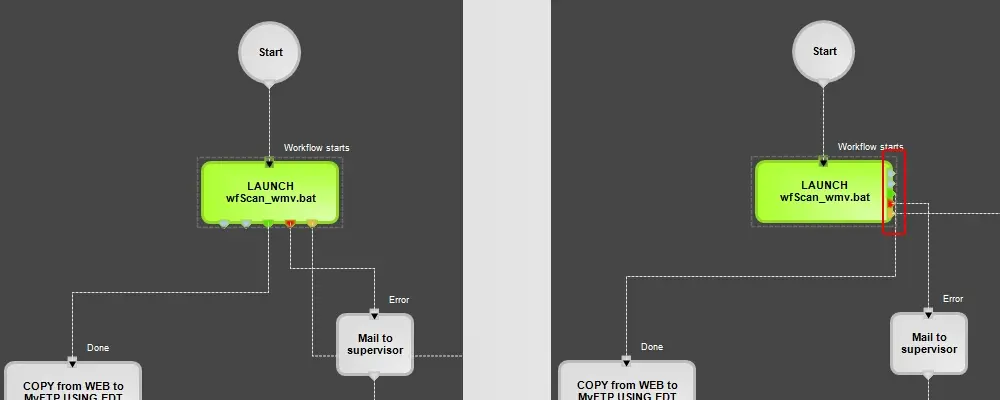
Output
Move all the block outputs (or only the selected output) to the block's right, left, up or downside. For instance:
Move_._OUTPUT_._Right
Before
Move > OUTPUT > Right
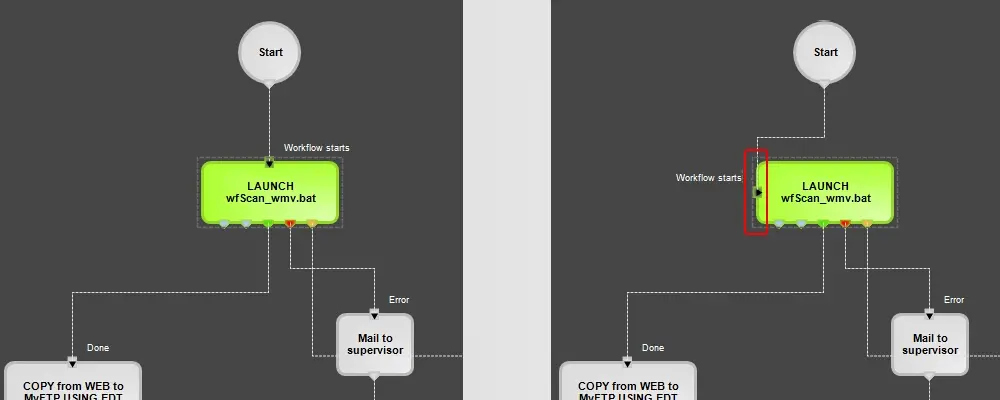
Input
Move all the block inputs (or only the selected output) to the block's right, left, up or downside. For instance:
Move_._INPUT_._Left
Before
Move > INPUT > Left
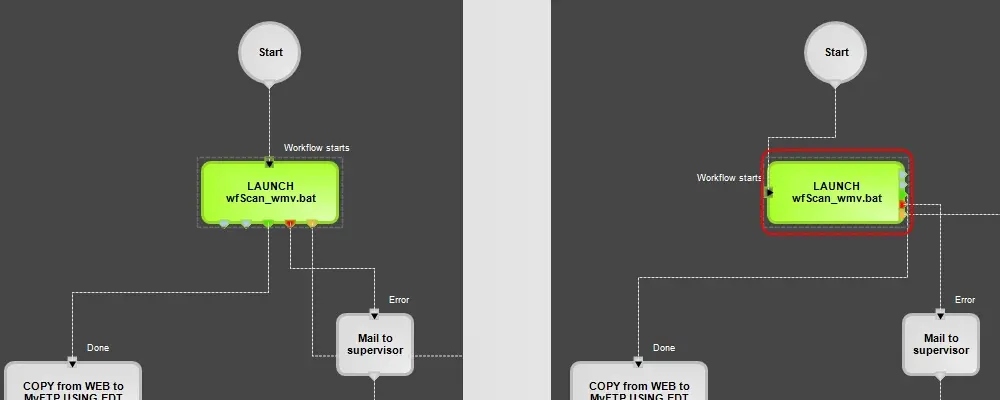
Rotate
Rotate the block of 90 degrees to the left (counterclockwise), right (clockwise), or 180 degrees (vertical inversion). For instance:
Move_._ROTATE_._Left_90°
Some considerations must be taken into account when moving blocks and connectors; these considerations are:
➢One side (left/right/up/down) cannot have inputs and outputs but only of them.
➢ Left and right sides can have a maximum of 5 pins (inputs or outputs).
 Move_._OUTPUT_._Right
 Move_._INPUT_._Left
 Move_._ROTATE_._Left_90°