84.3.2.6 Virtual Asset Management
Etere Cartwall allows to insert and mange Virtual Assets into the playilst.
The procedures to schedule them are basically the same as normal assets described in the previous paragraph.
In addition is possible to:
1. load a playlist from a Virtual Asset;
2. delete an item in the playlist while playing;
3. append a Virtual Asset to a running playlist.
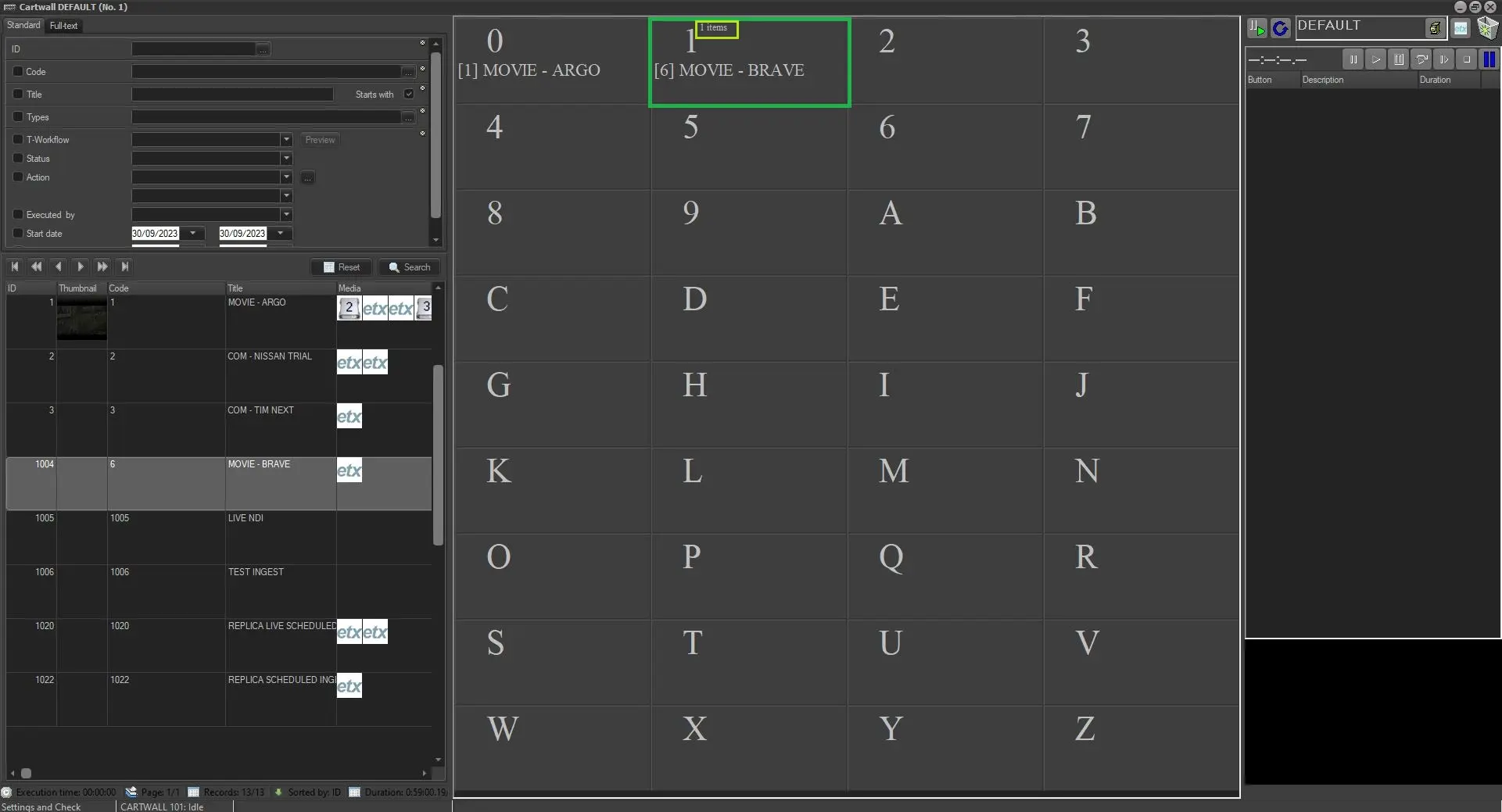
Whenever a Virtual Asset is inserted into Etere Cartwall playlist is possible to notice the number of the segment the given asset has.
number_of_items
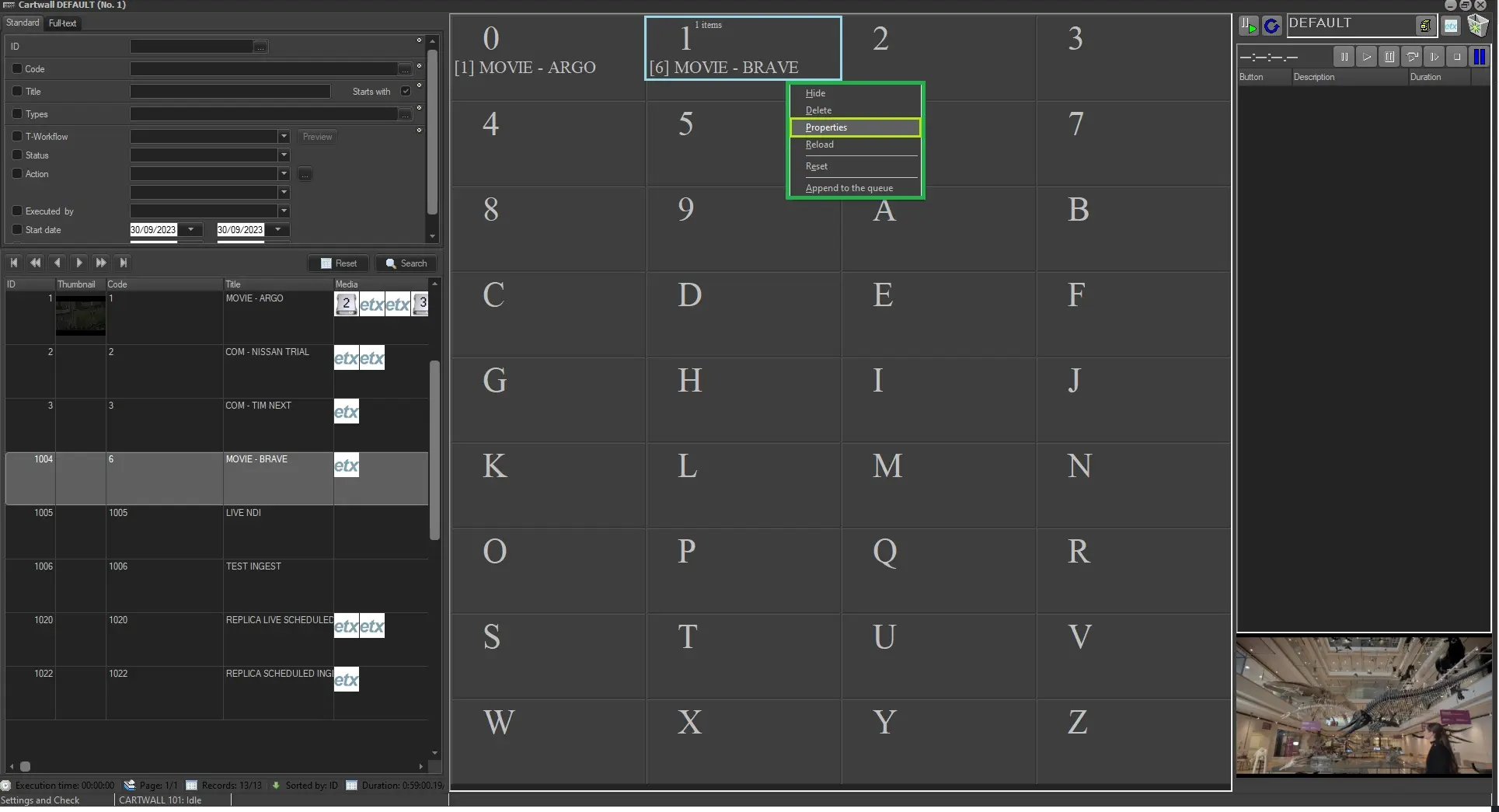
By right-click any of them is possible to access its main functions:
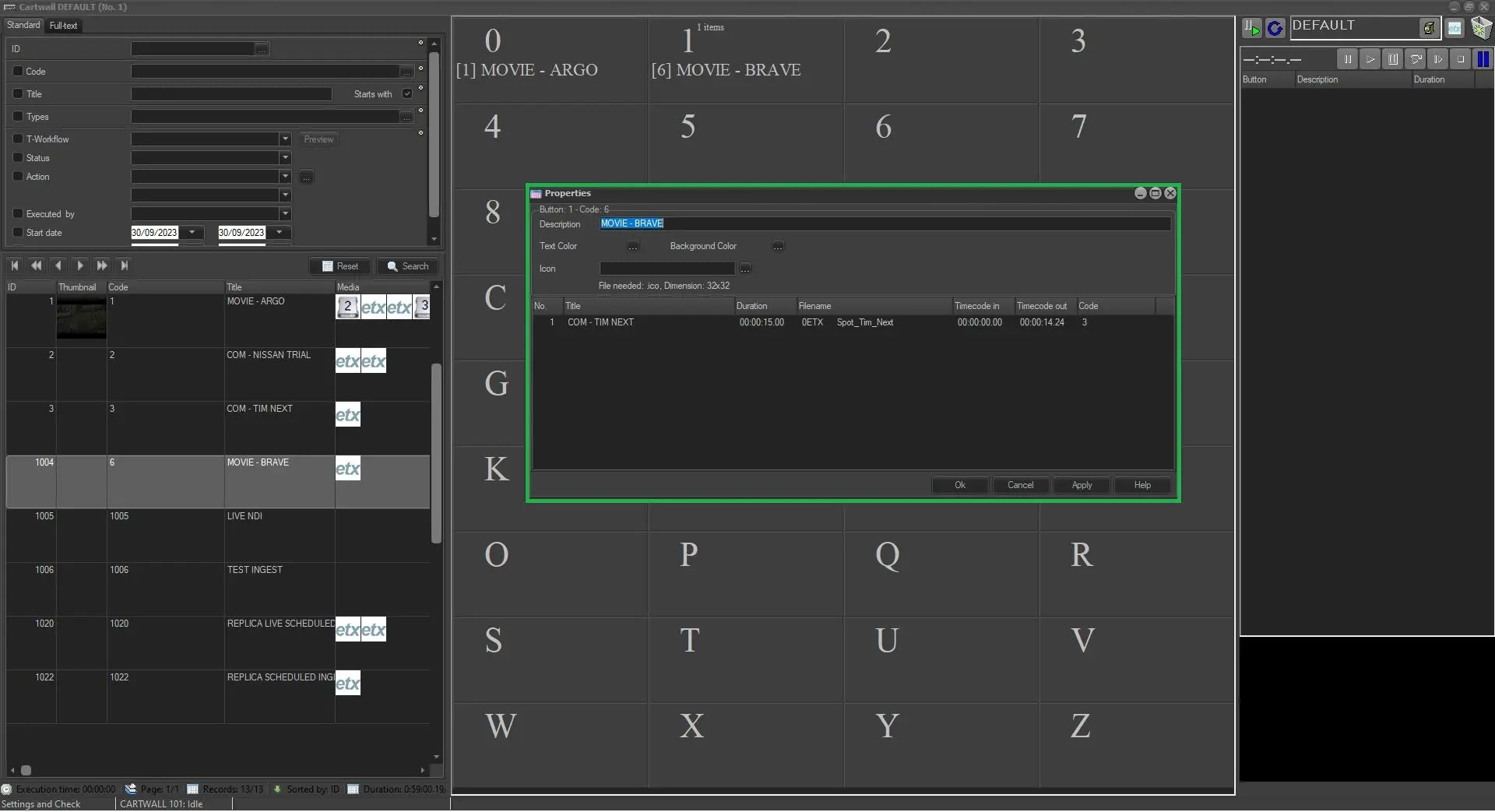
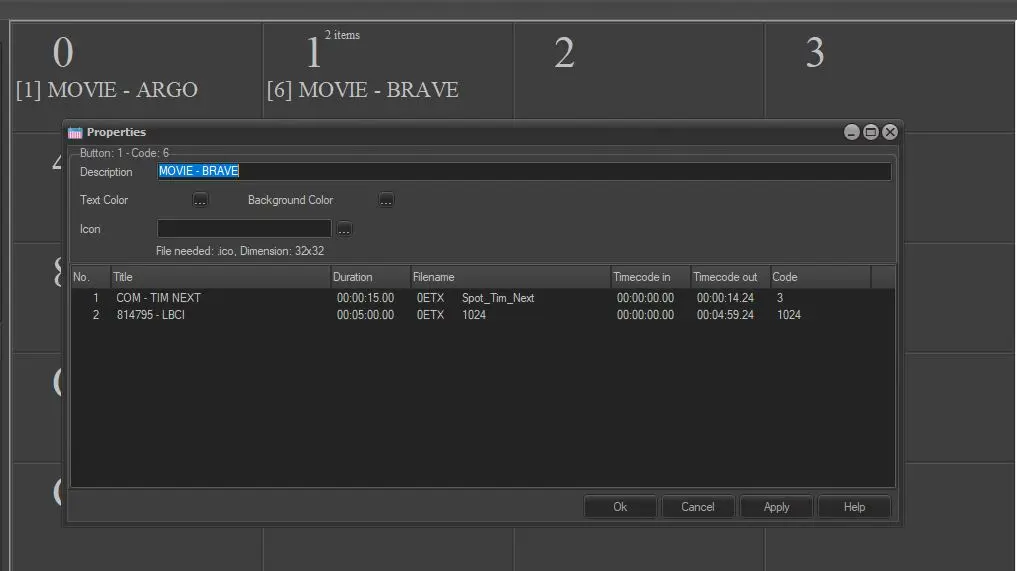
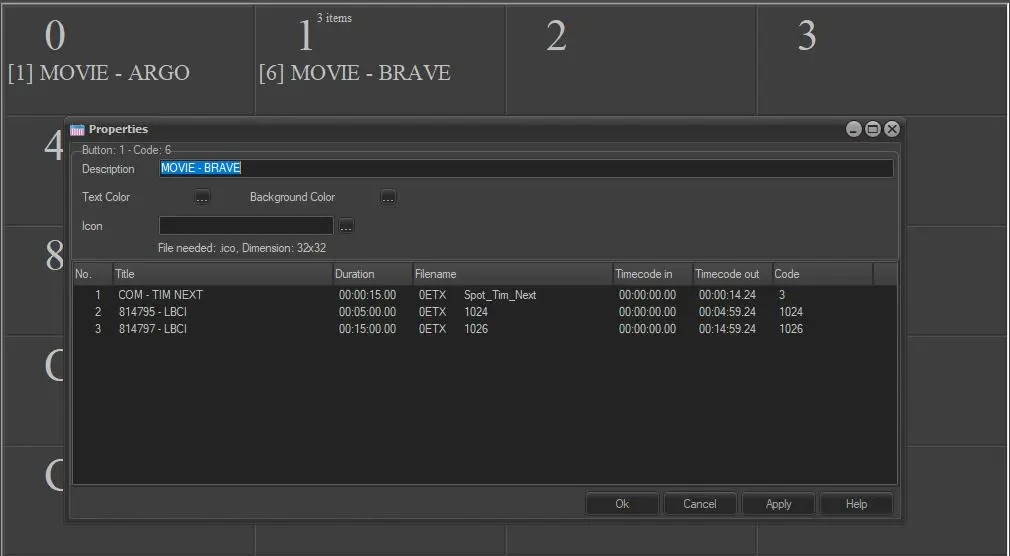
. Proprierties: it will eventually open the Proprierties form, which will shows the Segment List the given Virtual Asset contains, including possible WARNING.
proprierties
proprierties_form
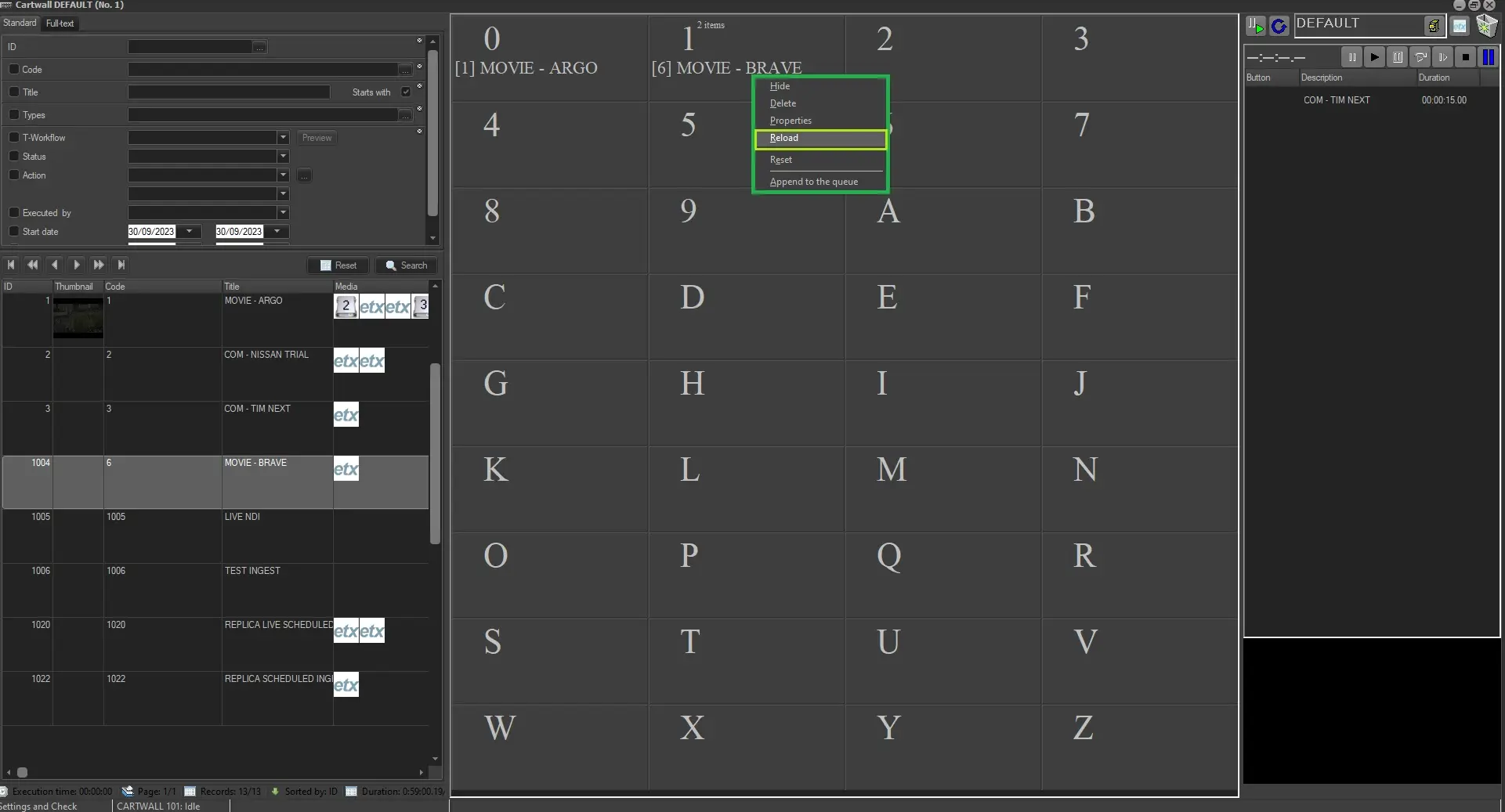
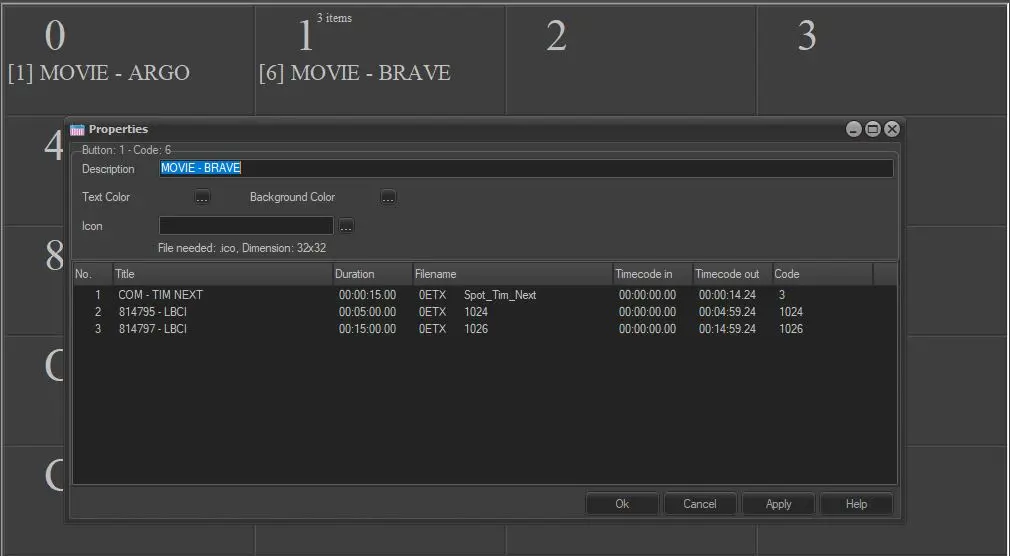
. Reload: it will reload the Virtual Asset in order to apply possible modifications made on it in the meantime;
reload_function
before_reload
after_reload
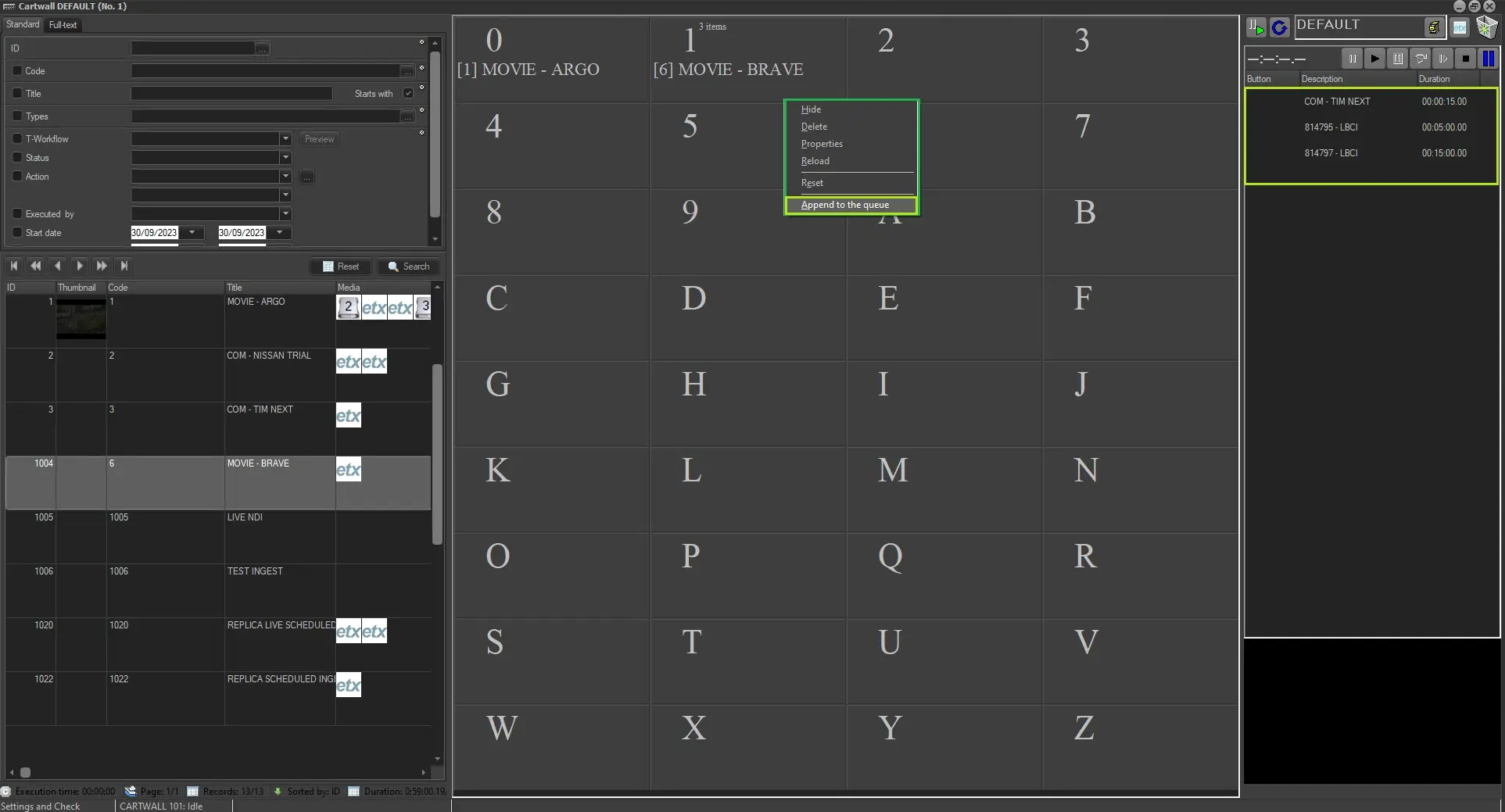
. Append to the Queue: the given function will append the Virtual Asset and all its segments into the Etere Cartwall Playlist;
append_2_queue
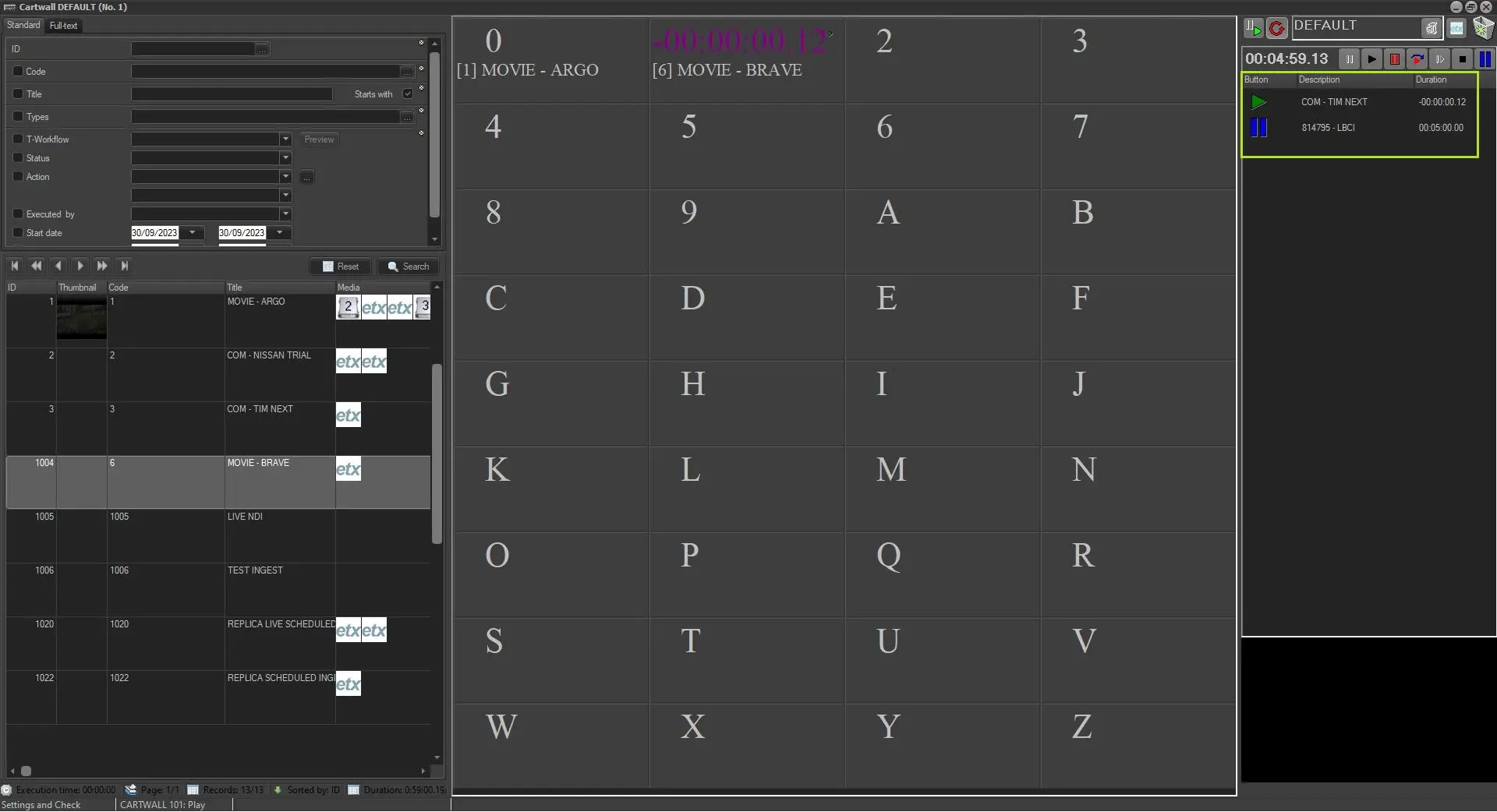
. Delete: Once the Etere Cartwall playlist is running, is it possible to delete any segment from the playlist while is playing.
delete_function
after_delete
 number_of_items
 proprierties
 proprierties_form
 reload_function
 before_reload
 after_reload
 append_2_queue
 after_delete
 after_reload