6.2.1 Amortization Templates
The "Amortization Templates" allows assigning specific amortization percentages to the various runs of an asset (e.g. TV season), thus allowing to break down the cost of the total runs into user defined amortization percentages:
Percentage
1st run - 50%
2nd run - 30%
3rd run - 15%
4th run - 5%
For instance, in the amortization table shown above, in case a TV season cost $100 per run, this price will be distributed as follows: $50 for the first run, $30 for the second run, $15 for the third run and $5 for the fourth run.
It is important to mention that amortization templates are used across the following Etere modules:
•Media Library > Rights tab : Set the amortization template to be used for specific assets.
•season Orders > General tab : Set the amortization template to be used for a certain TV season.
•Reports > Air Sales > Scheduling costs : Generate a report displaying the cost of scheduled assets, this, taking into account their set amortization templates.
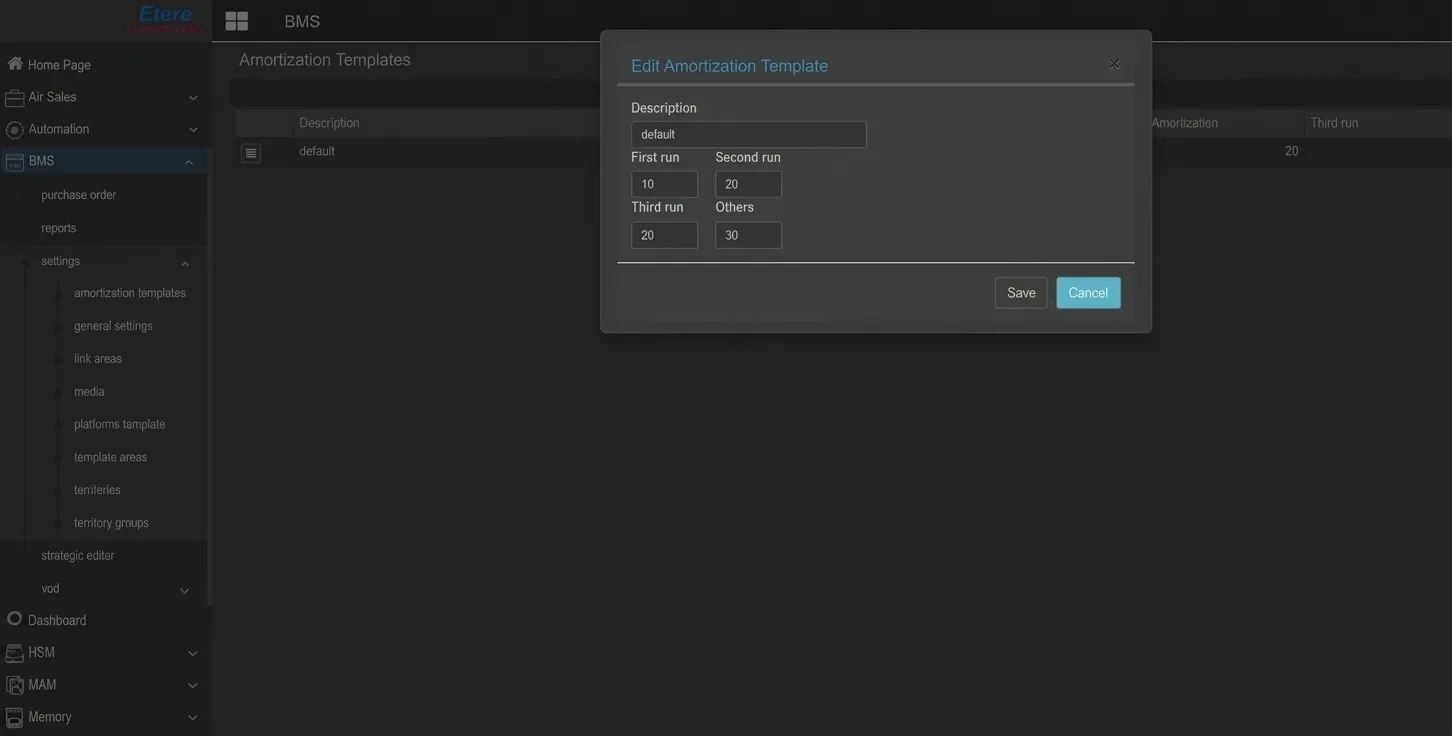 Amortization_Templates