59.6.2.275 FAB - FAB resuorce editor
The information displayed in the first part is purely descriptive and shows data previously assigned:
•Code: The resource path that one is editing is displayed
•Type: Shows the type of resource
•Number: Indicates the ordinal number identifying that resource in case others of the same type are present. The user must insert the following information:
•Name and description of the resource that one is editing
•Driver:
❑FAB: manage the subtitler by RS232
❑FABIP: manage the subtitler by network
❑FABIPN: manage more subtitler by network
•Configuration
Logo Generator configured as Indicate how the logo must be configured (by default, don't indicate anything)
For drivers, FABIPN doesn't indicate anything.
•Indicate the associated DSK: Indicate if the DSK is internal (INSIDE) or one previously configured resource must be associated. (Attention, only the active DSK are displayed, for which it is necessary to have first configured the DSK
•Modality Preset/Take: Some devices can load the logo before putting it on air in such a way as to speed up the operation at the moment of the take. One can use this opportunity in preset/take mode instead of standard mode. The preset/take mode is advisable only when using a switch for every event; otherwise, the results could be unpredictable (by default, set this parameter).
•Pass the TC during the take (only for FABIP and FABIPN drivers). Define if the driver supports passing the TC to the subtitler during the take.
If the driver is FABIP and FAPIPN, it is necessary to indicate:
•IP Address: Indicate the machine's IP address (e.g., 195.120.154.12).
•Local Port: Indicate the Local Port of the machine (default=8366).
To control more subtitlers, IP and Local ports must be entered separated by a comma (e.g., 195.120.154.12:1234, 195.120.154.22:1235).
FAB resource editor - User
After indicating which user and which software the resource has to be installed for, you have to set other data:
Com port setting: (Only for driver FAB)
The subtitler can be controlled directly through a serial connection (in this case, you have to set the com number) or through UDP with the ETERESARVAJI software (in this case, you have to indicate the IP address of the PC that EtereSarvaji runs on and the Local Port EtereSarvaji which uses.
Com configuration:
The com is configured with the following fixed values :
Baud: 38400
Parity: Odd
Stop bits: 1
Data bits: 8
422
Device (out) - Indicate the no. of the device to be installed when you open the resource.(-1=not installed)
Controller (in) - Indicate the no. of the controller to be installed when you open the resource.(-1=not installed)
(Only in the special case where you have a centralized video router which allows you also to commute serial ports, set the data referred to above to 422)
Below, there is also a .ctm file that contains all the supported commands (4 in total).
>>>>>>>>>>>> FABTCP.CTM file
[PRESET]
1=CHANNEL=%001;COMMAND=STOPFILE;FILENAME=%002
2=CHANNEL=%001;COMMAND=QUERYFILE;FILENAME=%002
3=CHANNEL=%001;COMMAND=CUEFILE;FILENAME=%002
[TAKE]
1=CHANNEL=%001;COMMAND=STARTFILE;FILENAME=%002
2=CHANNEL=%001;COMMAND=QUERYFILE;FILENAME=%002
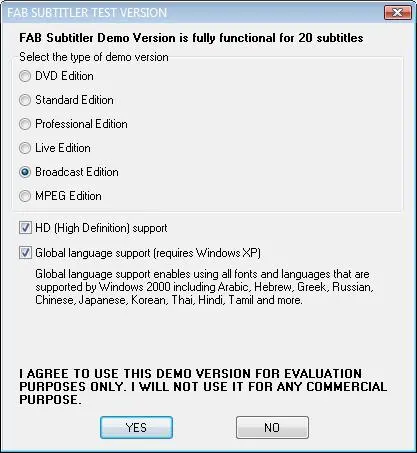 FAB_Subtitler
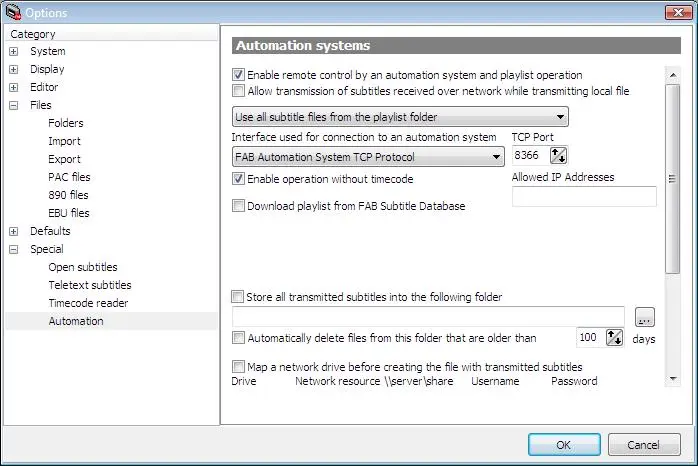 FAB_Automation_System
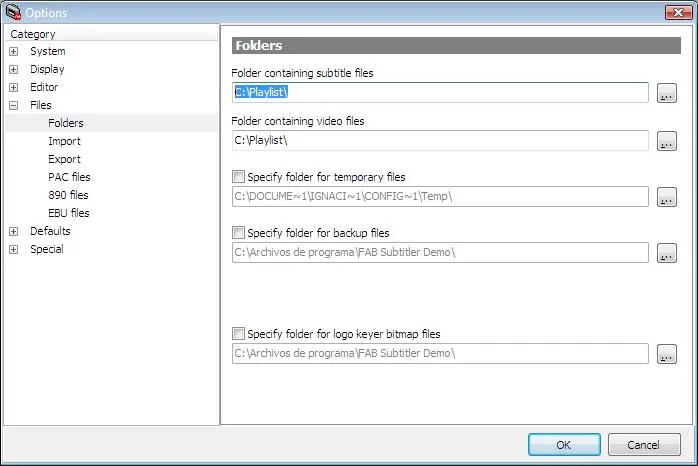 Fab_Select_Files
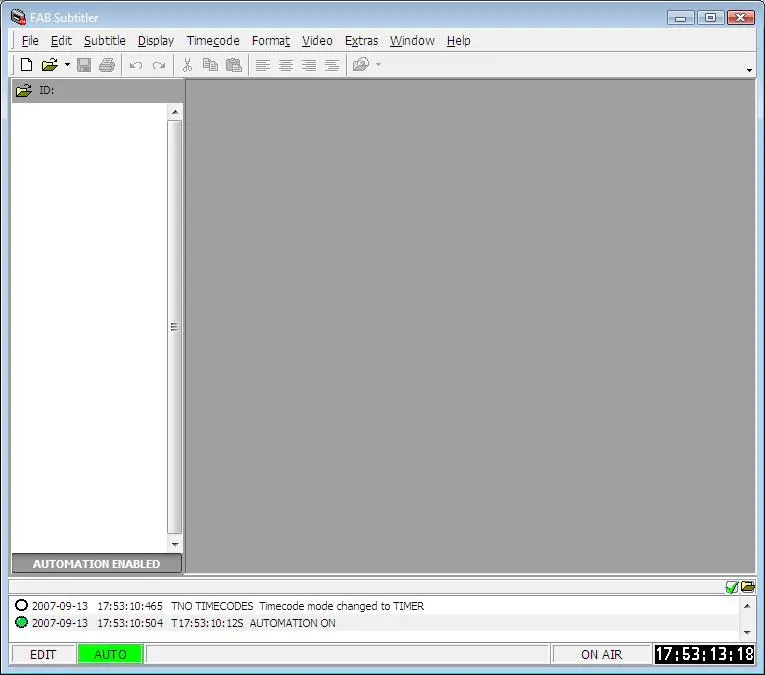 Fab_AUTOMATION_ENABLED