72.2.2.62 Secondary events - Other properties
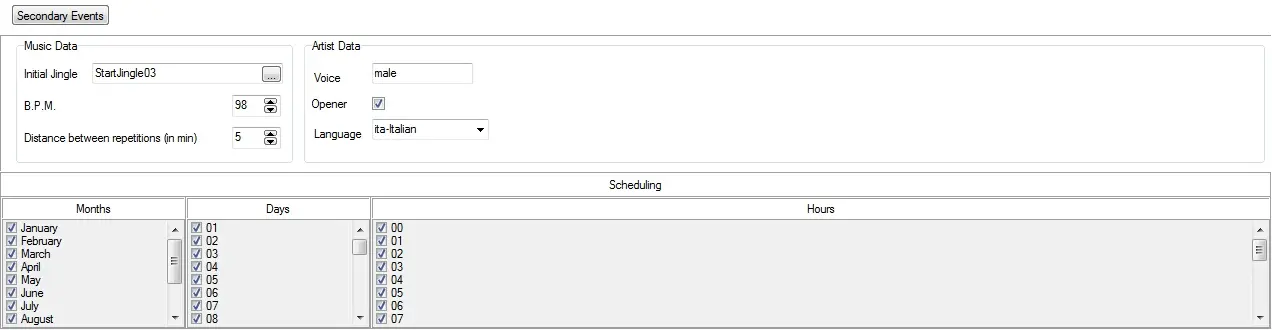
Set here the "secondary events" that will be displayed along with the primary event (i.e. the scheduled asset) as well as its "scheduling" allowances and "music" information.
NB: The secondary events inserted here will be applied every time the asset is scheduled. Instead, if inserted from Executive editor, they will be applied only to the selected primary event. Refer to Etere Scheduling > Executive Editor > Secondary events chapter for more information.
Secondary events
Music Data
• Initial Jingle: The asset to be played each time the asset is broadcasted.
• BPM: Indicate the B.P.M. (BeatsPerMinute) of the asset.
• Distance between repetitions (in min): Set in minutes the minimum time that must pass before a repetition of the asset in question.
Artist Data
• Voice: Enter some details about the artist's voice, for example, if it's male, female or instrumental.
• Opener: Indicate if the asset is or not a opener (an important well-known song).
• Language: Set the language with which the asset content is provided.
Note
Music data and Artist data sections are only available for stations with a currently valid "Music Manager (EA1228)" license.
 Secondary_events