71.18.3 Ingest from Multiple Tapes
In cases an asset content is spread across two or more tapes, Etere Ingest will allow operators to ingest all these media parts in one single ingest operation, this, just by following the next simple procedure:
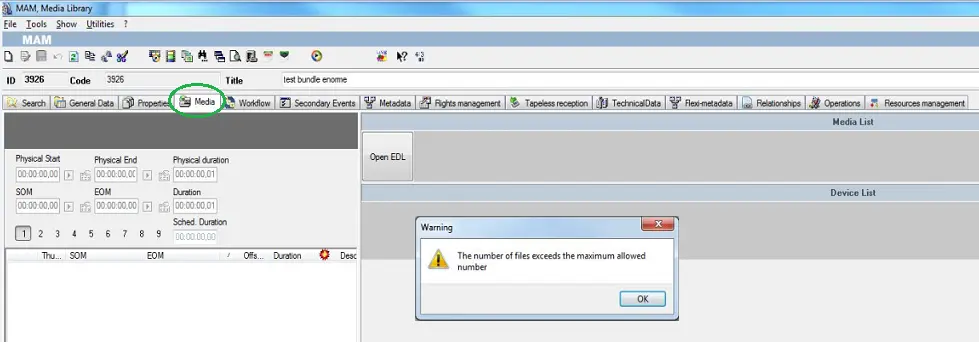
1. From the Media Library, either open the asset form to be set as spread into parts or create a new one,
2. Once the asset is loaded, proceed linking the tapes on which the asset media is recorded:
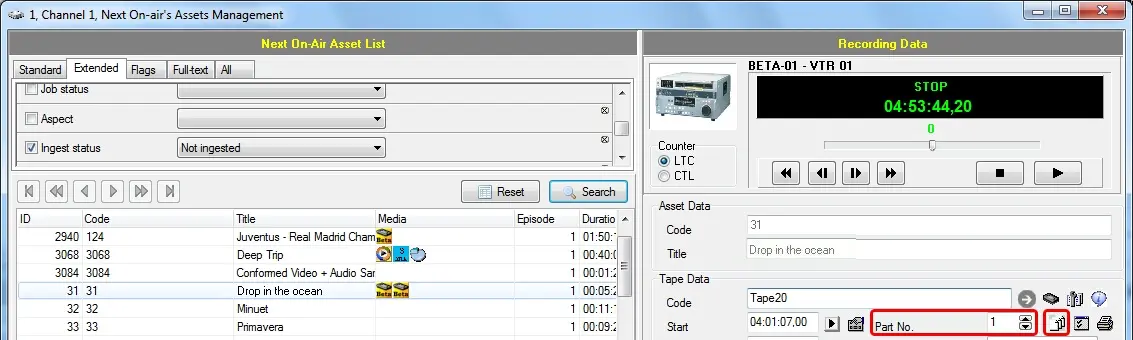
Please note that the Tape Manager module also allows changing the part number ("Part No." field) as well as defining new parts ([create new part] button):
Part No
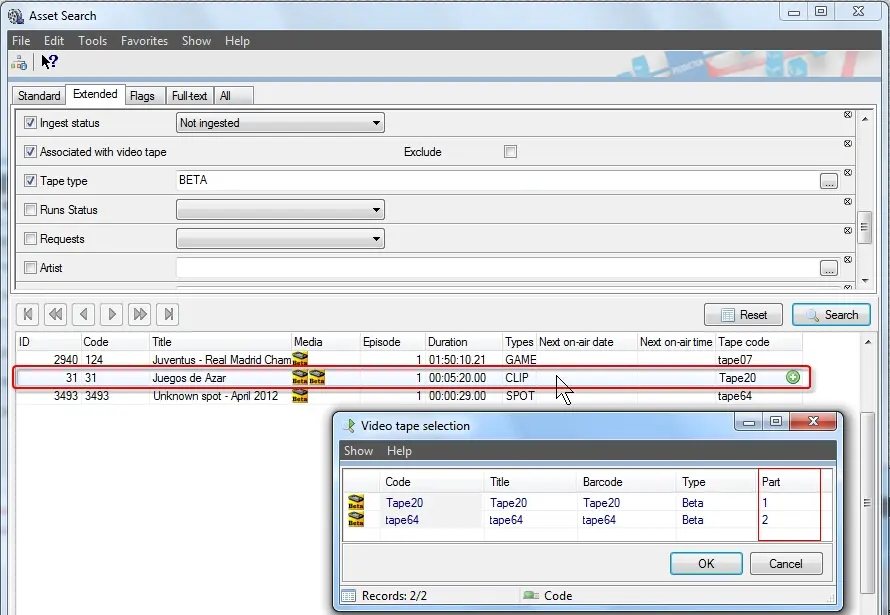
3. Open Etere Ingest (e.g. Easy Ingest, Multifunction Ingest) and search for the asset to be ingested from different parts. Once found, make double-click on the asset, a small window will warning the operator about the presence or multiple tapes linked to the asset, asking the operator to select the one to record first:
Easy Ingest, Multifunction Ingest
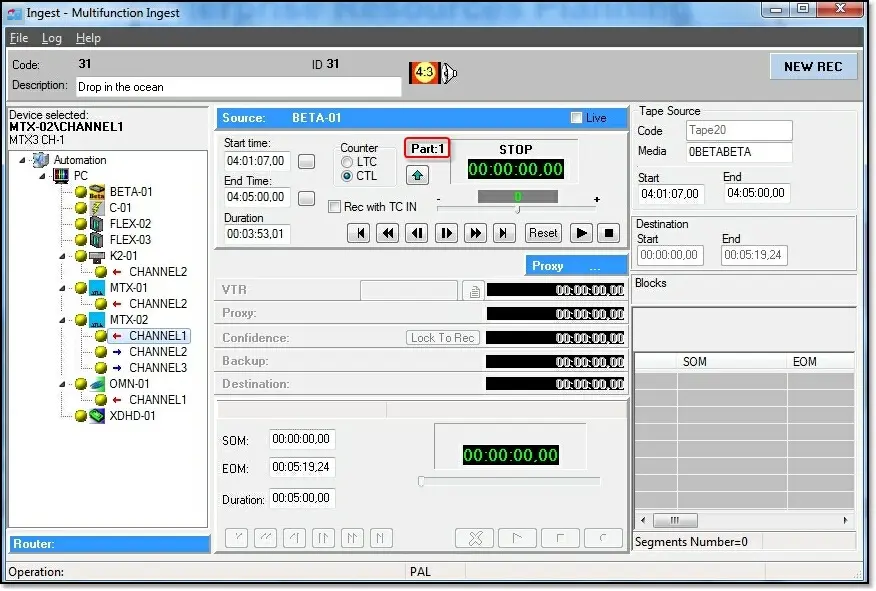
4. Etere Ingest (e.g. Easy Ingest, Multifunction Ingest) will start ingesting from the selected tape (e.g. part 1):
Easy Ingest, Multifunction Ingest 2
5. Once the ingest of the selected part is completed, Etere Ingest (e.g. Easy Ingest, Multifunction Ingest) will ask the operator to insert the tape containing the next part(s).
 Media_Library
 Easy_Ingest,_Multifunction_Ingest_2
 Part_No
 Easy_Ingest,_Multifunction_Ingest_1