16.4 Sent Assets
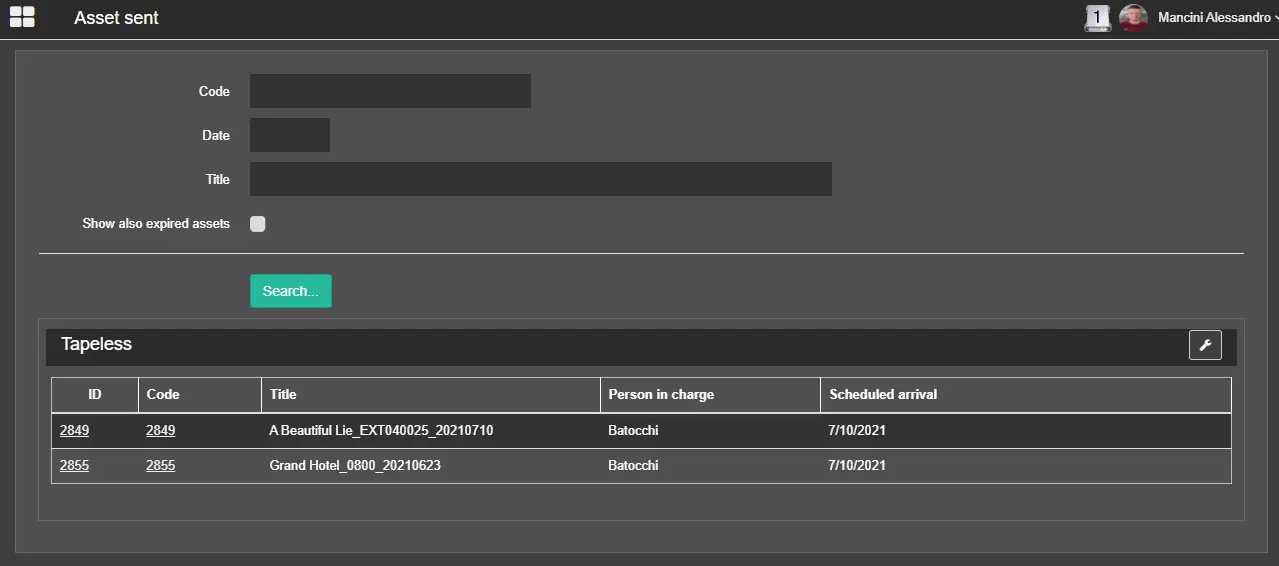
The “Sent Assets” section displays all the tapeless assets already uploaded by the logged-in Supplier. You can enable the option "Show also expired assets" to include tapeless assets for which the uploading dates expire.
Search all tapeless assets by extracting the asset code;
Date: Extract tapeless assets by a specific scheduled date;
Title: Search all tapeless assets by their asset title matching the specified value;
Show also expired assets: Enable this option to include tapeless assets whose uploading date has expired;
Once all the required parameters are fulfilled, click the <Search> button to extract tapeless assets matching the search criteria.
Already uploaded assets can be opened by clicking the related asset code to view the linked assets.
 Sent_Assets