Settings
18.1.2 Schedule Options
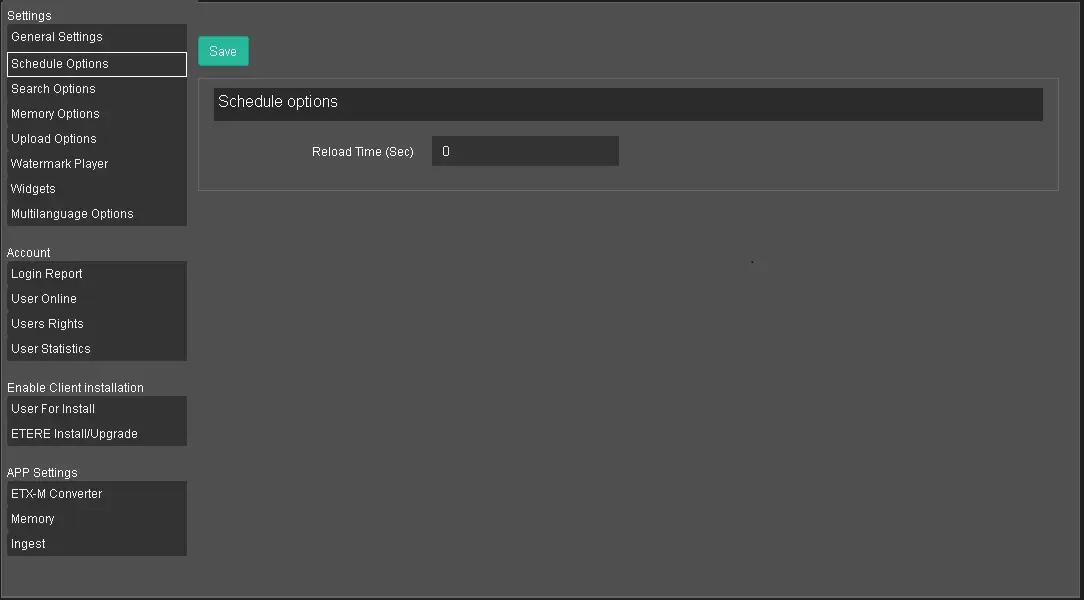
The Schedule Options settings allow you to set the option about scheduling.
Schedule Options
The options available are:
• Reload time (sec): Specify the interval times (in seconds) when the schedules are allowed to be reloaded;
. If the value is set to “0” (zero), the Reload option in the Automation Schedule will not be visible;
. If the value is set to less than 10 seconds, the value is set to 10 seconds;
. If there is no value set (empty), the default of 60 seconds will be applied;
• TYPE: Specify for which type of event you want to have a countdown timer: enabling it on the Schedule view on the Web, makes it possible to see the time left to the next event of that specified type from the event currently on-air.
 Schedule_Options