59.3.10.47 Instances
The instance actions permit to attach and detach T-workflows from a main T-workflow:
•Attach T-workflow instance
The selected T-Workflow will be loaded into the asset form but won't start.
Outputs: Attached, Not attached
Attach T-workflow instance
•Attach and start the T-workflow instance
The selected T-Workflow will be loaded into the asset form and immediately started.
Outputs: Attached, Not attached, Already started
Attach and create the T-workflow instance
•Detach the T-workflow instance
The selected T-Workflow will be dissociated from the asset only in case the T-Workflow is inactive.
Outputs: Detached, Not detached, Not exists
Detach T-workflow instance
•Detach T-workflow inactive instance
The inactive T-Workflow selected will be dissociated from the asset
Outputs: Detached, Not detached, Not exists
Detach T-workflow inactive instance
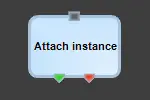 Attach_T-workflow_instance
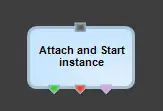 Attach_and_start_T-workflow_instance
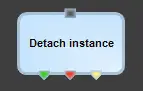 Detach_T-workflow_instance
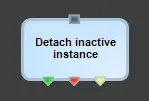 Detach_T-workflow_inactive_instance