Rundown Playout Panel
79.3.2.5 Reports Menu
The Reports menu contains a list of reports for Rundown.
- Print screen of the rundown: Generate a report containing the current rundown as it is viewed by the user:
rndwn_print_screen_report - Rundown: Generate a report including the on-air time, stories and segments descriptions, scheduled times and person in charge.
- Rundown with Notes: Generate a report capturing the information in Notes column in the Rundown.
Rundown with Notes - Rundown with story text: Generate a report containing the current rundown with the entire text of its contained stories, each story will occupy one page:
Rundown with story text - Rundown without story text: Generate a report containing the current rundown omitting the text of its contained stories:
Rundown without story text - Rundown with comments of stories: Generate a Rundown report containing all the comments in the stories, which one story printed in a page.
- Rundown with prompter of stories: Generate a Rundown report containing all the stories text sent to the prompter.
Rundown with prompter of stories - Rundown with duration of video: Generate a report capturing the description of stories and segments, "Custom Note" fields (see chapter 79.4.6.8 Rundown settings), talk duration, duration of the asset video in the story, total duration, scheduled time and on-air time.
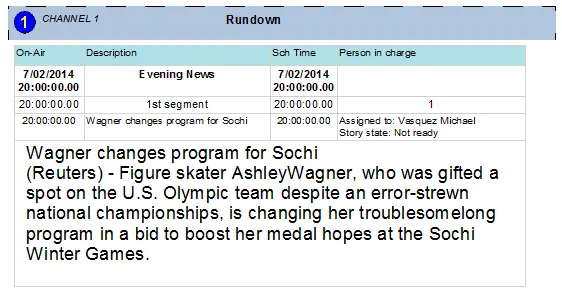 Rundown_with_story_text
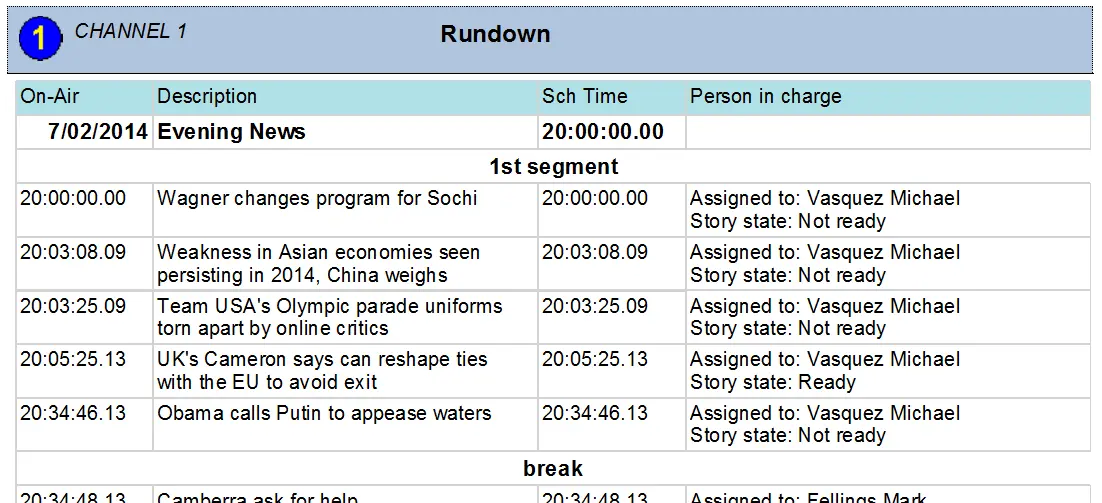 Rundown_without_story_text
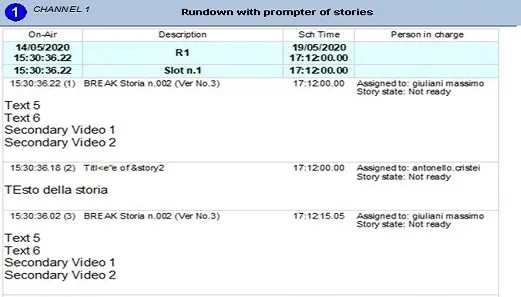 Rundown_with_prompter_of_stories
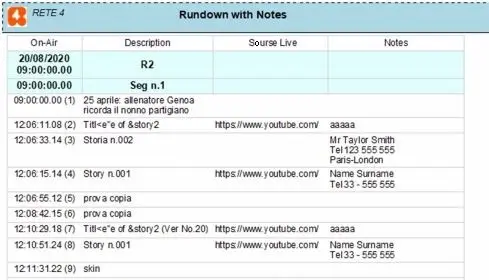 Rundown_with_Notes
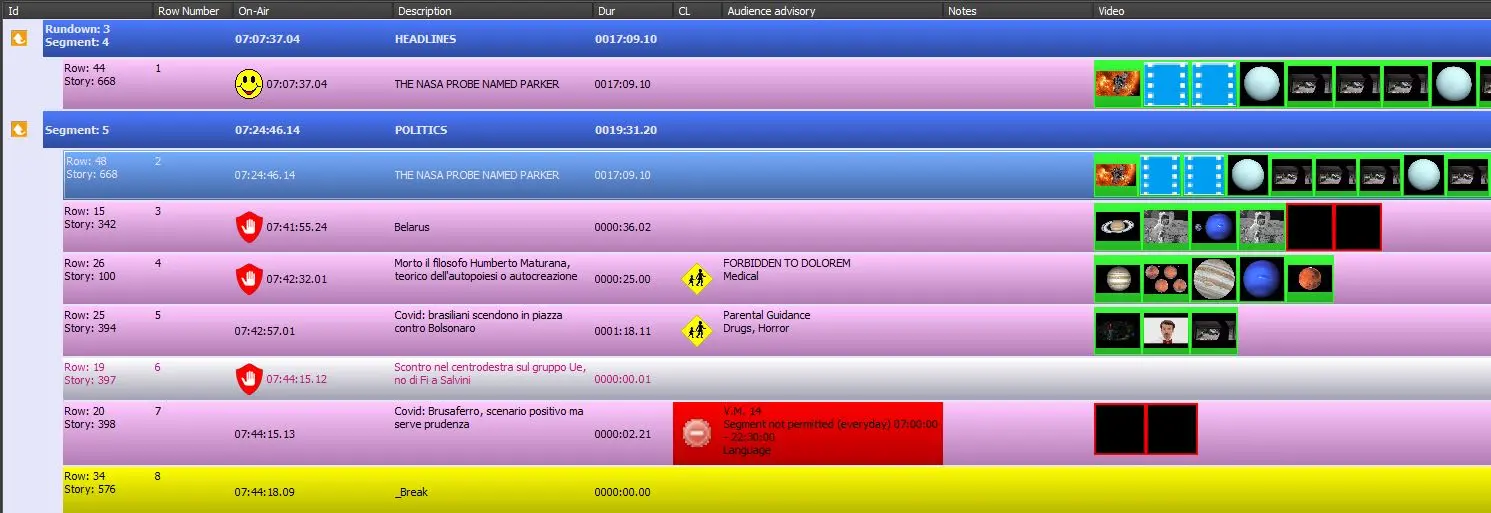 rndwn_print_screen_report