16.2 Asset to link
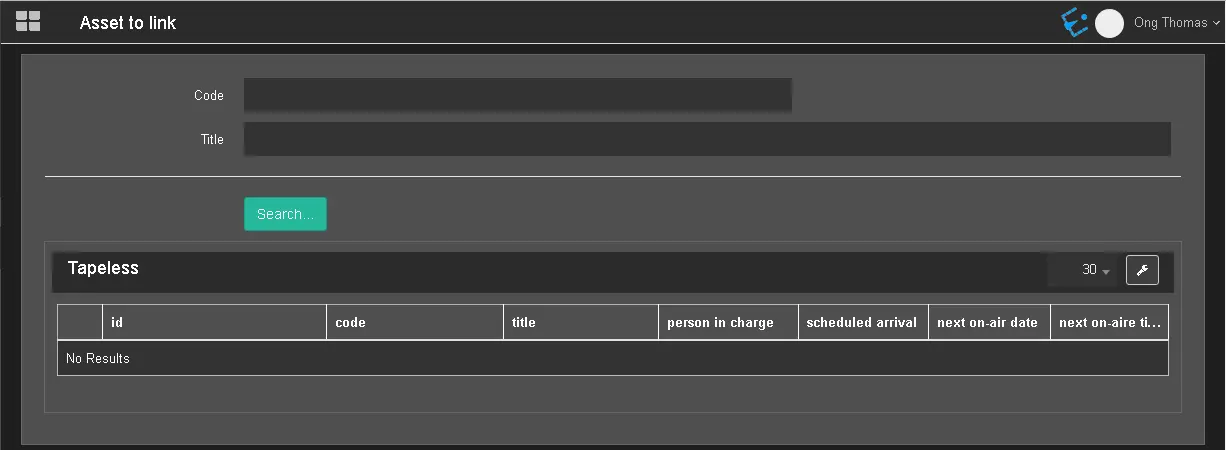
All the assets without any media are listed here.
Before you can link a media file to an asset, the following System Parameters in the “param.ini / Web settings” file must be set with a specific value:
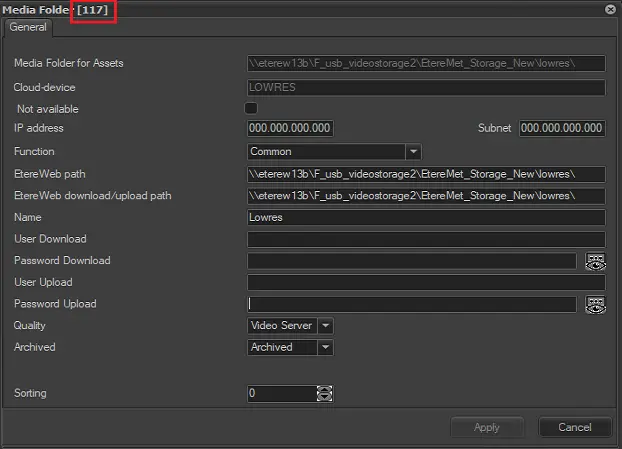
• param.ini / Websettings / IdWebAssetPathLink: Specify the media folder ID to which the asset would be linked, as indicated below;
Media folder
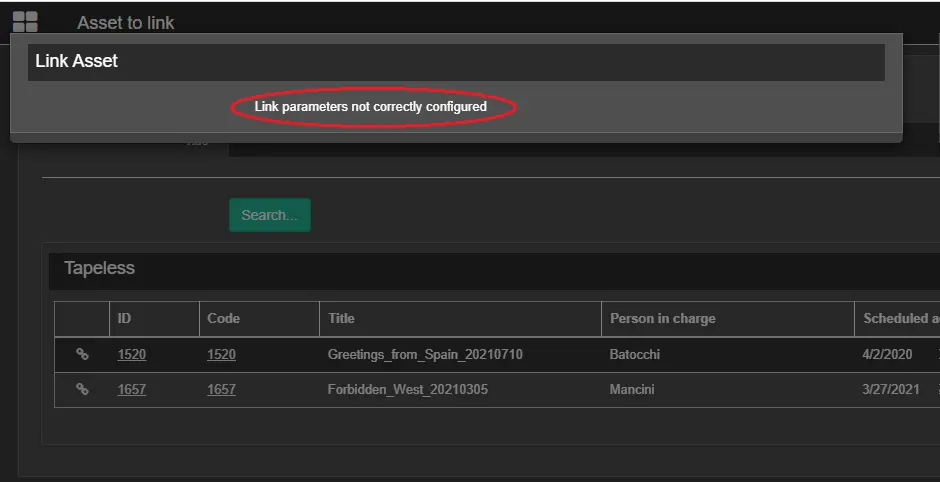
The link asset request will be denied when the parameters mentioned above are not set correctly.
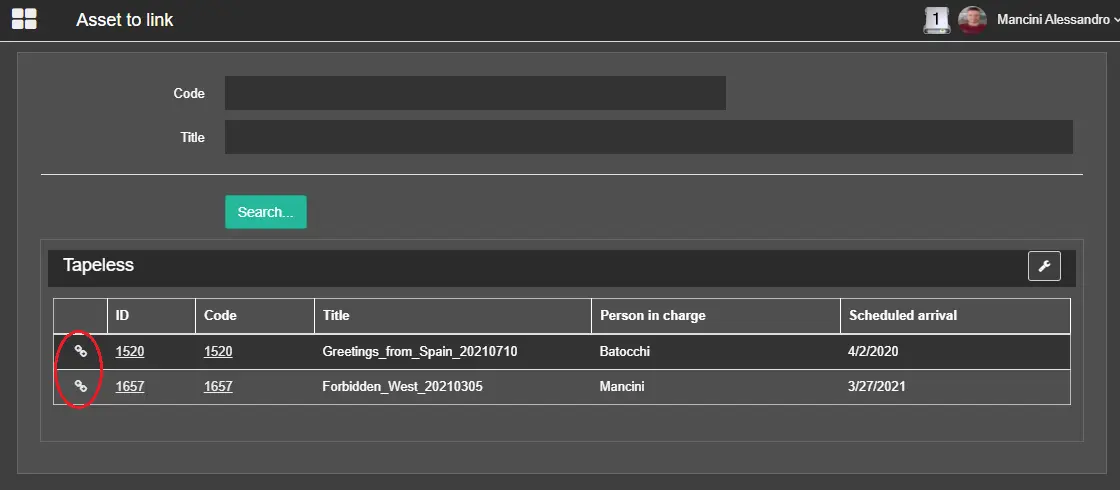
Asset to link 3
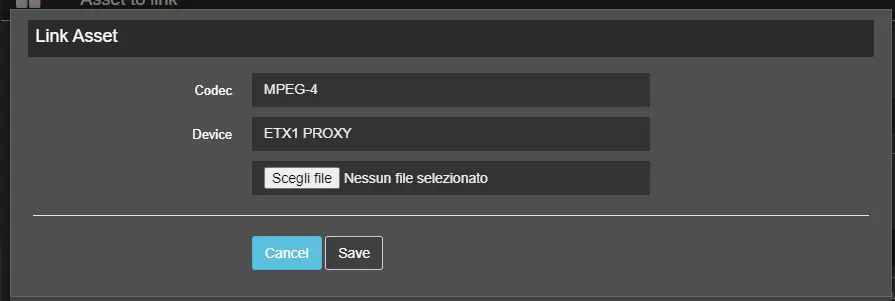
Once the parameters are correctly set, the following window will be opened, allowing the user to choose the file to link to the selected asset.
Link asset
Click on the icon on the left of the asset code to start the link. The file must be already in the path configured previously.
This is not an upload, a simple link to register the file in the database.
 Media_folder
 Asset_to_link_3
 Asset_to_link_1
 Link_asset
 Asset_to_link_2