84.4.4.92 CUSTOM > ASSET MUSIC QSHEET XML
Export Scope
The Export Custom ASSET MUSIC QSHEET XML creates one or more XML files, depending on whether one or more assets are selected, by writing SIAE DATA MUSIC fields into them.
Export parameters
The following parameters must be set to fulfill the export process:
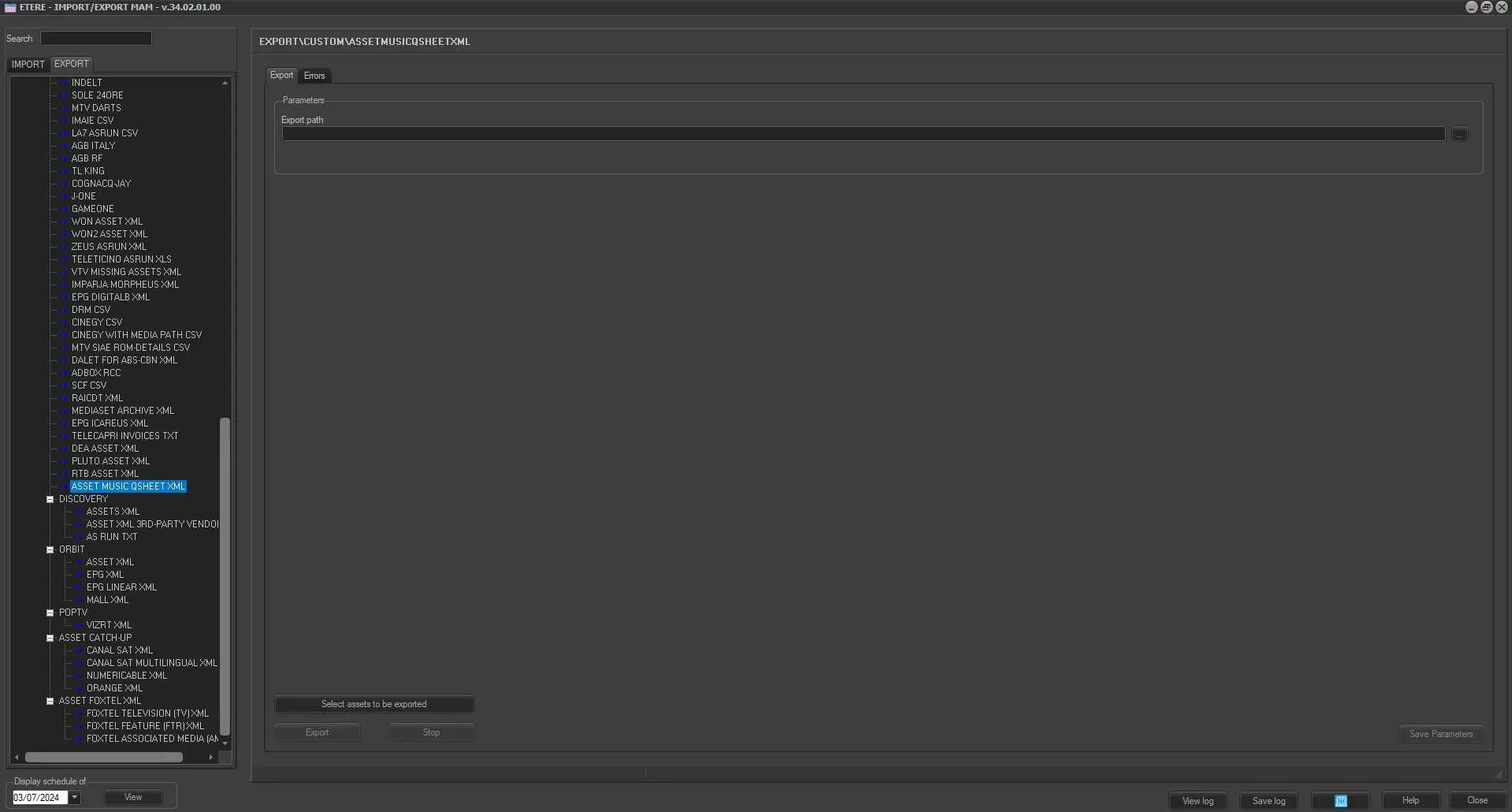
EXPORT_ASSET_MUSIC_QSHEET_XML
Parameters
•Export path: Indicate the path where the exported XML file would be placed.
•Select assets to be exported: Open the asset search form to select asset(s) for which their linked files data will be exported. Multiple assets can be selected by holding the “Ctrl” key or “Shift” key while marking assets.
Upon completion, click the <Save Parameters> to save the parameter settings.
Launch the export
Once the parameters are correctly set, press the <Export> button to launch the export operation.
 EXPORT_ASSET_MUSIC_QSHEET_XML