ANNOVA Integration
74.5.2.4 ANNOVA - How to use the OCX
1. From the story toolbar, click on the 'MOS' icon, and the OCX will open in creator-mode
2. Hold the CTRL key and double-click on the MOS item to open the OCX in browser mode. Make double-click on the item to preview it
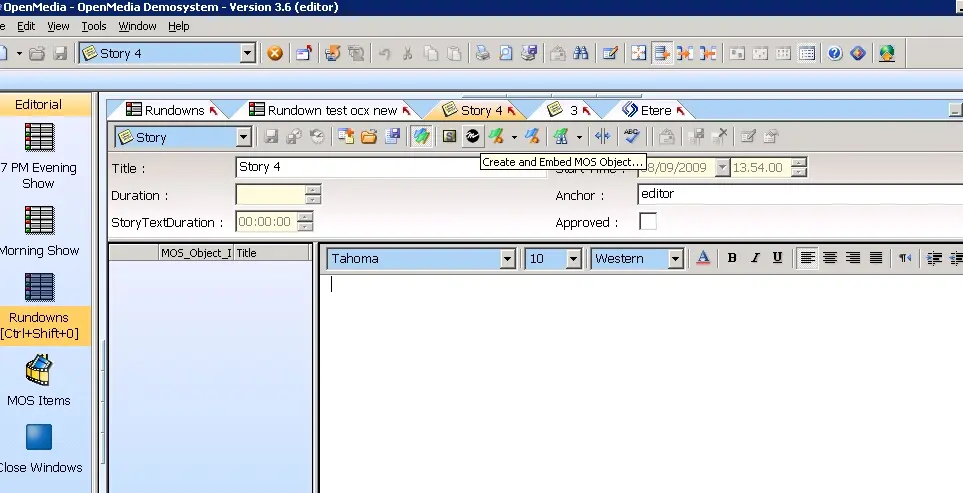 Annova_howto_ocx_01
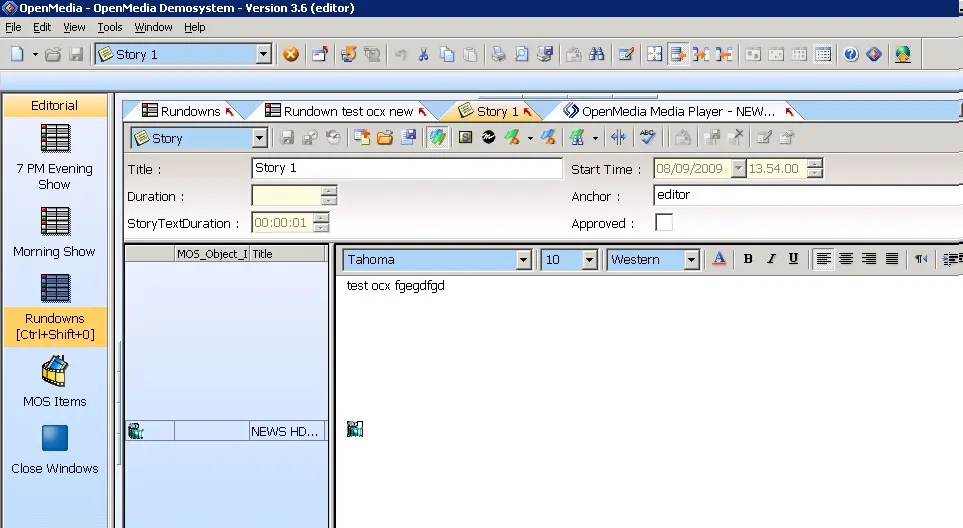 Annova_howto_ocx_02