72.2.3.16 Show Menu
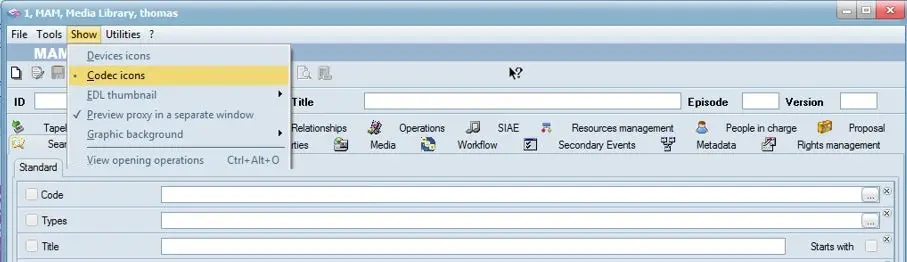
This menu allows to select the way that asset's linked material will be displayed under the Media tab:
Show
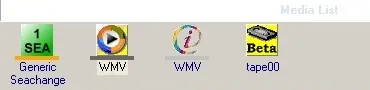
Devices icons - Only the icons associated to the related media device would be displayed:
Devices icons
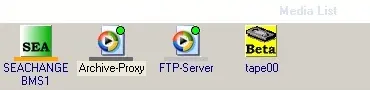
Codec icons - display icons related to the related media codec plus a indicator of their status:
where:
Codec icons
•Green circle : The file is online
•Gray circle : The file is offline
•Red circle : The file download has been requested
•Yellow circle : The file is currently being downloaded
•No circle : No icon has been assigned to the media type in question
EDL thumbnail - Set the size with which EDL thumbnails will be displayed. Available sizes include small, medium and large.
The thumbnails are displayed in the default view in the same position.
Preview proxy in a separate window - By able/disable this option you can preview the proxy file according to the size of the preview window.
Graphic background - There are total of 5 graphic preview background (1 to 5) available for selection, select one that best suit your needs.
View opening operations - This function list the Media Library operations currently started in the workstation, including the start time and end time when the operations were performed.
 Show
Show
 Codec_icons
 Devices_icons