75 Etere Multichannel View Multidatabase
When the Etere system is spread over multiple sites, each with its own SQL instance and Etere database, and there is the need to monitor the schedules in more than one site, the Etere Multichannel View Multidatabase module can be the solution.
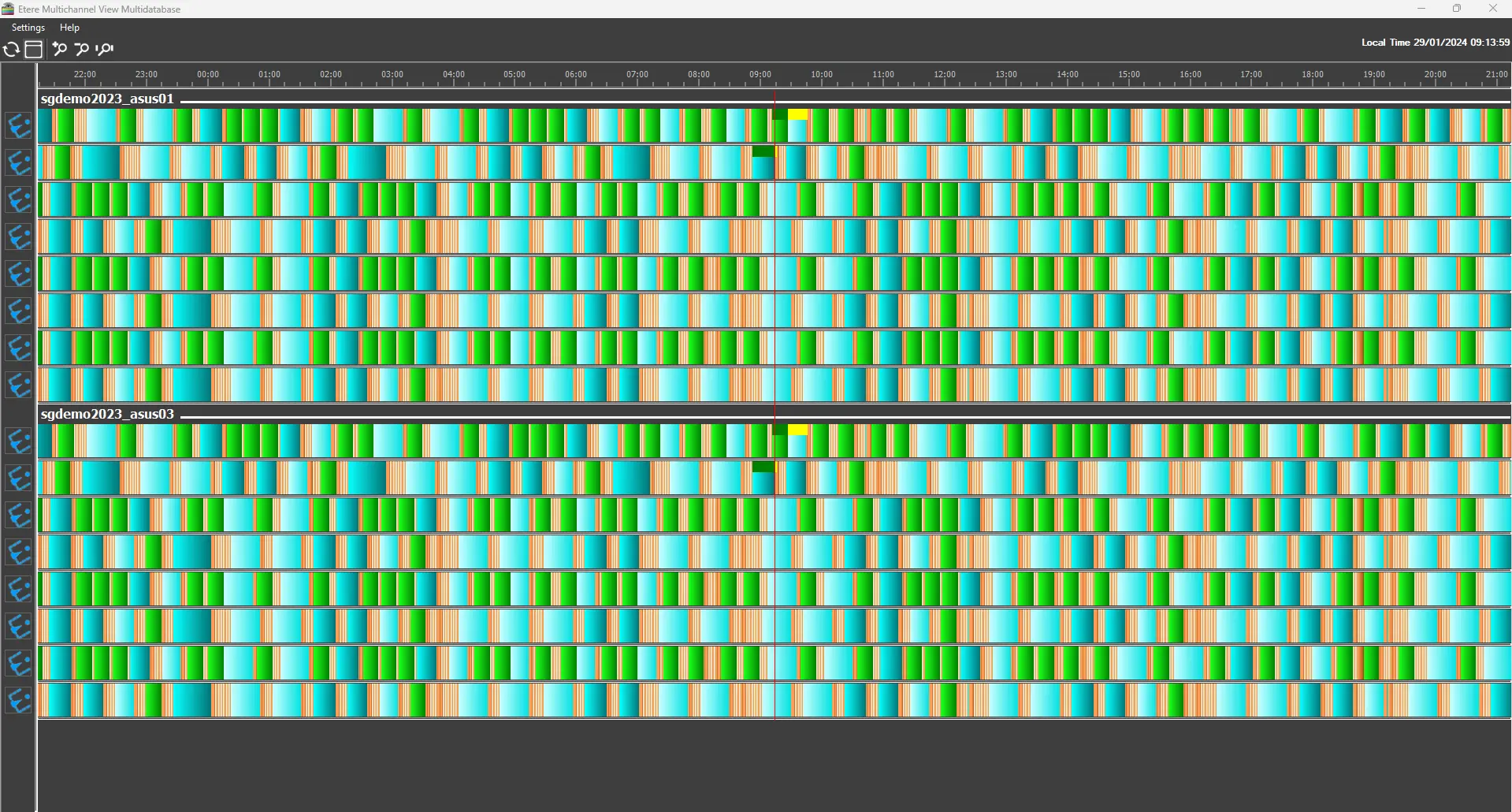
Etere Multichannel View Multidatabase module allows one to see the schedules of multiple stations in the form of timelines, and it is designed to display the different databases' information on an integrated interface.
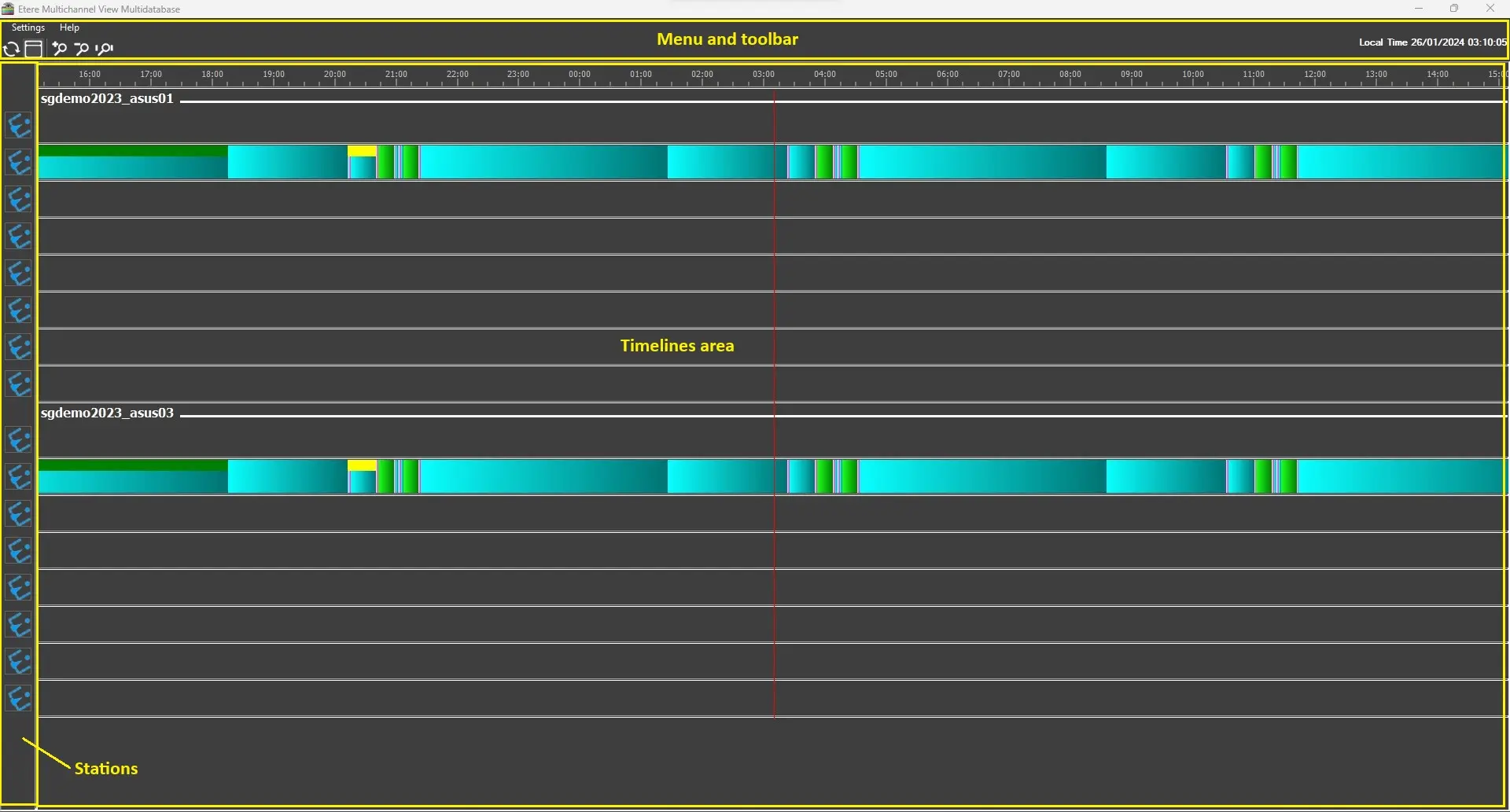
The GUI is divided into three main sections:
• Menu bar and toolbar: Useful tools and settings, as well as the local time and date, are provided in this section.
• Stations sidebar: In this sidebar, placed on the left side of the window, all the stations for each database configured are displayed.
• Timelines area: The main area of the module, where the timelines representing the current-day playlists of each station are displayed. This area is divided into multiple sub-sections that can be expanded/collapsed according to how many databases are configured in the settings.
More details about the configuration and usage of the module are provided in the following chapters.
multiDB_gui
NOTE: This module is currently available only for customer code 1584. This feature can be visible and selectable in the Etere installer only if the following string is added to the Etere Update shortcut in the Target field:
/c=1584
 multiDB_gui
 multichannel_view_multi_db