69.2.2.9 MTV SIAE ROM DETAILS
Import Scope
The F90 Import Custom MTV SIAE ROM Details allows to import a CSV file containing the SIAE ROM details data of an Etere asset.
Import Parameters
Import - Custom - MTV SIAE ROM DETAILS
Filename: AssetCode.csv - The filename must be the same as the destination asset code. If import is successful, the file extension would be renamed to ".done", else it would be renamed to ".err".
Import data: Opens the Configure Import window to specify the days and the frequency to be imported.
Update all asset data, even if already existing: Enable this option to update asset with all the details in the CSV file, including all asset with details already present.
Scheduling related import
Set the parameters in the Etere Scheduling >Import/Export > IMPORT\CUSTOM\MTVSIAEROM-DETAILSCSV and save them once done.
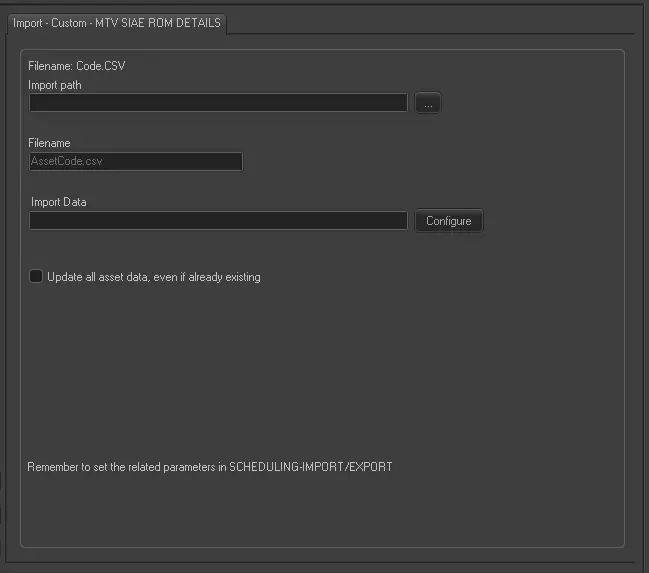 Import_-_Custom_-_MTV_SIAE_ROM_DETAILS