69.2.1.4 DALET RUNDOWN XML
Import Scope
The Import Standard Dalet Rundown XML import an XML file containing playlist from Dalet into Etere Studio Player
The file to be import must have an “.xml” extension and filename starting with “DDMMYY” date format.
Upon successful import, the file would be renamed with extension “.old” appended to the filename.
Import Parameters
Import - Standard - DALET RUNDOWN XML
Import path - Specify the path where the XML file is saved. You can use the browse button to locate the file in local or network drives.
Import data - Click on Configure button to define the days and frequency to perform the import.
Scheduling related import
Apply all information entered above, and set the same parameters in Etere Scheduling > Import/Export > IMPORT\STANDARD\DALETRUNDOWNXML.
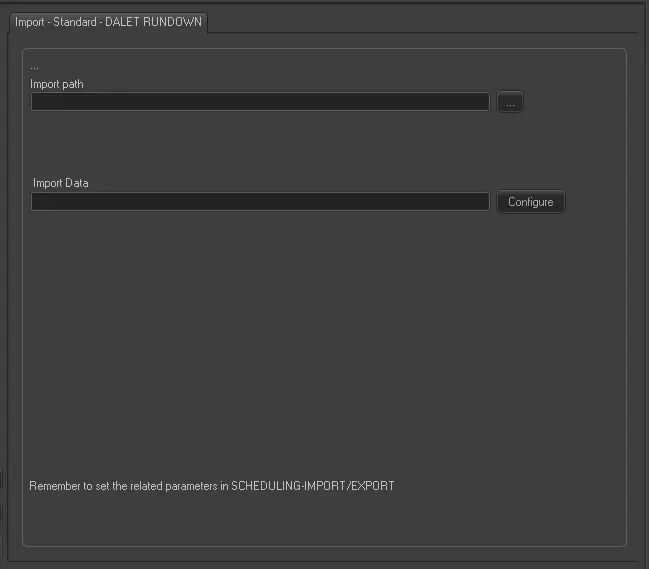 Import_-_Standard_-_DALET_RUNDOWN_XML