Censoring video
58.3.11 Cut to Black (stop On Air Signal)
Cut to Black (stop On-air signal)
This function allows you to black the on-air video immediately. The audio will also be muted.
Note: This function affects the video currently airing on your channel. So please take extra care when using this function.
- At the On-Air section, click the [BLACK] button. The video would immediately be blacked out. The button will also turn red, indicating that the video is blacked out.
- To restore the video, click the [BLACK] button again. The video would immediately be restored. The button will also return to its original colour, indicating that it is currently not selected.
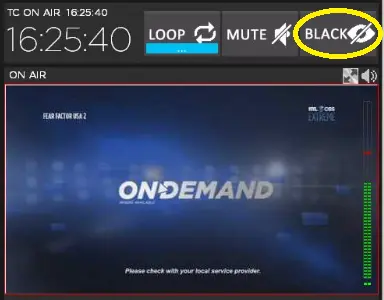 On-air_black