59.5.15.4 Planning Report
Report Description
This report allows creating a report based on a specific 'customer', 'agency', 'order', 'lines', 'date-range', or even the 'commercial type'.
NB: To be used, this report requires the 'Use Manual Scheduling' option to be enabled under the Etere Configuration | Settings | Air Sales | Scheduling Rules section.
Report Filters
All the parameters that permit a detailed report generation have been spread across seven different tabs to allow a more manageable configuration. By default, all filters are disabled (i.e., either blank or unselected); it is enough to configure at least one parameter inside to enable them. Available filters include:
•Customer: Indicate the customer for which the order has been elaborated,
•Agency: Specify the agency related to the order,
•Order: Select the order that will be detailed in the report,
•Details: Choose the order line for which the report is intended to be generated,
•Date range (from-to): Indicate the date interval from which data will be retrieved, that is, the period for which the report is intended to be generated.
•Commercial type: Indicate if there will be included only commercials, sfhfna (a commercial that is present in a break inside a program; it's used to customise a program manually) or both of them,
•Status: Indicate the exact status retrieved events must have; available status includes payment, free, sponsor, barter or any other.
To generate a report, at least an agency and an order must be specified.
Report Preview
The [Settings] permits configuring the page layout of the outgoing document; once filters and settings have been set, it will be possible to select between displaying a preview using the related [Preview] button or printing the document directly using the [Report] button. Please note that some reports permit the export of the generated document in the most common formats (pdf, CSV, doc, xls, XML, etc) just by using the [Export] button.
Planning_Report
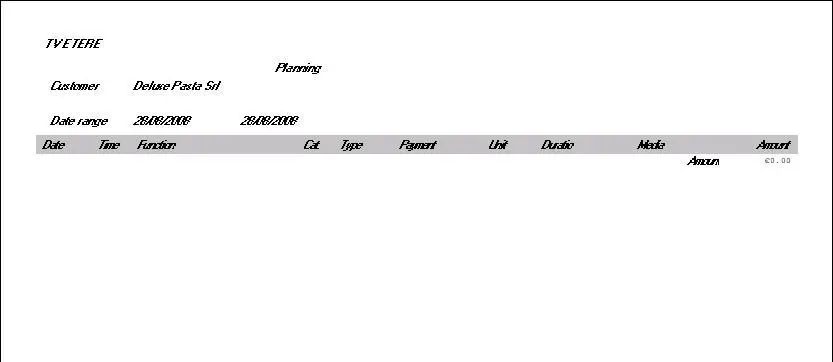 Planning_Report