4.2 Customer Area
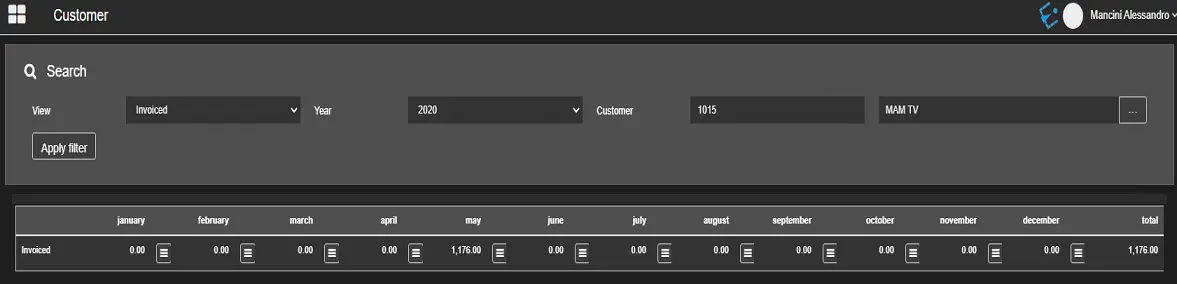
The Customer Area allows you to filter contract information about a customer with specific criteria.
etereweb_airsales_customer_area
View: Select the contract type to filter contracts related to the customer:• Invoiced: View only the invoiced contracts;
• Deadlines: View contracts with expiry date fall within the given time frame;
• Credit status: Select this option to view customer credit status for the selected financial year and financial data such as credit agreed, invoiced amount, etc.
Year: Select a calendar year to view all contracts created within the year.
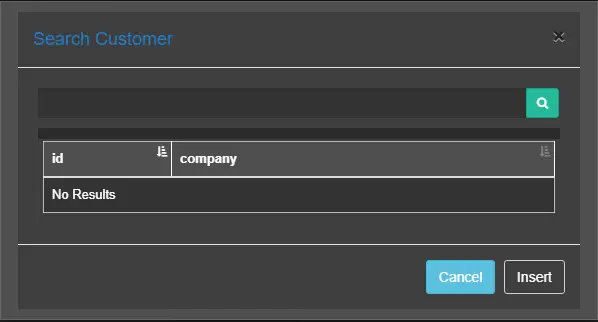
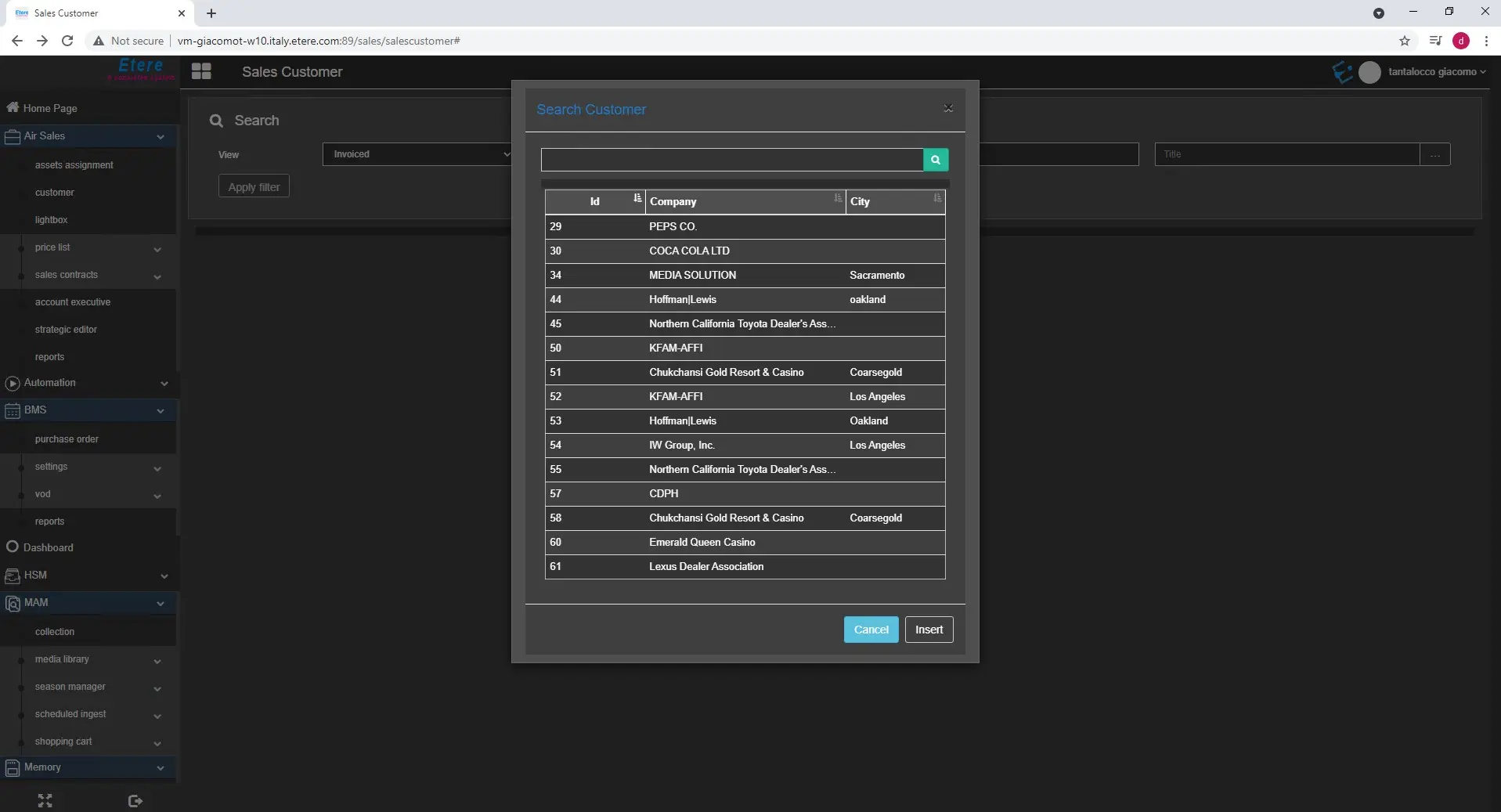
Customer: Enter the customer ID. You can click the browse button to launch the Search form and locate the customer.
etereweb_airsales_search_customer
search_customer
Click the Apply Filter button to filter customer contracts that match the above criteria.
In the example above, the user filters all the contracts already invoiced for 2020 for customer ID 1015. This customer, in 2020, has been invoiced contracts only in May, with a total value of 1,176 Euros.
The invoiced contracts are displayed on a monthly base, with the total amount summed up in the last column.
In both Invoiced and Deadlines views, it's possible to see the details of the invoices issued or the deadlines for a specific month, clicking on the ☰ button.
In Credit status view, it's possible to edit the agreed credit, clicking the button on top-left of the table.
 etereweb_airsales_customer_area
 etereweb_airsales_search_customer
 search_customer