9.2.6.2 SEGMENTS Fast Metadata Insertion
SEGMENTS Fast Metadata Insertion
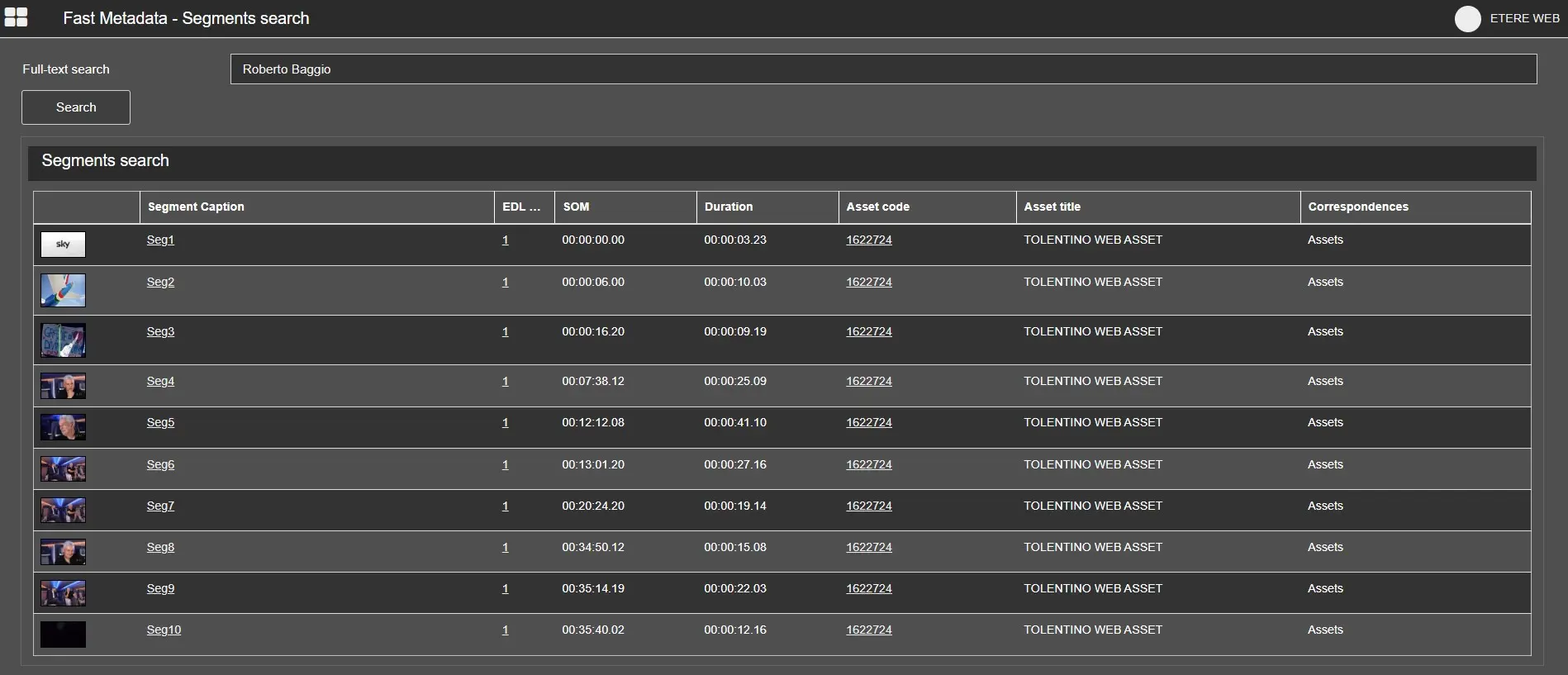
Segments Search is performed full-text on assets, segments, flexi-metadata, people and keywords.
Fast Metadata - Segment Search
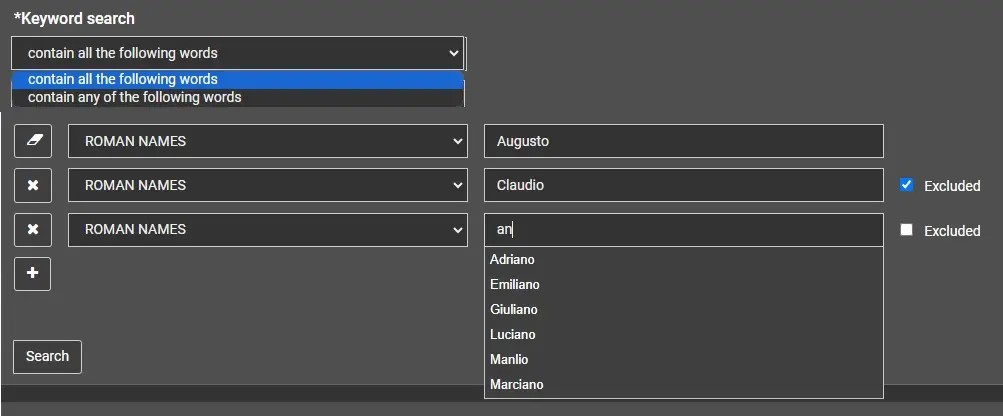
Inside our FULL-TEXT has been added Keywords search in Fast Metadata:
- user can search based on a varaible number of keywords (the user can add or remove variables by using "+" or "x" buttons)
- search for items having all specified keywords or one of them (the user can select "contain all the following words" or "contain any of the followng words")
- exclude items having certain keywords (by selecting "Excluded")
The search has auto-completion as you type letters of the word to be used (recommends results that contain those characters).
Keyword search
Select a segment to open the Fast Metadata Editing of its Asset’s EDL.
Clicking the segment caption will also select that segment in the EDL.
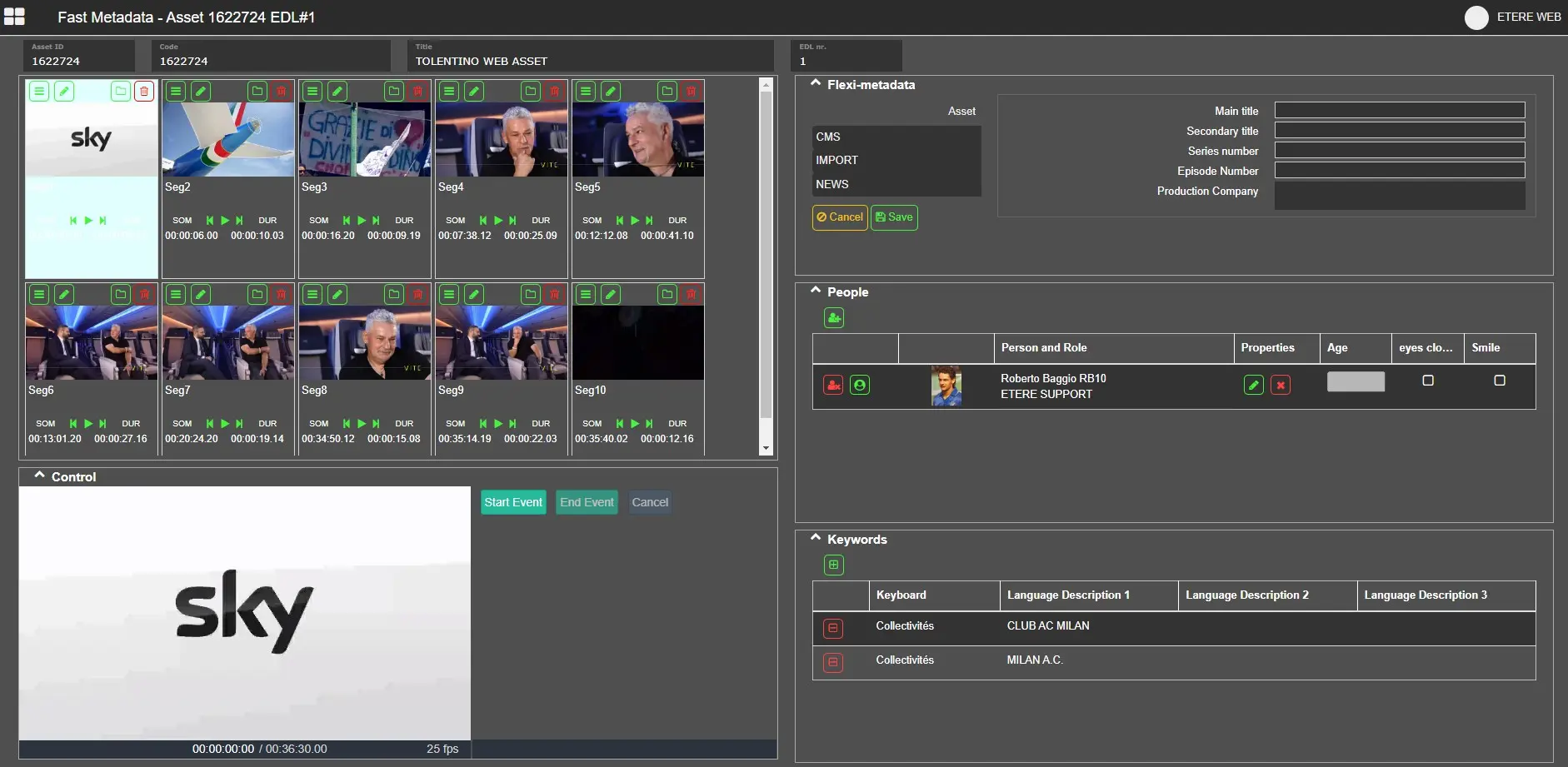
Fast Metadata - Segment Editing
Add a new segment
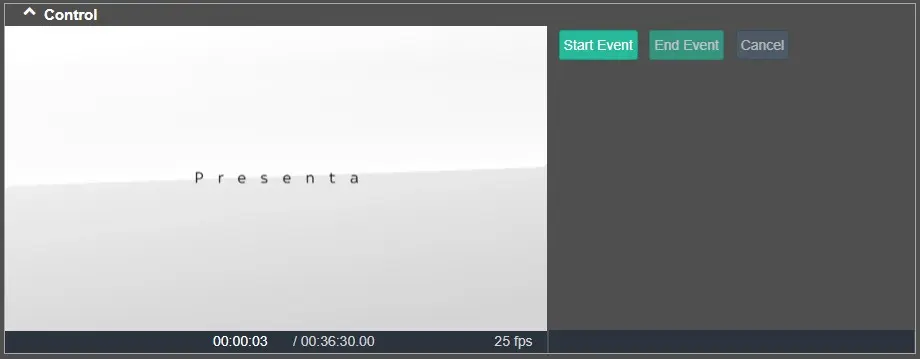
Fast Metadata - Add new Segment
Put the player in the position you want to start the new segment, then press Start Event button.
So put the player in the position where new segment will end, then press End Event button.
A new segment will be created and put in the segments list, then you can write its description and save it.
Segment management
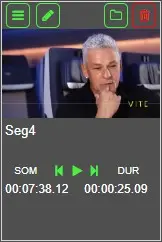
Fast Metadata - Segment Management
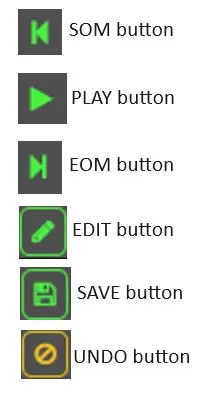
SOM: set the player position at the SOM of the segment.
PLAY: preview the segment from its SOM to its EOM.
EOM: set the player position at the EOM of the segment.
Press EDIT button to edit the General Data of the segment, then press SAVE button to save modifications or press UNDO button to disregard the last modification performed.
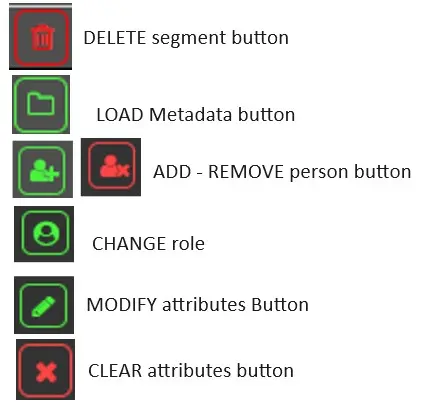
Press DELETE button to Delete Segment.
Fast Metadata - Management Button
Press OPEN button to load the Metadata of the segment in the related panels:
Fast Metadata - Metadata button
• Flexi-metadata
Edit the flexi-metadata of the segment, as set by the Flexi-metadata Editor.
• People
Add and remove Persons with their Roles.
Change role of the Person.
Modify attributes such as Age, Eyes closed and Smile (these attributes can be set automatically by Etere Face Recognition feature).
Clear attributes.
• Keywords
Add and remove Keywords to the segment for tagging.
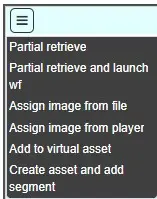
Menu
Fast Metadata - Segment Edit button
- Partial Retrieve: attach the Partial Retrieve workflow (set in Configuration Editor) to the segment.
- Partial Retrieve and launch wf: attach the Partial Retrieve workflow (set in Configuration Editor) to the segment, so the selected workflow will be attached to the asset created by partial retrieve.
- Assign image from file: assign the image of the segment taking it from a file selected by user.
- Assign image from player: assign the image of the segment taking it from the current frame of the player.
- Add to virtual asset: add the segment to an existing virtual asset.
- Create asset and add segment: put the segment into a new virtual asset.
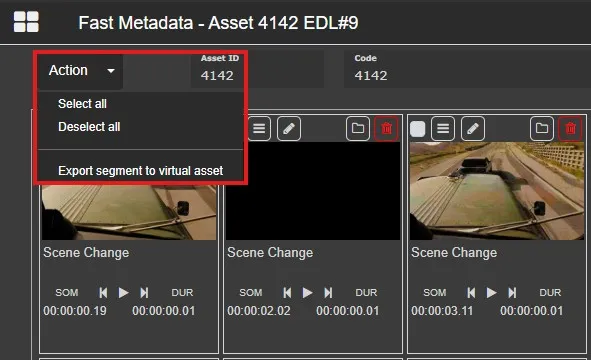
Action Menu
Fast Metadata Action
- Select all: select all the segments on the shown EDL.
- Deselect all: deselect all the segments on the shown EDL.
- Export segment to virtual asset: creates a virtual asset with all the selected segments.
 Fast_Metadata_-_Segment_Search
 Fast_Metadata_-_Segment_Editing
 Fast_Metadata_-_Add_new_Segment
 Fast_Metadata_-_Segment_Management
 Fast_Metadata_-_Management_Button
 Fast_Metadata_-_Metadata_button
 Fast_Metadata_-_Segment_Edit_button
 Keyword_search
 fast_metadata_action