76.1.3.1 Emergency Event Insertion
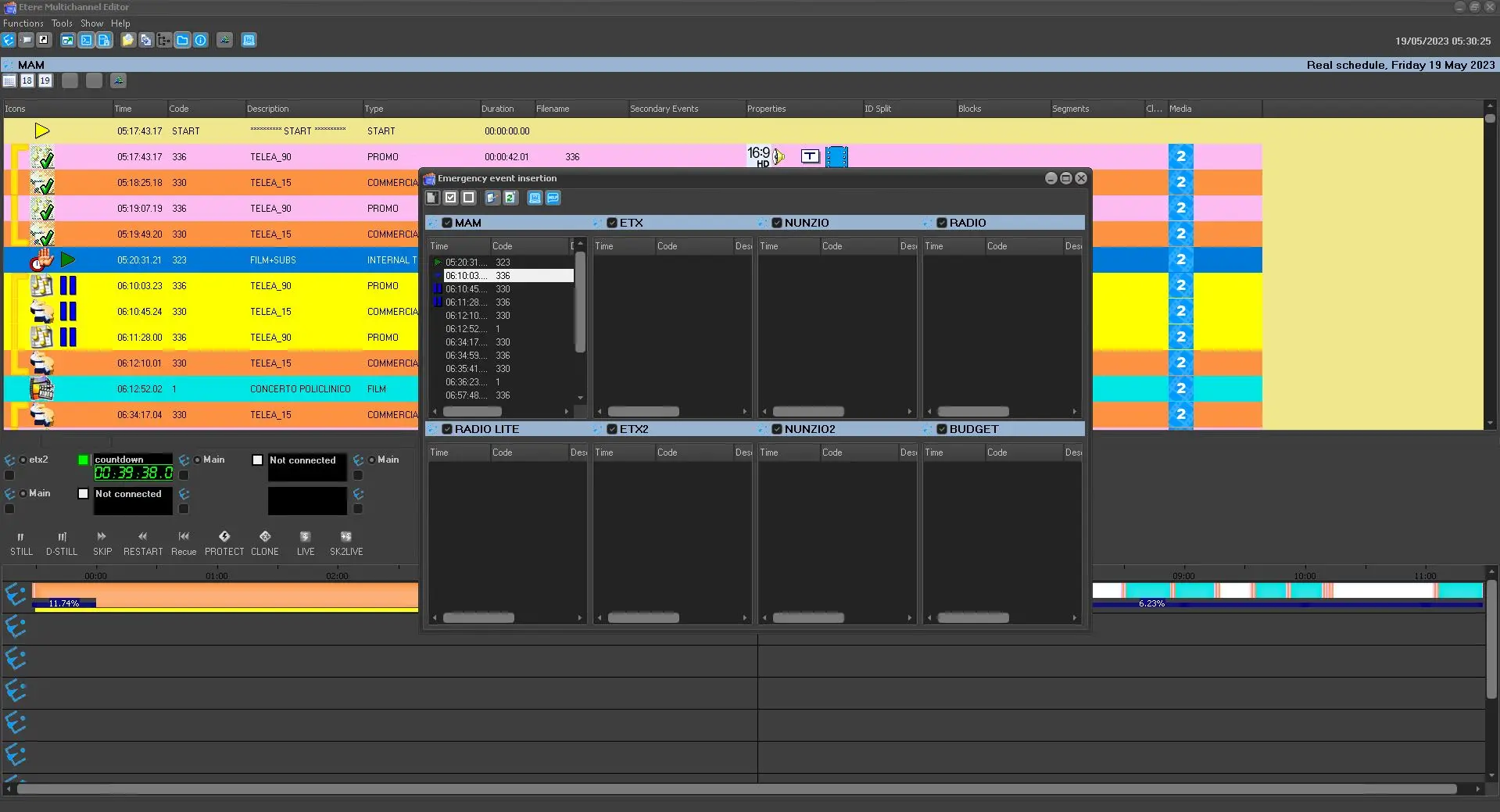
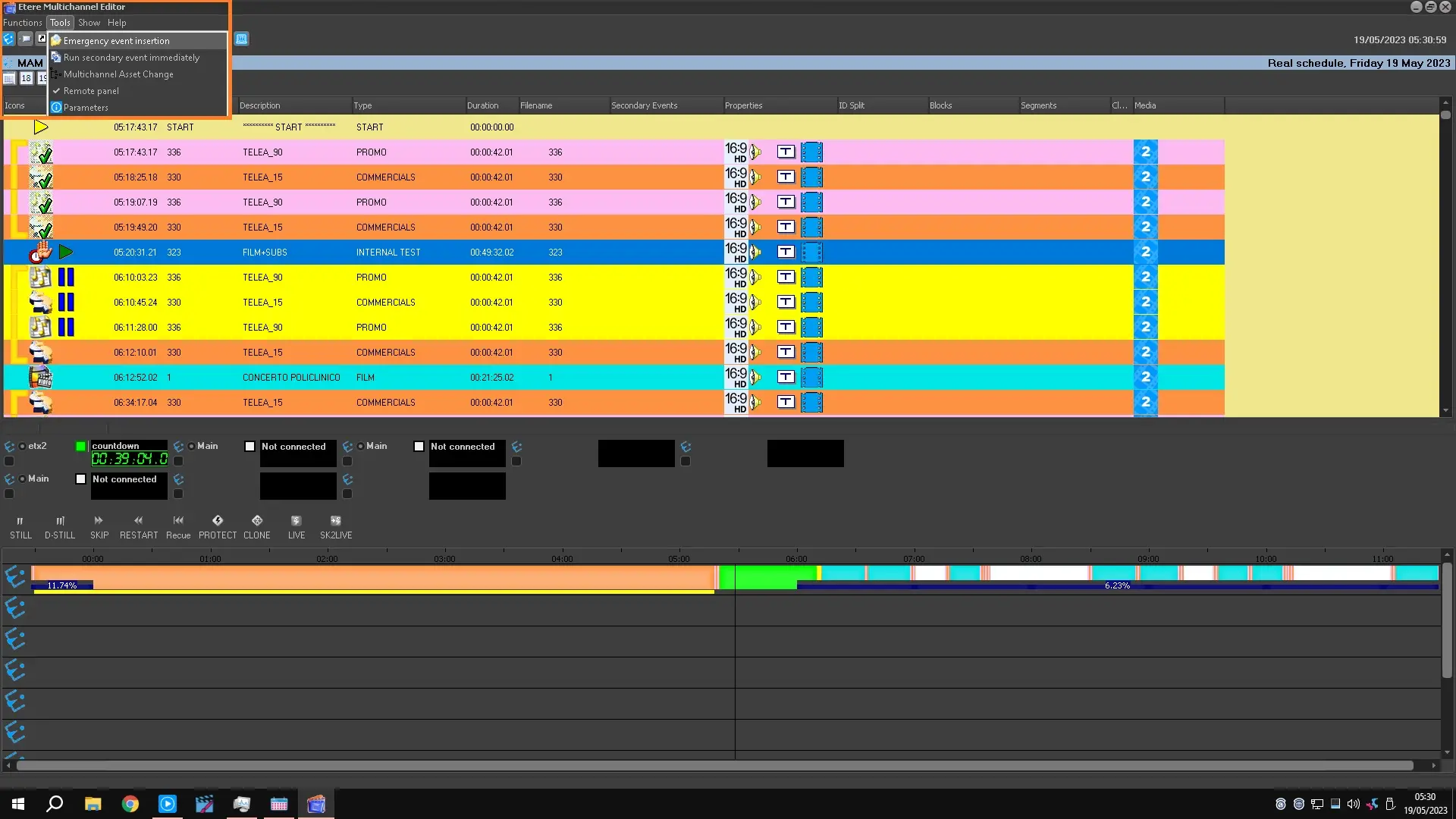
The 'Emergency Event Insertion' function allows easy insertion of an event into a specific position within the automation schedule across various stations. To use this function, follow the next procedure:
1. Click on the 'Emergency Event Insertion' button located in the toolbar, and the insertion form will be opened:
emergency_events_insertion
2. Select the stations on which to perform the insertion as well as the exact position on which the event will be inserted, then press the 'insert' button (Multichannel View_InsertEvent),
3. The search asset form module will be opened to allow the user to select the asset to be inserted, search for the asset and make double click on it (e.g., an asset whose code is 777 and lasts one hour),
4. The asset will be inserted in all the selected automation schedules at the selected positions, making the schedules scroll down for the total duration of the asset (e.g., one hour):
emergency_events_insertion_managmnt
 emergency_events_insertion_managmnt
 emergency_events_insertion