Search Assets
9.2.4.20 Task
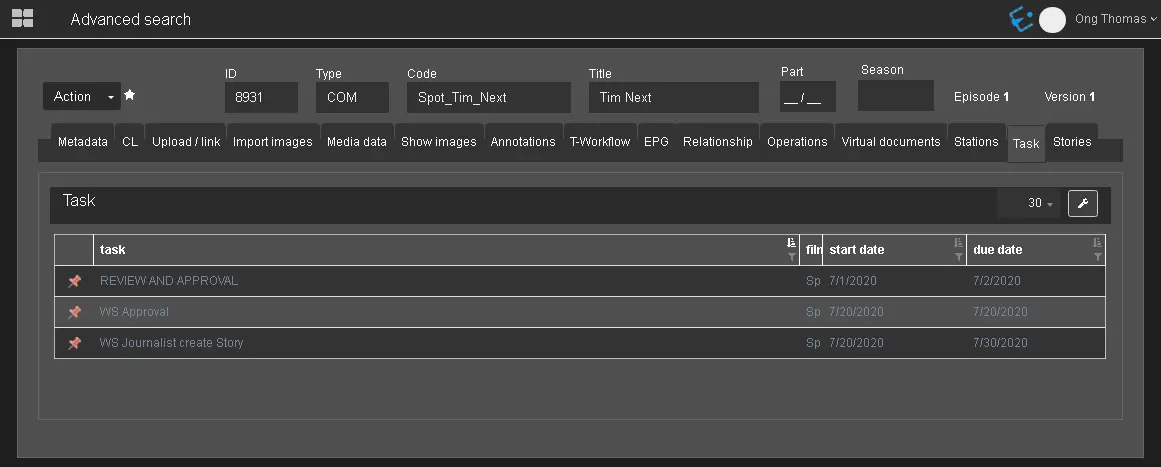
In the Task tab, all tasks associated with the asset are displayed.
Task_tab
In the image above, the pink pin icon at the extreme left column indicates each task's status. In this instance, all tasks have been completed. To understand various task statuses, you can refer to a list of colour pin icons in the Managing Tasks chapter.
NB: The maximum number of tasks that can be filtered is limited to 2000.
 Task_tab