Censoring video
58.3.5 Preview Video/Audio and Reset Marks
How to preview video
In the External Clip window, it is possible to preview a clip and define the marks.
- Select the clip.
- Right-click and select options "Preview" or "Reset marks."
How to set marks
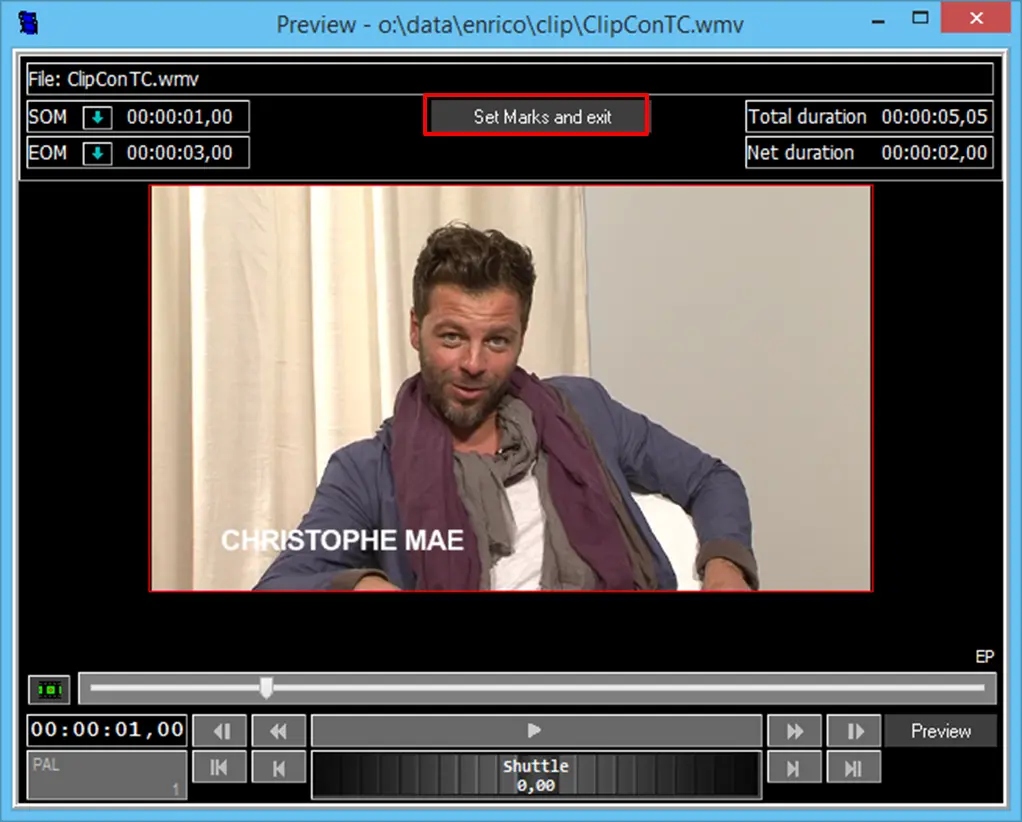
The preview form allows you to set the SOM (Start of Mark) and EOM (End of Mark). After setting, select the "Set Marks and exit" button.
Setmarksnexit
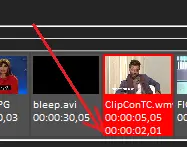
The new clip duration will appear as a picon.
Picon
How to reset marks
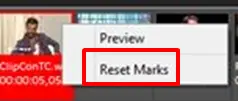
Right-click on the selected picon and select the "Reset Marks" option to reset the marks.
Resetmarks
How to preview audio
You can preview audio of different preview forms by clicking on the highlighted positions in the display.
Audio_preview_form_new
 Resetmarks
 Previewofclip
 Picon
Picon
 Audio_preview_form_new
 Setmarksnexit