59 Etere Configuration
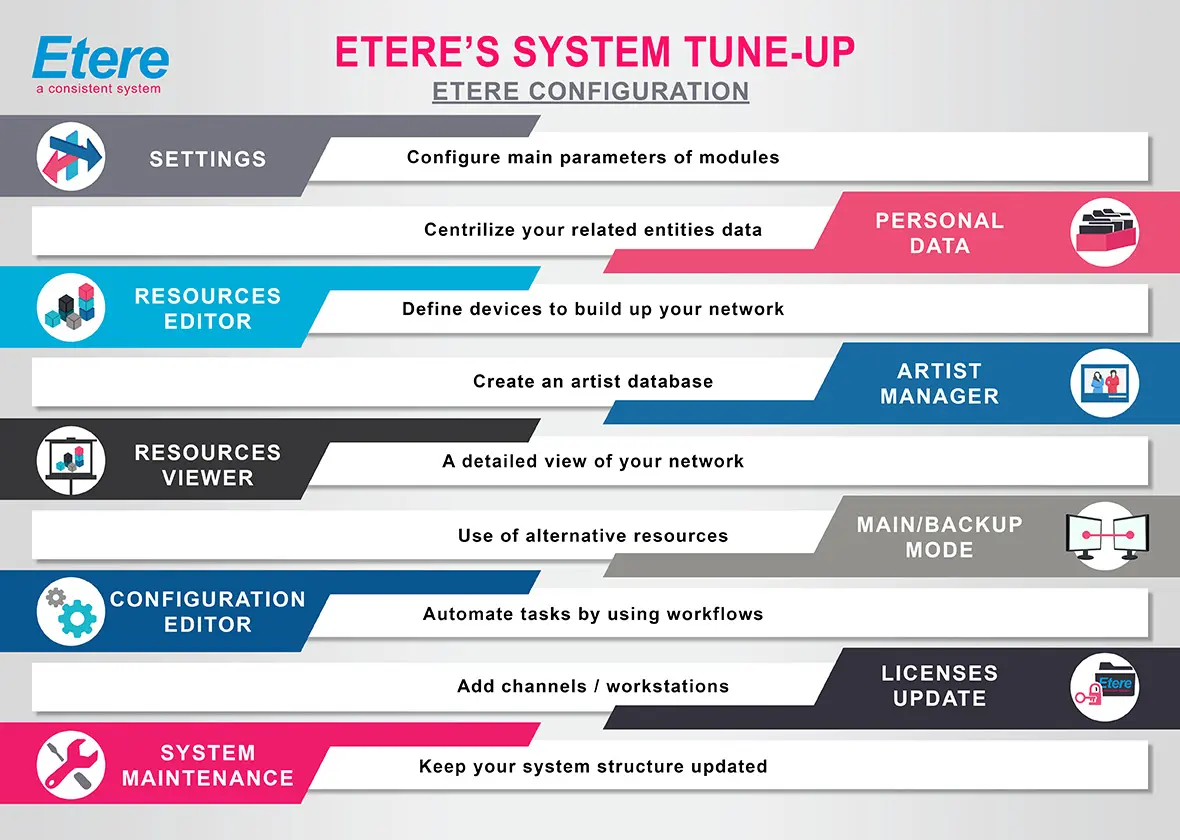
Etere Configuration is the module that centralises all the main configuration settings of the various modules that form part of an Etere system, thus allowing the administrator to configure the system easily. Before using Etere, it is recommended to set the relevant parameters correctly.
Etere_Configuration
This module consists of all functions listed below; each function will be explained in detail throughout chapters:
Settings - Configure the global parameters for using Etere.
Configuration Editor - Define how Etere works by creating and configuring customised T-workflows.
Resources Editor - Configure all hardware equipment connected to one or more computers.
Monitoring Console - Provide real-time access to your system, checking T-workflow status, its overall process functioning, and analysing possible errors.
Resources - Also called "Legacy resources". Etere can manage the devices using a legacy configuration method through this module.
System Maintenance - Check the database integrity and create its statistics (e.g. the first time you use Etere software after the installation).
Main/Backup Mode - Setup backup resources to cover the main resources.
License Update - Add or modify the user's licence. A file user licence contains encrypted information such as the channel name and the available resources.
Personal Data - Manage the personal data of customers, suppliers and users.
Tape Library - Manage the tapes within Etere's database.
 Etere_Configuration