Etere Nunzio
12.5 View Templates
You can view all available story templates in various categories in the Template node.
Story_template 1
You can click the word or the grey bar to open the search function.
Next, select a station (e.g. Nunzio) and category (e.g. BUSINESS) and click the <Search> button to filter story templates defined under the category.
Story_template 2
When the story template is filtered, you can click on the underline template title or template code to open the template for viewing and editing, as explained in the Stories chapter.
Edit story
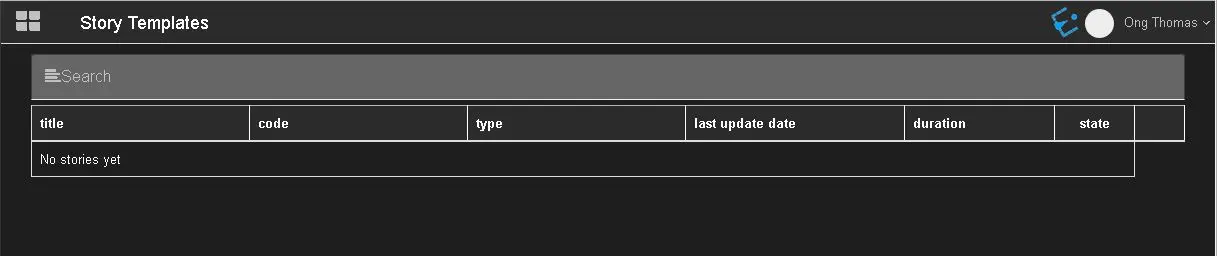 Story_template_1
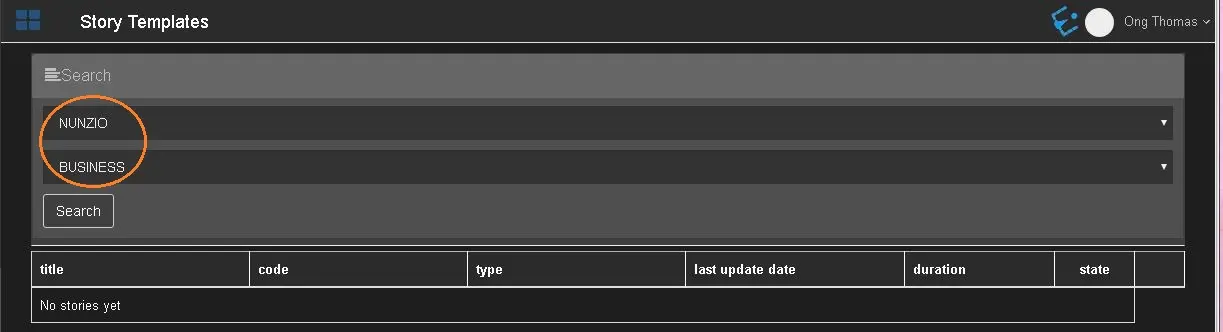 Story_template_2
 Edit_story