18.1.8 Multilanguage Options
The Multilanguage Options enable you to select languages used in Etere Web.
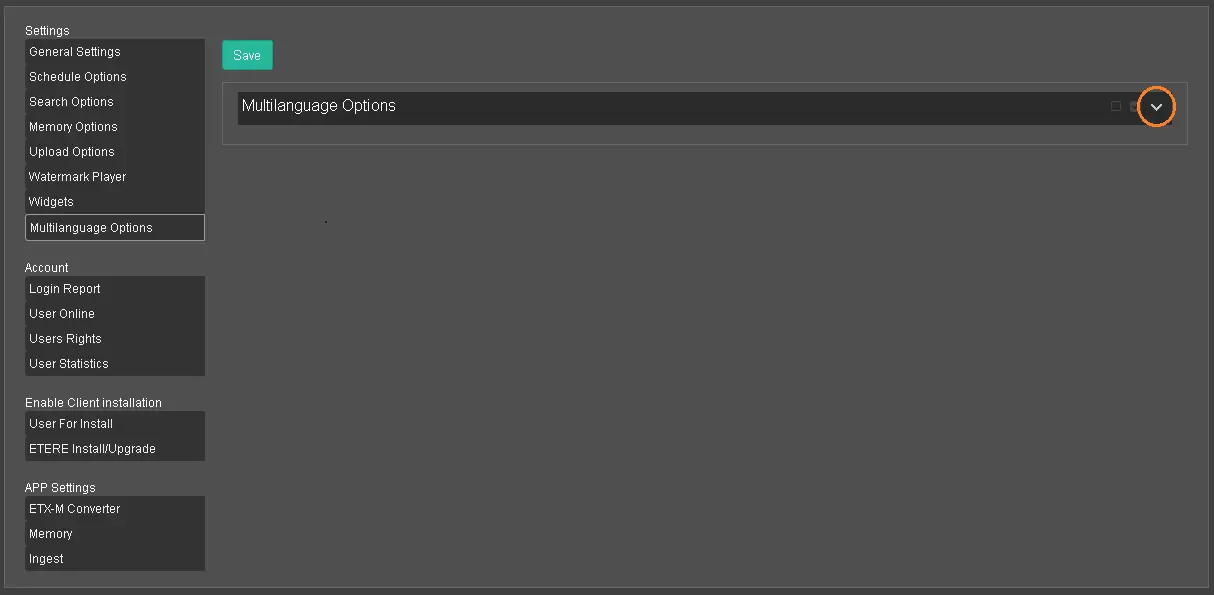
Multilanguage Options 1
You can click the Down-arrow button at the extreme right to display all available languages.
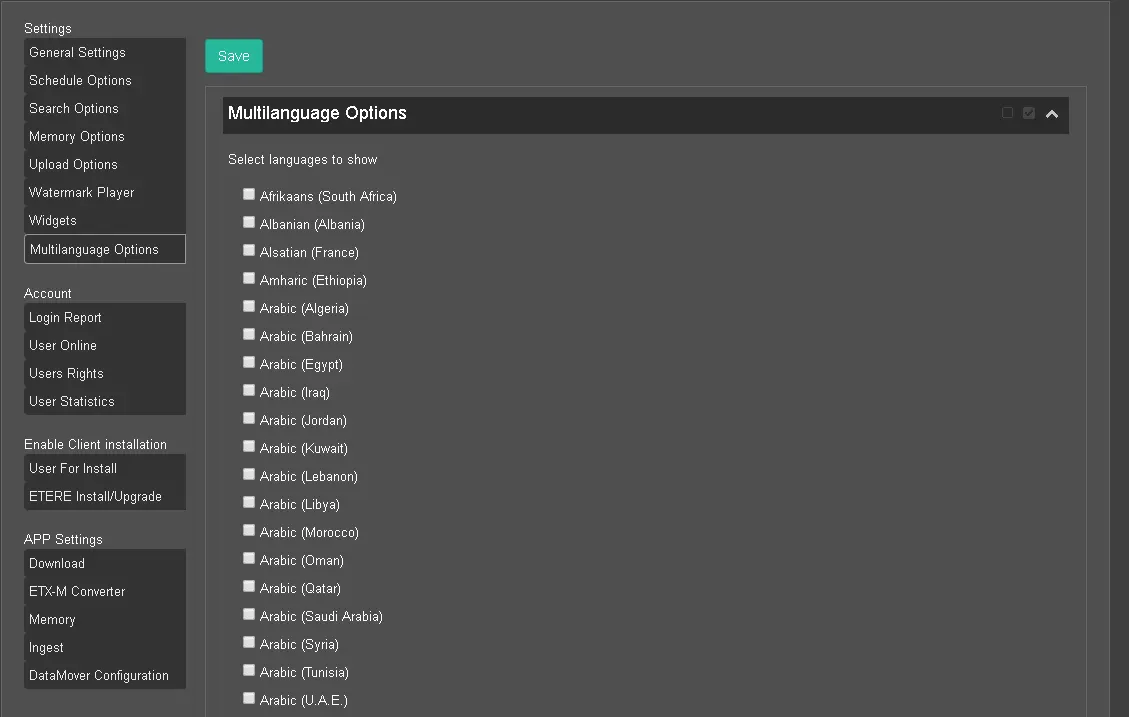
Multilanguage Options 2
By default, no languages are selected when the settings are initially launched.
You can select any language by putting a tick next to the language name, using the Select All button to select all languages, or the Deselect All button to undo all selections.
If none of the languages is selected, the <ML> (MultiLanguage) button will not be visible in asset properties.
Note: If the Arabic language is selected, there is a "Reverse" field in the database where you can set the language orientation.
If the field is set to "1", the insertion textbox would change the input direction, and the Arabic languages would be written from right to left orientation.
 Multilanguage_Options_1
 Multilanguage_Options_2