Rundown Playout Panel
79.3.2.4 Tools Menu
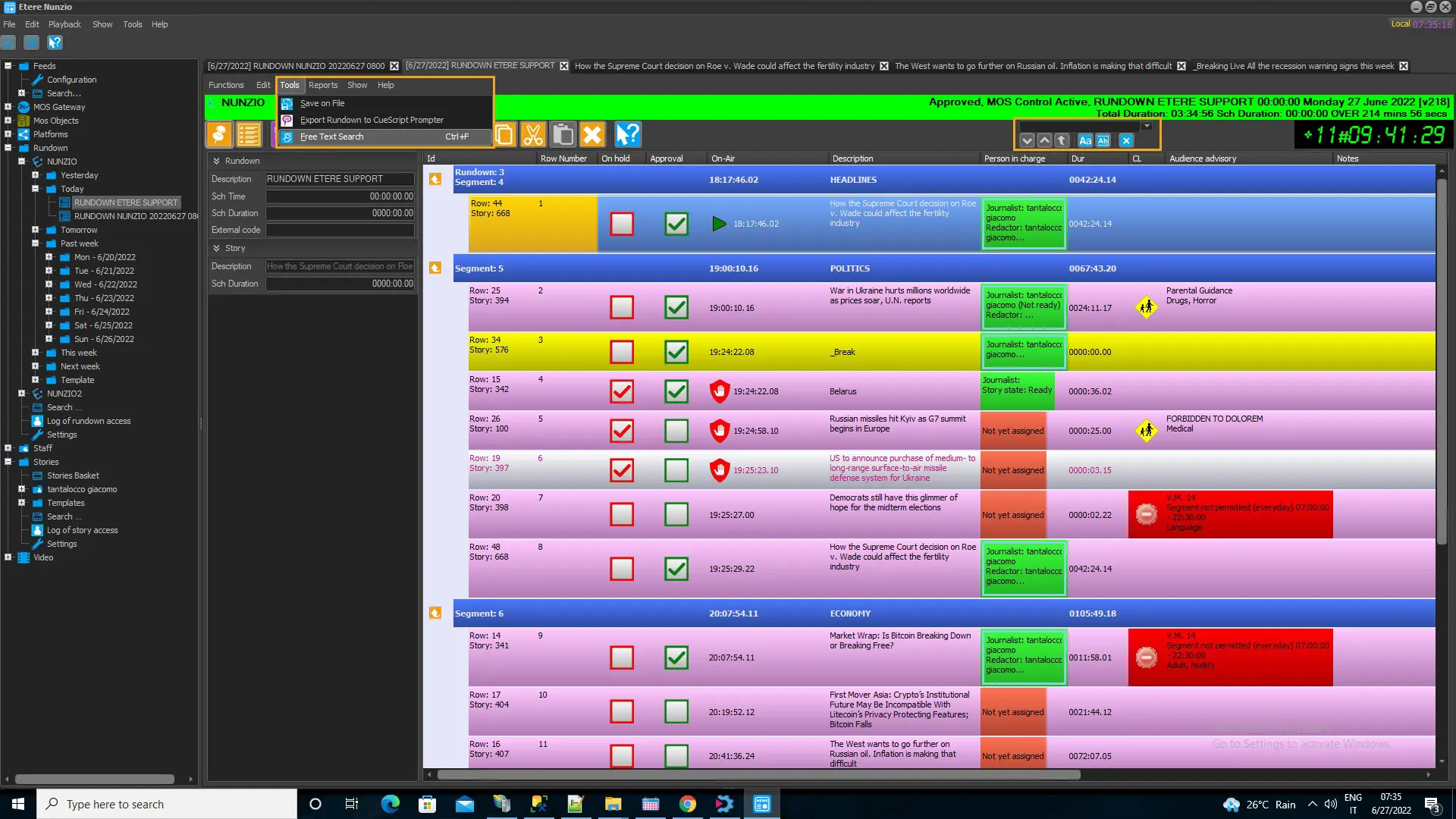
The functions in Tools menu includes:
nunzio_tools_menu
- Save on File: This function save the current Rundown on plain text file (.txt) or export as Nunzio format (.xml)
- Export Rundown to CueScript Prompter: This function allows you to export the prompter text to CueScript text format
- Free Text Search (Ctrl + F): The Free Text Search tools searches for word in a segment. If the word is found in segment the word would be highlighted in blue in the line.
free_text_search
You can perform free text search using the following icons:
- Find next word (F3)
- Find previous word (Shift + F3)
- Find from beginning (Ctrl + F3)
- Find word with case sensitive
- Find the whole word
- Close search panel
- All columns in the Rundown would be searched, includes visible columns and hidden columns.
- All text in the stories would be searched, including titles, subheading, comments, prompter text, etc)
- All titles of objects inside the story (e.g. video, MOS objects, sticky note, etc)
- Search for entire word or more words:
- Search entire work using the quotation marks, e.g. “Alice in wonderland”.
- Search for more words using the AND logical operator, e.g. “Wonderland” AND “Wonderful”.
- In both cases above, the combination of rules “Case sensitive” and “Whole word” would applied.
 nunzio_tools_menu
 free_text_search