69.3.3 Starting F90
Etere F90 allows to perform export/import operations in two modes, manually and automatically:
•Automatically:
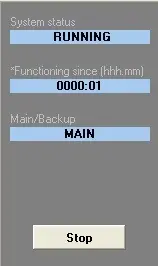
This is the primary functioning mode of Etere F90; it can be started when all the operation(s) intended to be performed are selected. By pressing the 'Start' button, all selected operation(s) are automatically performed based on all the parameters configured for each export/import (i.e. intervals, paths, data, etc.) without operator intervention.
Automatically export
You can leave Etere F90 running to perform all import/export tasks. The automated process can be interrupted at any point in time by pressing the 'Stop' button.
The automatic export is suggested for stations that must generate a daily report for all events on air (for legal reasons). By enabling the automatic export, the information would be sent automatically to a previously defined destination each time a schedule changes.
•Manually:
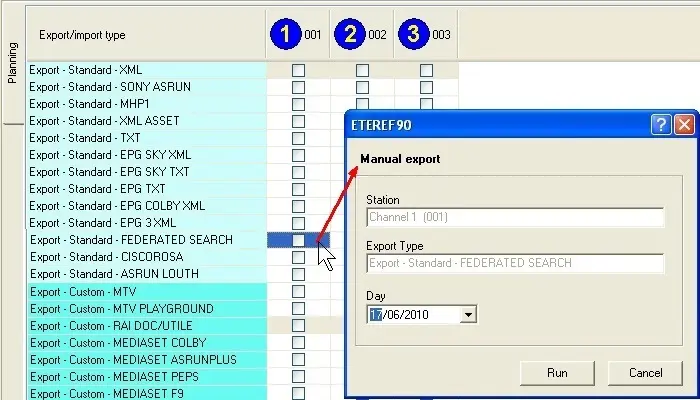
To start a Etere F90 operation manually, right-click on the export/import you want to execute and select 'Perform import/export manually'. The following form will be displayed:
Manual export
The form displays the station that would operate and the selected export/import type. In the 'Day' field, choosing the date on which data would be imported/exported is possible. Click on the 'Run' button to start the operation.
 Automatically_export
 Manual_export