65.1.1.1 Resource List
All the resources inserted and configured are displayed in the Etere Resource List.
Itis possible to insert a brand-new resource or modify the existing one using the functions in the contextual menu?
Within the Etere Resources Editor, any resource is an object with properties.
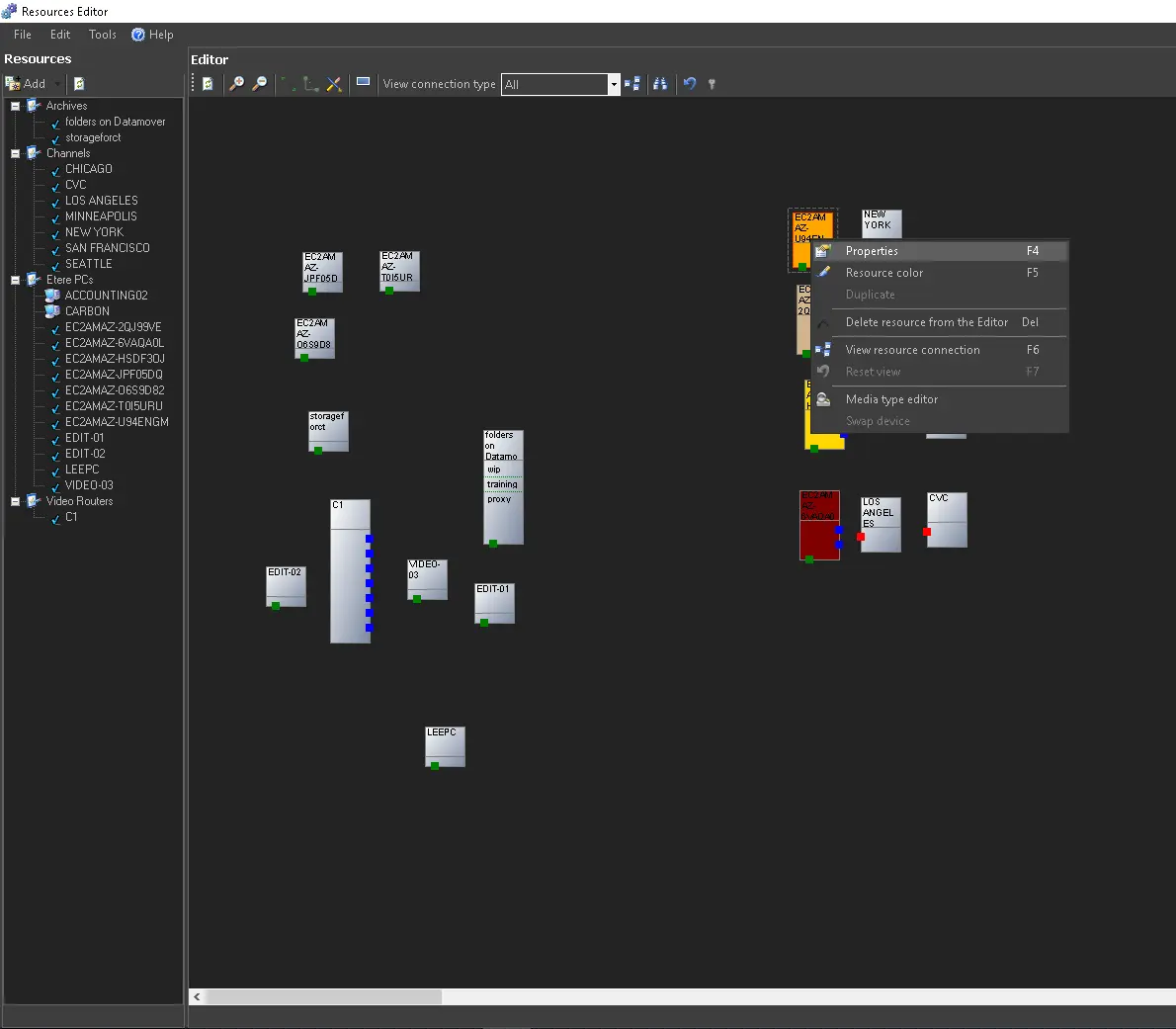
By right-clicking any of them, you will have the following available functions:
4708_res_pro
- Properties (F4): Set the resource properties.
- Resource colour: Change the displayed colour of the selected resource.
- Duplicate: Create a duplicated resource with a different name.
- Delete Resource (DEL): Remove the selected resource from the Resource List. This option is disabled if the resource has been added in the resources diagram. Remove it from the diagram first.
- View Device Type: It displays the type of device selected, e.g. Channel, PC, etc.
- Locate Resource (Ctrl + F): This option locates the resource in the Resources diagram. The 'Resources not found' message will appear if the resource has not been added to the view. It's possible to tell which resources has been added to the diagram by their icon in the resources list: when adding a resource to the diagram, its icon becomes a tick.
- Expand All: The resources tree is expanded down by resources (Videoserver, Video Router, etc.) and with submenus of the device type. Select this option to view the complete list of all resources and device types.
- Collapse All: Select this option to view only the resource headers and not the sub menus in the resource tree.
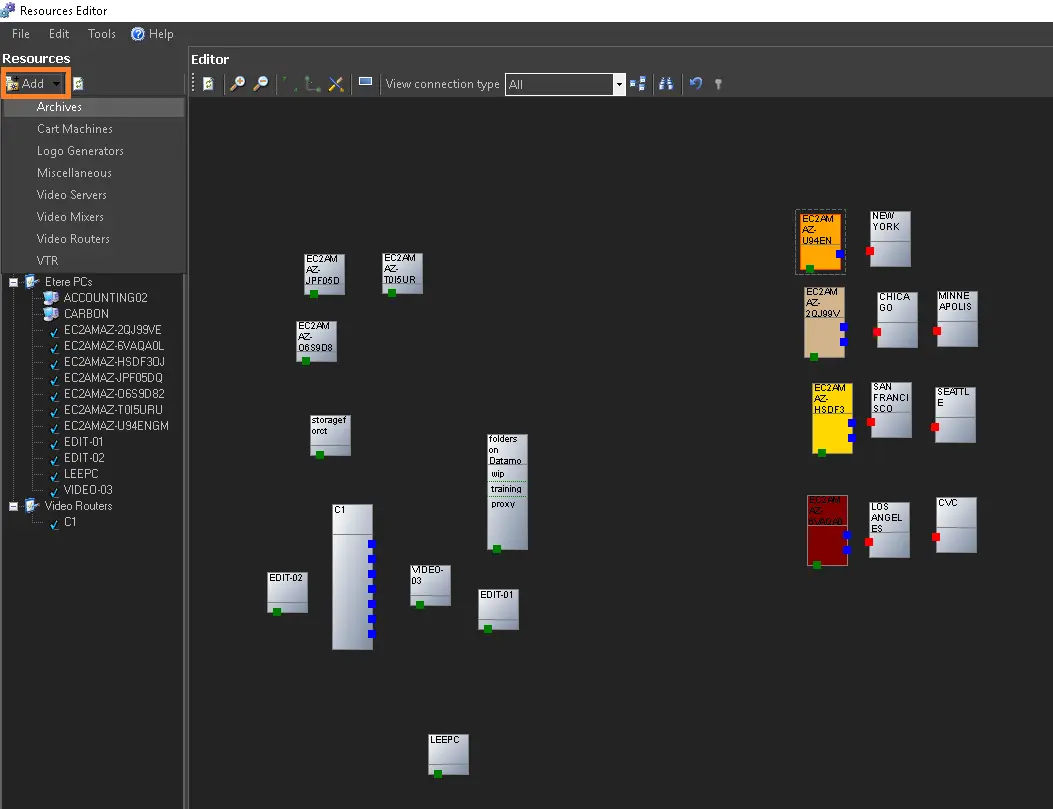
To insert a new resource, click the [Add] button and follow the instructions in the Adding a Resource chapter.
4710_add_button
WARNING: Whenever Etere Resource Editor is launched, a new resource list will be created upon successfully connecting to the SQL Database. From Etere released version 29.2 onwards, if there is no correspondence between the workstation logged-in user and resource location path in the database (e.g. due to improper shutdown of SQL Server), the last saved resource list would be read and present in the workstation.
 res_pro
 add_button