59.3.10.14 Customizing Colors
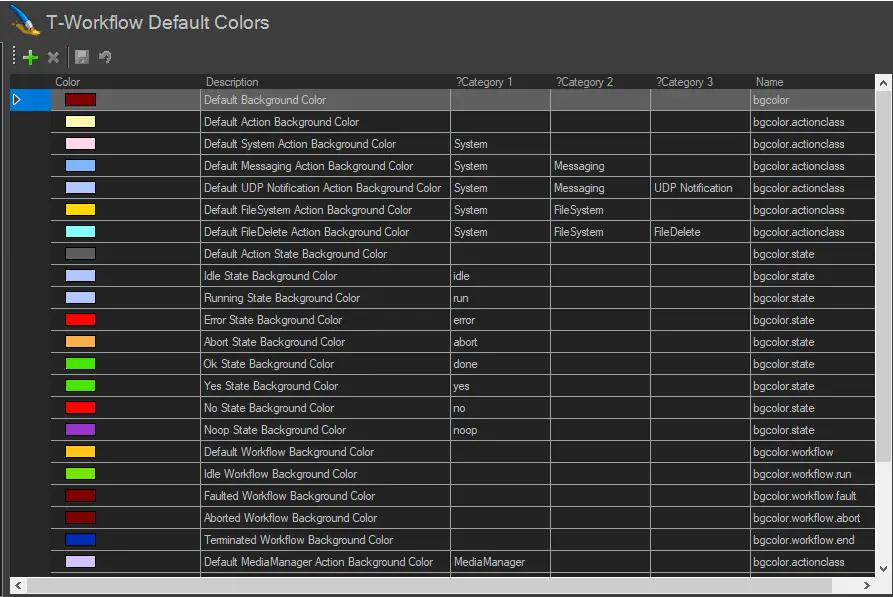
Before creating T-workflows, you can configure the T-workflow's colour palette under the Default Colours section to your liking. By associating a particular colour to all actions that fall in a specific category or for all events currently 'running' assigns a particular colour, overall T-workflow management is significantly facilitated.
Workflows_Default_Colors
•Color: It allows you to select a colour assigned to a particular action. You must avoid selecting similar default colours for specific T-workflow actions, e.g. Idle State and Running State must be given a different default colour for easy identification.
•Description: A brief text to describe the colour.
•Category 1, 2, 3: The three category columns allow you to associate the colour to a particular category.
•Name: This is the name assigned to the specific color-row.
 4905_Workflows_Default_Colors