Season Orders
201.3.4.7 Scheduling status
In this section you could view the scheduling status of the season that have been scheduled. You can select which blocks you would like to view, which segments and which splits (if applicable), specify a time frame and date range (by default at full season order validity).
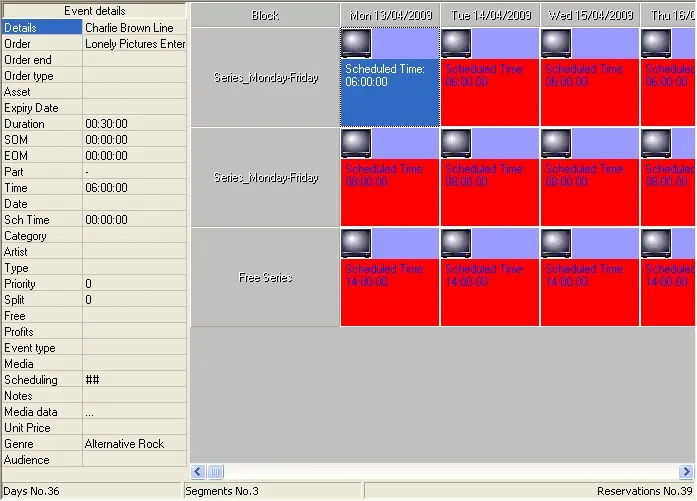
By clicking on the 'Scheduling Status' button you can view a window containing all the scheduling of the current season, click on the 'Details' button you can view the properties of a particular insertion:
Bms_orders_0
As shown in the figure above, all the successfully assigned events will be showed in red.
 Bms_orders_0