Lines data
4.5.2.5 Charges
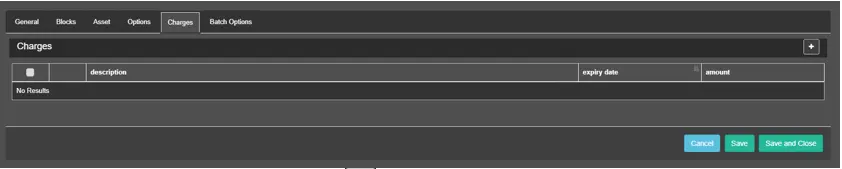
If there are any additional costs, they can be inserted in this section. The invoicing of additional charges is comparable to the invoicing of installments, in that they will give rise to an invoice with a date equal to that of the expiry dates.
charges
In order to insert a new charge just click on the 'New' button and input a description (that will appear on the invoice), a unit price and the expiry date on which the charge will be billed.
You can modify or remove charges using the options Edit and Remove.
 charges